
Pricing Details
Free Access: Tripplanner is completely free, which is a major advantage for all types of travelers. Disclaimer: For the most accurate and current details, always refer to the Tripplanner website.
Product Visuals (1 images)
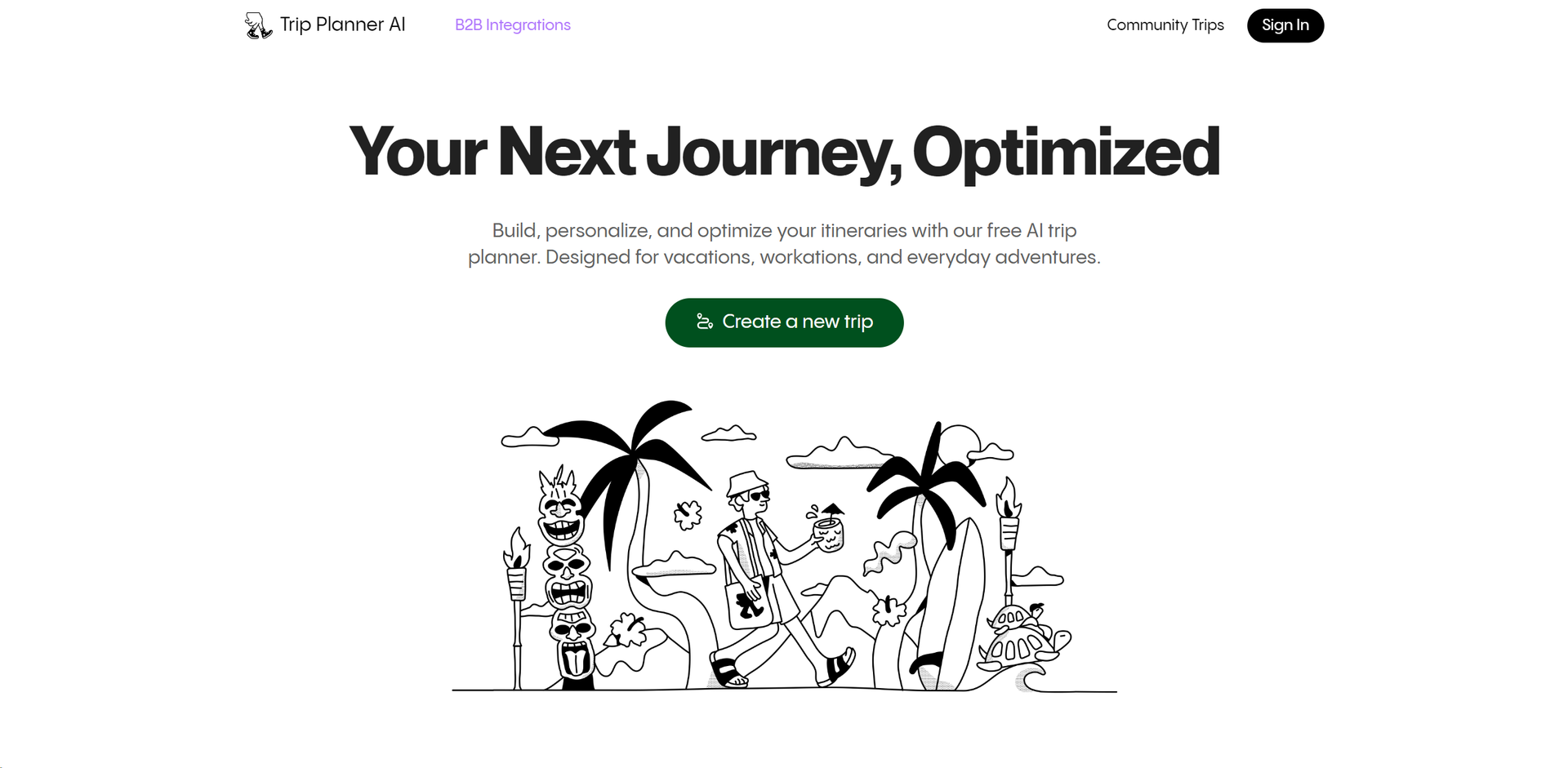
Strengths
- User-Friendly Interface: The platform is intuitive, making it easy for anyone to start planning their next journey without a steep learning curve.
- Customization Options: Provides flexibility in itinerary planning, allowing users to add, remove, or modify activities as they see fit.
- Time-Saving Features: From route optimization to automated itinerary suggestions, it significantly cuts down planning time.
- Cost-Effective Planning: Helps users find the best options within their budget, potentially saving money on trips.
Limitations
- Internet Dependency: Requires a consistent internet connection to access the most up-to-date features and information.
- Limited Offline Capabilities: While it's excellent online, offline functionalities are not as robust, which could be a drawback in areas with poor connectivity.
- Overwhelming Options: For some users, the sheer number of features and customization options might be overwhelming initially.
Building your AI toolkit?
Save Tripplanner and 1,000+ tools — free with Google, no spam
What You Get
Key Features
- AI-Powered Itinerary Creation: Automatically generates travel plans based on personal preferences and local insights.
- Optimal Route Planning: Utilizes advanced algorithms to determine the most efficient travel paths, saving time and reducing hassle.
- Local Cuisine Recommendations: Offers suggestions for local dining spots, tailored to your taste preferences.
- Community-Driven Insights: Leverages reviews and trips shared by other users to provide real-world travel tips and ideas.
- Collaborative Trip Planning: Allows multiple users to contribute to and edit itineraries, making group travel planning simple and interactive.
- ProsUser-Friendly Interface: The platform is intuitive, making it easy for anyone to start planning their next journey without a steep learning curve.Customization Options: Provides flexibility in itinerary planning, allowing users to add, remove, or modify activities as they see fit.Time-Saving Features: From route optimization to automated itinerary suggestions, it significantly cuts down planning time.Cost-Effective Planning: Helps users find the best options within their budget, potentially saving money on trips.ConsInternet Dependency: Requires a consistent internet connection to access the most up-to-date features and information.Limited Offline Capabilities: While it's excellent online, offline functionalities are not as robust, which could be a drawback in areas with poor connectivity.Overwhelming Options: For some users, the sheer number of features and customization options might be overwhelming initially.
Best For
- Solo Travelers: Utilizing the tool to craft detailed solo travel itineraries.
- Business Travelers: Employing the app to schedule efficient routes for work-related trips.
- Adventure Seekers: Planning unique and activity-filled journeys.
- Family Vacation Planners: Using the tool to organize trips that cater to both adults and children’s interests.
- Uncommon Use Cases: Utilized by travel bloggers for creating content on optimized travel itineraries; Adopted by event planners to arrange travel schedules for large groups.
Integrations
Mobile and Desktop Compatibility: Accessible via both web and mobile platforms, ensuring you can plan on the go. Social Media Integration: Easily import travel ideas and spots from platforms like Instagram and TikTok. Multi-User Collaboration: Supports real-time itinerary updates from multiple users, which is ideal for group trips.
Similar Tools



Weekly Issue
⚡
Project Management tools · weekly digest
The AI Weekly — free in your inbox
New AI tools, pricing changes, expert picks, and hidden gems — curated by Mr. Spark every week. Join 5,000+ readers who stay ahead of the AI curve.
No spam, ever
Unsubscribe anytime
100% free