
Pricing Details
Free Tier: Experience Workflow with a limited free trial. Disclaimer: Pricing information may not be up to date. For the most accurate and current pricing details, refer to the official Workflow website.
Product Visuals (1 images)
Strengths
- Time Efficiency: AI-powered error detection significantly reduces the time spent on manual reviews and corrections.
- Enhanced Collaboration: Real-time feedback and visual project management tools enhance team collaboration and communication.
- User-Friendly Interface: The intuitive design makes it easy for both team members and clients to navigate and use.
- Version Control: The ability to compare and track asset versions simplifies the revision process and ensures consistency.
Limitations
- Initial Learning Curve: New users may require some time to familiarize themselves with the advanced features.
- Limited Third-Party Integrations: While Workflow supports many popular tools, it may not integrate with every third-party platform out there.
What You Get
Key Features
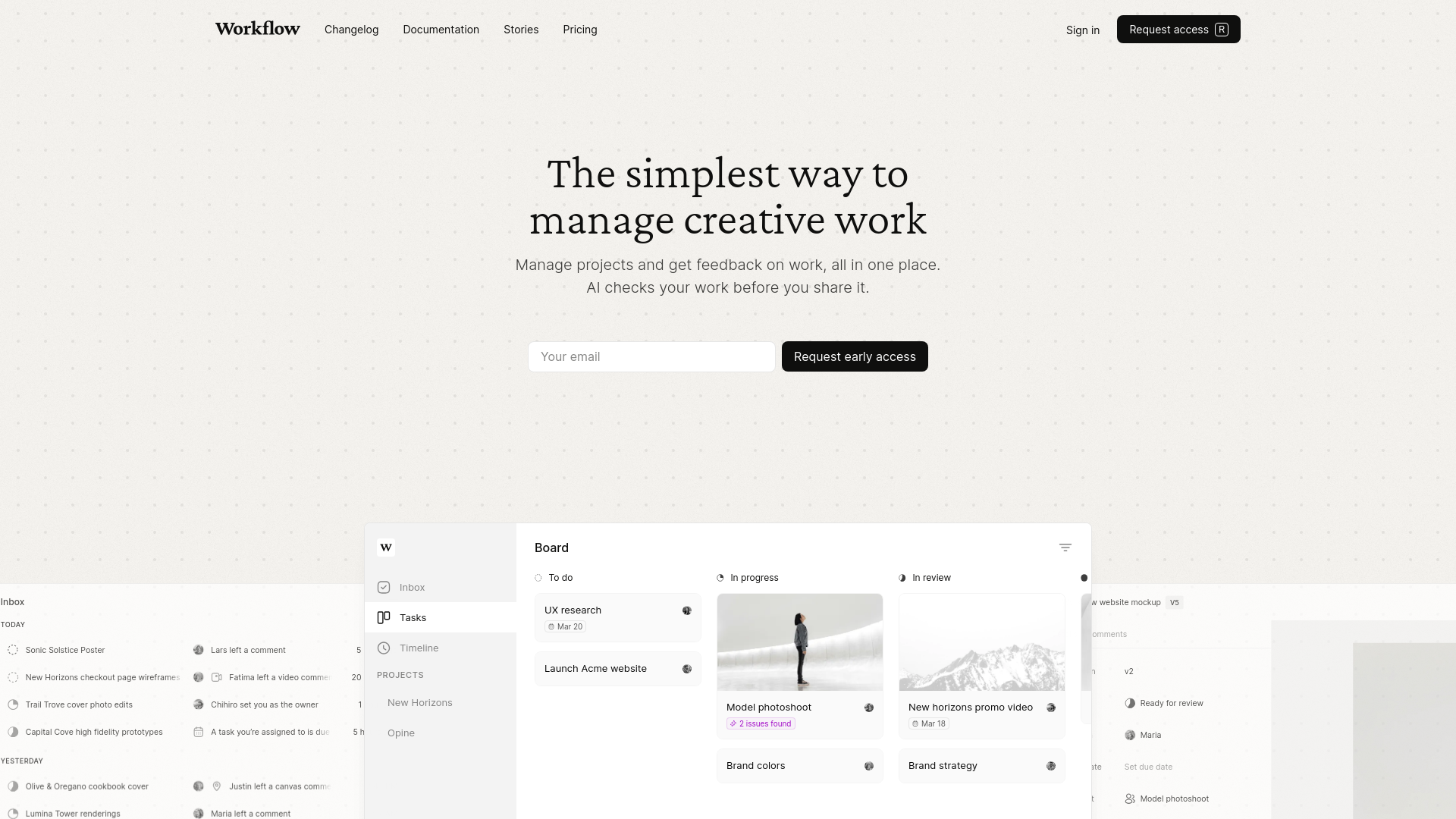
- AI-Powered Error Detection: Workflow's AI checks creative assets for inconsistencies in padding, alignment, text readability, and more, saving hours and maintaining consistency.
- Visual Workspace: Replace traditional project management tools with Workflow's visual workspace, tailored for creative projects.
- Figma Integration: Seamlessly upload work directly from Figma and sync comments, ensuring smooth collaboration.
- Version Control: Keep track of all your asset versions, compare revisions, and save changes effortlessly.
- Comprehensive Feedback System: Collect and view feedback in context across various file types, including live websites, Figma files, images, videos, and PDFs.
- ProsTime Efficiency: AI-powered error detection significantly reduces the time spent on manual reviews and corrections.Enhanced Collaboration: Real-time feedback and visual project management tools enhance team collaboration and communication.User-Friendly Interface: The intuitive design makes it easy for both team members and clients to navigate and use.Version Control: The ability to compare and track asset versions simplifies the revision process and ensures consistency.ConsInitial Learning Curve: New users may require some time to familiarize themselves with the advanced features.Limited Third-Party Integrations: While Workflow supports many popular tools, it may not integrate with every third-party platform out there.
Best For
- E-commerce Businesses: Managing product imagery and promotional content.
- Digital Marketing Agencies: Creating and managing campaign assets.
- Social Media Managers: Creating and reviewing engaging social media content.
- Graphic Designers: Efficient design project management and feedback collection.
- Uncommon Use Cases: Educational institutions teaching design principles; freelance photographers for streamlined editing and client feedback.
Integrations
Slack Integration: Integrate Workflow with Slack for enhanced team communication. Adobe Creative Suite: Supports integration with Adobe Photoshop, Illustrator, and After Effects. Figma: Direct integration with Figma for smooth design uploads and feedback synchronization. Zapier: Connect Workflow with various other tools via Zapier for customized workflows. Miro: Integrate with Miro for collaborative brainstorming and planning.
Similar Tools



Weekly Issue
⚡
Project Management tools · weekly digest
The AI Weekly — free in your inbox
New AI tools, pricing changes, expert picks, and hidden gems — curated by Mr. Spark every week. Join 5,000+ readers who stay ahead of the AI curve.
No spam, ever
Unsubscribe anytime
100% free