
Pricing Details
Free Trial: Limited-time free trial available to explore Yellow's capabilities. Professional Plan: Starting at $99 per month, tailored for studios and professionals. Disclaimer: For the most accurate and current pricing details, please refer to the official Yellow website.
Product Visuals (1 images)
Strengths
- Enhanced Productivity: Streamlines 3D modeling processes, reducing the time from concept to completion.
- Creative Freedom: Preserves artistic control while automating processes, allowing creators to realize their unique visions.
- High-Quality Outputs: Produces animation-ready 3D models that meet professional standards.
- Scalability: Accommodates large-scale projects, enabling studios to tackle ambitious projects with fewer resources.
Limitations
- Learning Curve: New users may need time to fully grasp and utilize advanced features.
- Hardware Requirements: High-performance tool that may require substantial computing power, potentially limiting access for smaller studios or individuals.
- Limited Free Access: Full feature range might be gated behind paid plans, which could be a barrier for some users.
What You Get
Key Features
- Topology-aware 3D Generation: Ensures that generated topologies are consistent with existing designs, simplifying modifications and further use.
- AI-accelerated Sculpting: Facilitates efficient editing of existing assets, enabling quick re-texturing and multiple style variations.
- Pre-Rigged for Animation: Provides pre-rigged models ready for animation, streamlining the creative workflow compared to typical rigid generative models.
- Advanced Team Collaboration: Integrates seamlessly with popular platforms, fostering collaboration across different teams and tools.
- ProsEnhanced Productivity: Streamlines 3D modeling processes, reducing the time from concept to completion.Creative Freedom: Preserves artistic control while automating processes, allowing creators to realize their unique visions.High-Quality Outputs: Produces animation-ready 3D models that meet professional standards.Scalability: Accommodates large-scale projects, enabling studios to tackle ambitious projects with fewer resources.ConsLearning Curve: New users may need time to fully grasp and utilize advanced features.Hardware Requirements: High-performance tool that may require substantial computing power, potentially limiting access for smaller studios or individuals.Limited Free Access: Full feature range might be gated behind paid plans, which could be a barrier for some users.
Best For
- Game Development Studios: Creating intricate 3D characters and environments quickly.
- Film and Animation Studios: Using advanced 3D models for animations and visual effects.
- Architectural Firms: Visualizing architectural designs and presentations with 3D modeling.
- Educational Institutions: Teaching advanced 3D design techniques.
- Uncommon Use Cases: Virtual event companies creating detailed 3D settings for online events; fashion designers conceptualizing and visualizing 3D prototypes of garments.
Integrations
Integration with Major Creative Software: Compatible with design software like Autodesk Maya and Adobe Creative Suite. Cloud-Based Collaboration: Supports seamless team collaboration, regardless of location. API Access: Allows for integration with custom applications.
Similar Tools
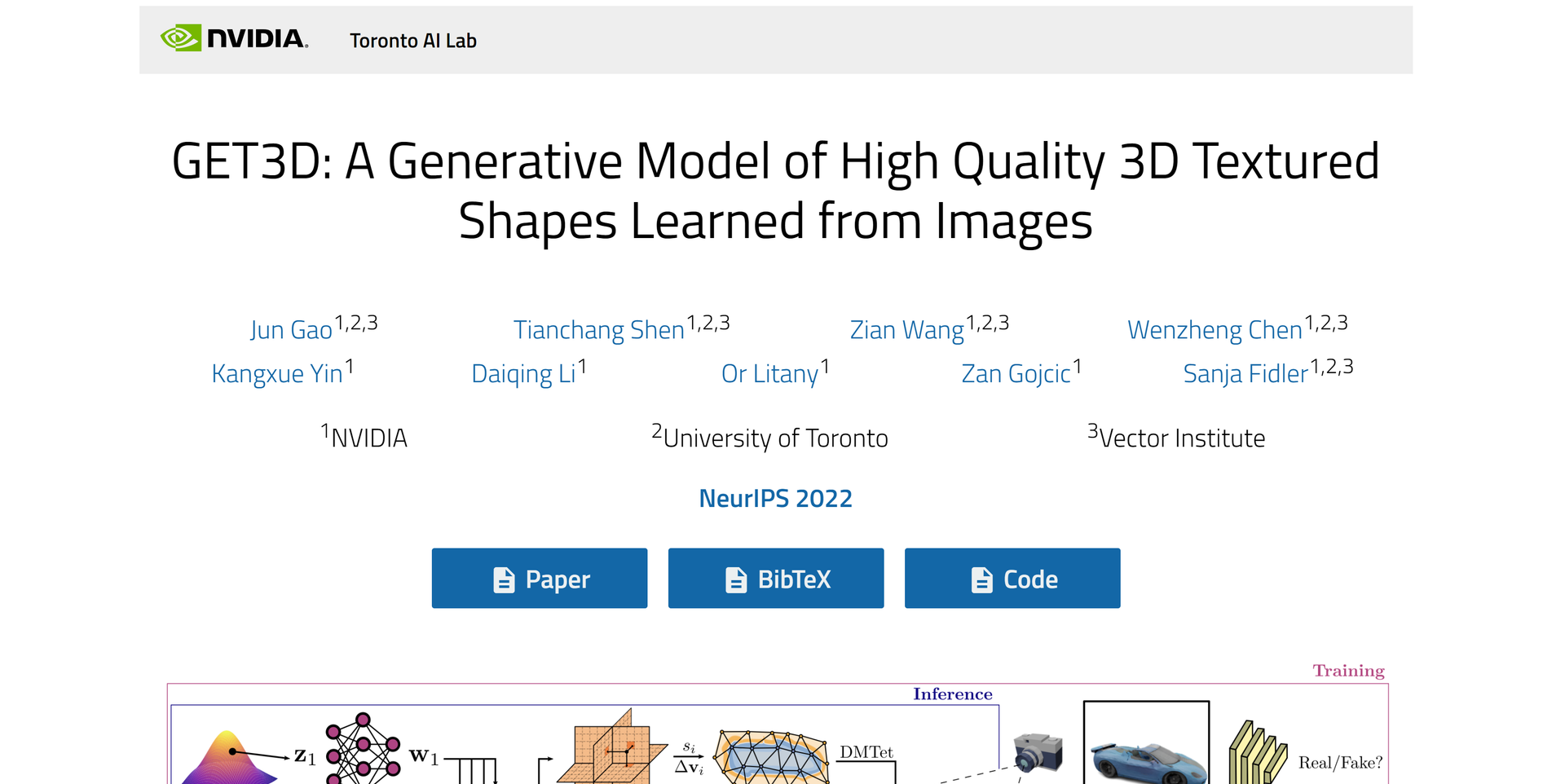
Weekly Issue
⚡
3D tools · weekly digest
The AI Weekly — free in your inbox
New AI tools, pricing changes, expert picks, and hidden gems — curated by Mr. Spark every week. Join 5,000+ readers who stay ahead of the AI curve.
No spam, ever
Unsubscribe anytime
100% free