
Pricing Details
Individual Plan: Starts at $20.99 per month. Business Plan: Tailored plans for teams starting at $33.99 per month per license. Disclaimer: For current pricing details, refer to the official Adobe Premiere Pro website.
Product Visuals (1 images)
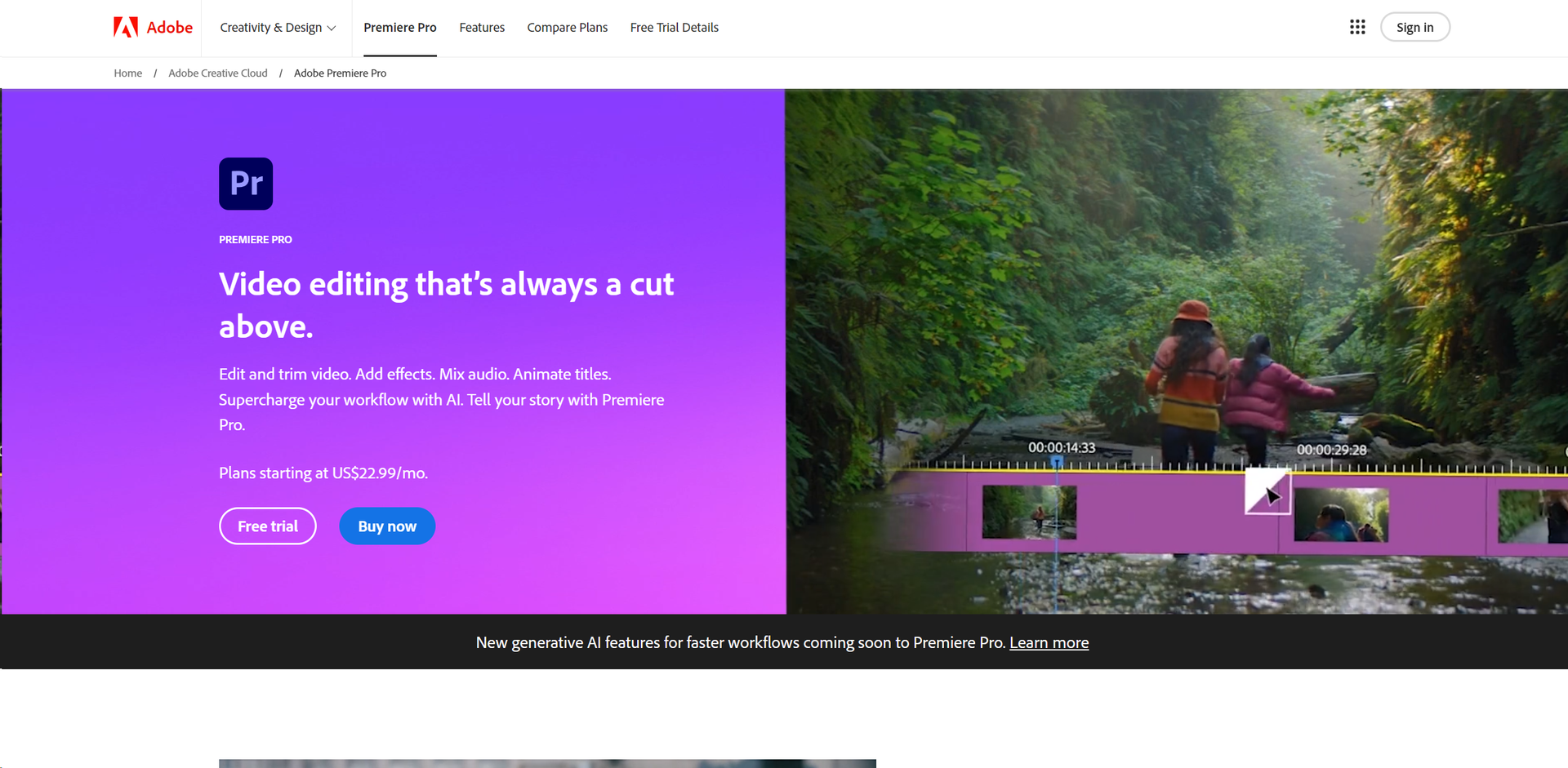
Strengths
- Time Efficiency: AI features like Speech to Text and Auto Reframe save significant post-production time.
- High Customizability: Extensive effects, audio libraries, and powerful color grading tools offer limitless creative possibilities.
- Collaborative Features: Cloud-based workflows and team projects enhance collaboration among creative teams.
- Regular Updates: Continuous improvements and new features keep Premiere Pro technologically advanced.
Limitations
- Complex Interface: Extensive features may be overwhelming for new users without proper training.
- System Requirements: Requires robust hardware for optimal performance, potentially limiting older hardware users.
- Subscription Model: Ongoing costs due to subscription-based pricing may accumulate over time.
Building your AI toolkit?
Save Adobe Premiere Pro and 1,000+ tools — free with Google, no spam
What You Get
Key Features
- Advanced Editing Capabilities: Tools like three-point editing and Text-Based Editing ensure precise narrative crafting.
- AI-Enhanced Workflows: Automates tasks such as video auto-transcription and matching music beats with edited clips.
- Comprehensive Effects Library: Access hundreds of built-in effects and transitions for creating unique visual styles.
- Dynamic Audio Mixing: Professional audio tools for enhancing dialogue, reducing noise, and mastering sound design.
- Robust Color Correction: AI-powered color matching and grading tools for perfecting video tone.
- Flexible Aspect Ratio Adjustments: Auto Reframe maintains focus when changing aspect ratios, ideal for various social media platforms.
- ProsTime Efficiency: AI features like Speech to Text and Auto Reframe save significant post-production time.High Customizability: Extensive effects, audio libraries, and powerful color grading tools offer limitless creative possibilities.Collaborative Features: Cloud-based workflows and team projects enhance collaboration among creative teams.Regular Updates: Continuous improvements and new features keep Premiere Pro technologically advanced.ConsComplex Interface: Extensive features may be overwhelming for new users without proper training.System Requirements: Requires robust hardware for optimal performance, potentially limiting older hardware users.Subscription Model: Ongoing costs due to subscription-based pricing may accumulate over time.
Best For
- Film Editors: Crafting feature films and documentaries with advanced storytelling tools.
- Broadcast Professionals: Producing broadcast-quality videos for news and television.
- Content Creators: Creating engaging content for YouTube, Instagram, and other social platforms.
- Event Videographers: Editing wedding, corporate, and event videos efficiently.
- Uncommon Use Cases: Utilized in film and multimedia education; used in video art installations for creative exhibitions.
Integrations
Adobe Creative Cloud Integration: Smooth workflow with Adobe products like After Effects and Photoshop. Third-Party Plugins: Supports a wide range of plugins for additional functionality. Hardware Compatibility: Optimized for Windows and Mac with support for various hardware configurations. Cloud Services: Integrates with Adobe's cloud services for remote collaboration and file management.
Similar Tools
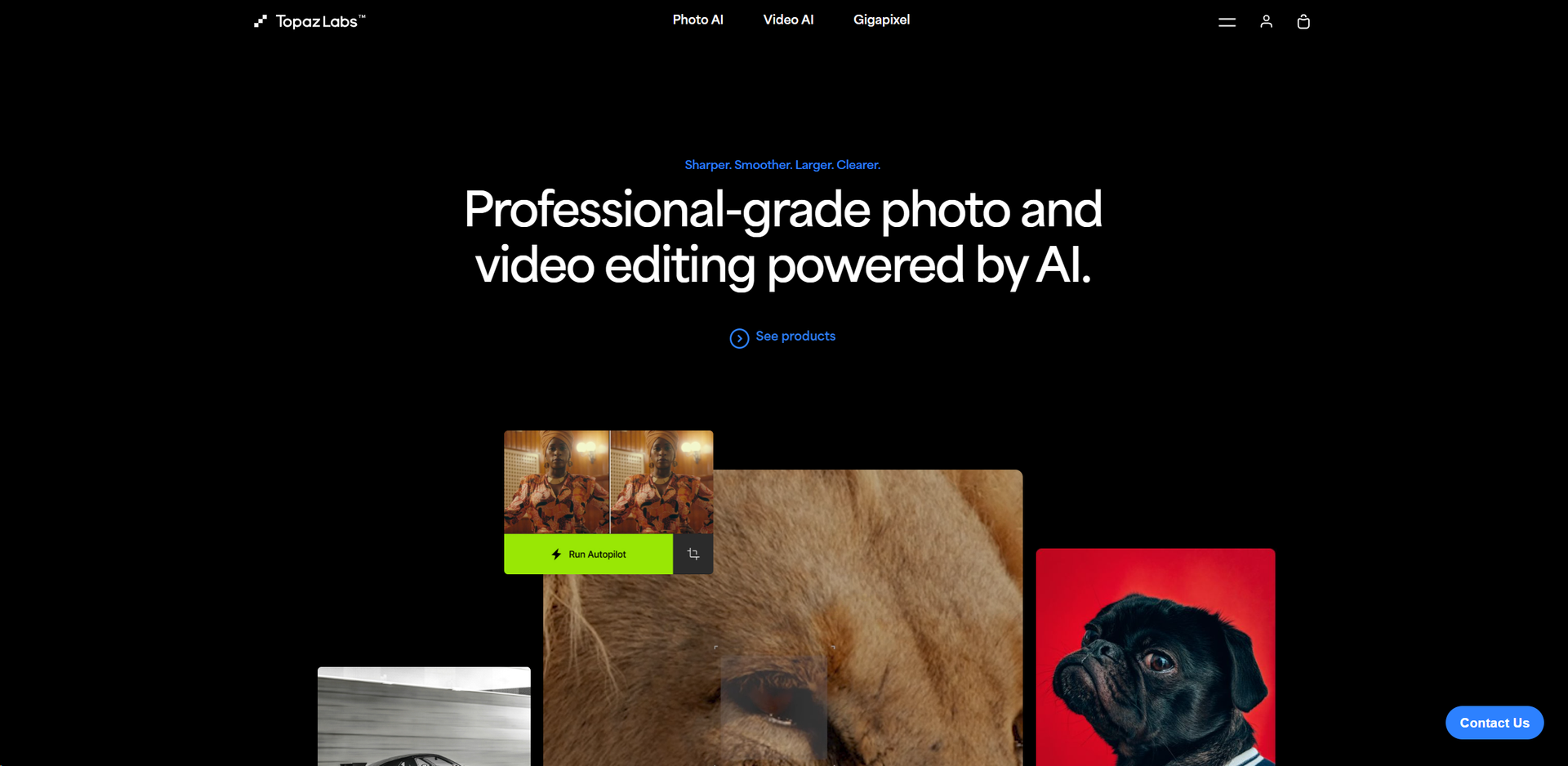
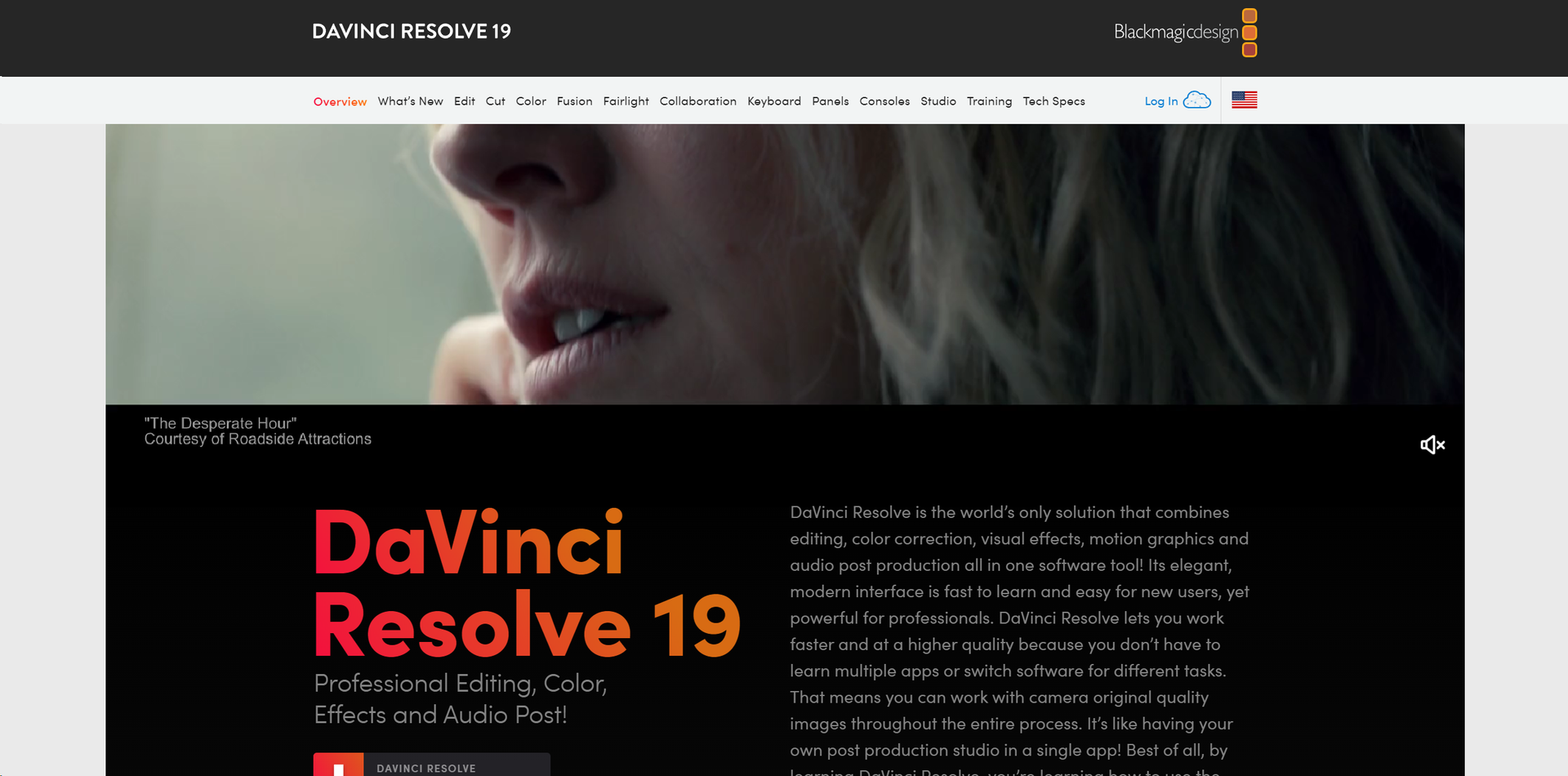
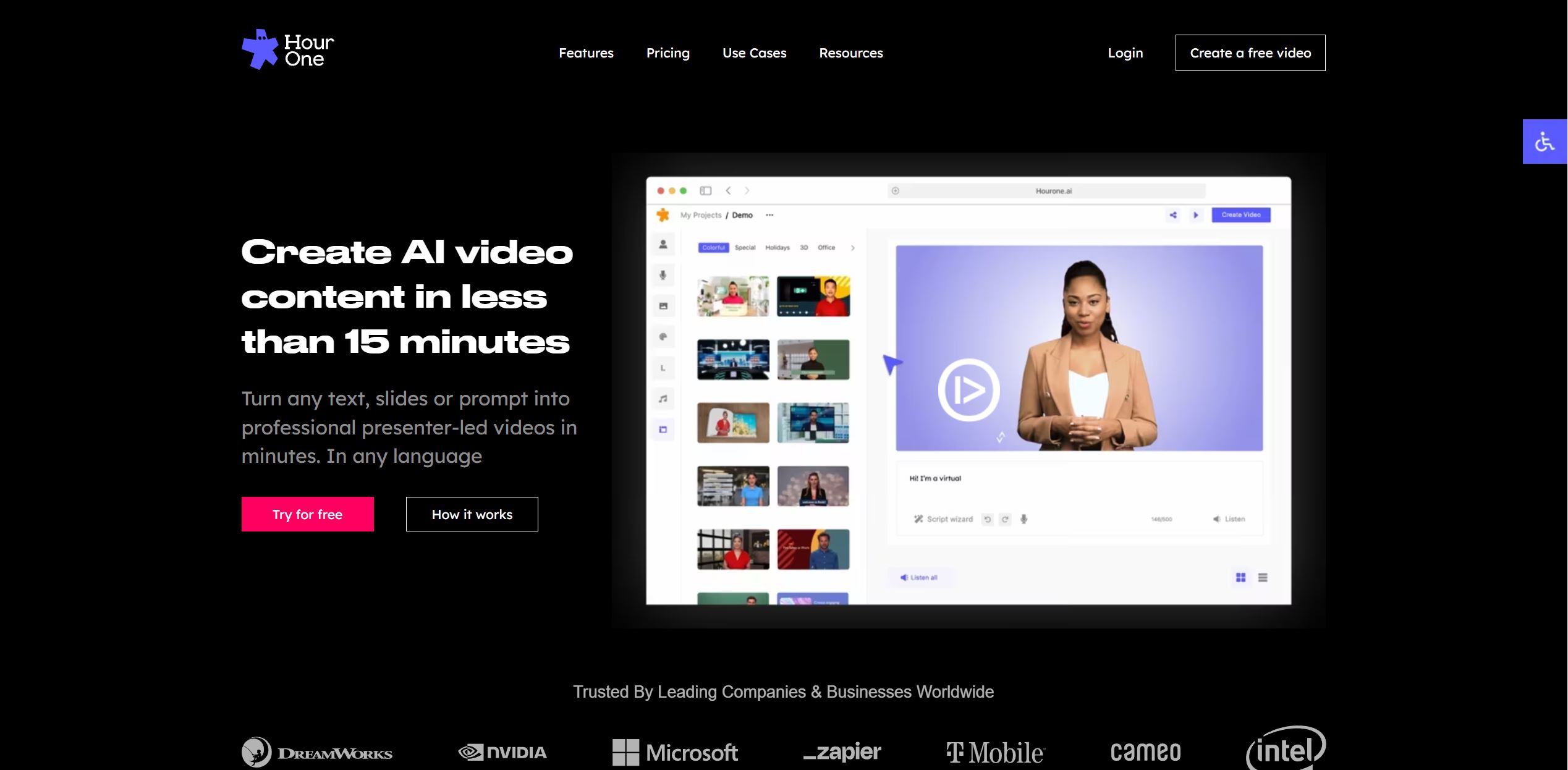
Weekly Issue
⚡
Video Enhancer tools · weekly digest
The AI Weekly — free in your inbox
New AI tools, pricing changes, expert picks, and hidden gems — curated by Mr. Spark every week. Join 5,000+ readers who stay ahead of the AI curve.
No spam, ever
Unsubscribe anytime
100% free