
Pricing Details
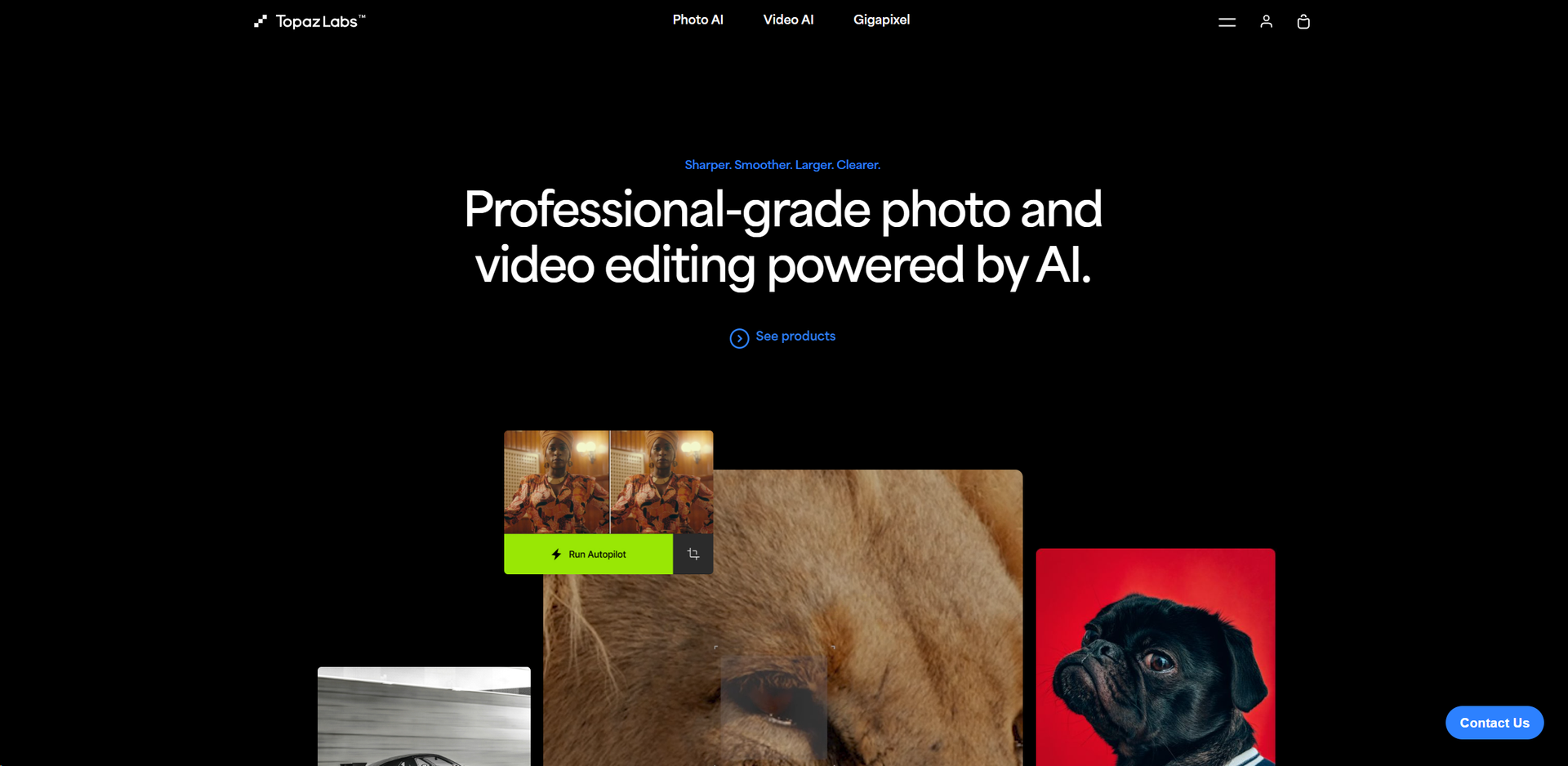
Photo AI: Starts at $199 for a one-time purchase. Video AI: Available for $299, offering comprehensive video enhancement capabilities. Gigapixel AI: Priced at $99, specializing in image upscaling. Disclaimer: For the most accurate and current pricing details, refer to the official Topaz Labs website.
Product Visuals (1 images)
Strengths
- Enhanced Productivity: Drastically reduces the time required for editing photos and videos.
- High-Quality Output: Delivers superior quality enhancements that are difficult to achieve manually.
- Versatility: Suitable for various professional and creative needs, from simple edits to complex projects.
- Secure and Private: Local processing means files never leave your computer, ensuring privacy and security.
Limitations
- Hardware Requirements: Demands high-performance hardware for optimal functionality.
- Cost: Premium pricing could be a barrier for hobbyists or freelancers on a tight budget.
- Complex Features: Some features may have a steep learning curve for beginners.
Building your AI toolkit?
Save Topaz Labs and 1,000+ tools — free with Google, no spam
What You Get
Key Features
- AI-Powered Enhancement: Utilizes deep learning to automatically enhance image and video quality without manual intervention.
- Video Stabilization: Offers robust stabilization features to turn shaky footage into smooth, professional-looking video.
- Image Upscaling: Employs AI to upscale images with remarkable clarity and detail preservation.
- Batch Processing: Supports processing multiple files at once, saving valuable time for professionals.
- Local Processing: Ensures all editing tasks are performed locally on the user's machine, providing faster processing speeds and enhanced security.
- ProsEnhanced Productivity: Drastically reduces the time required for editing photos and videos.High-Quality Output: Delivers superior quality enhancements that are difficult to achieve manually.Versatility: Suitable for various professional and creative needs, from simple edits to complex projects.Secure and Private: Local processing means files never leave your computer, ensuring privacy and security.ConsHardware Requirements: Demands high-performance hardware for optimal functionality.Cost: Premium pricing could be a barrier for hobbyists or freelancers on a tight budget.Complex Features: Some features may have a steep learning curve for beginners.
Best For
- Professional Photographers: Rely on Topaz Labs for quick and efficient photo enhancements.
- Videographers: Utilize the stabilization and enhancement features for producing high-quality video content.
- Digital Artists: Employ the tool to refine their artwork and create detailed digital images.
- Film Production Companies: Use the software to enhance and stabilize film footage.
- Uncommon Use Cases: Academic researchers use Topaz Labs for enhancing images for detailed analysis; Real estate agents use it to improve property photos for listings.
Integrations
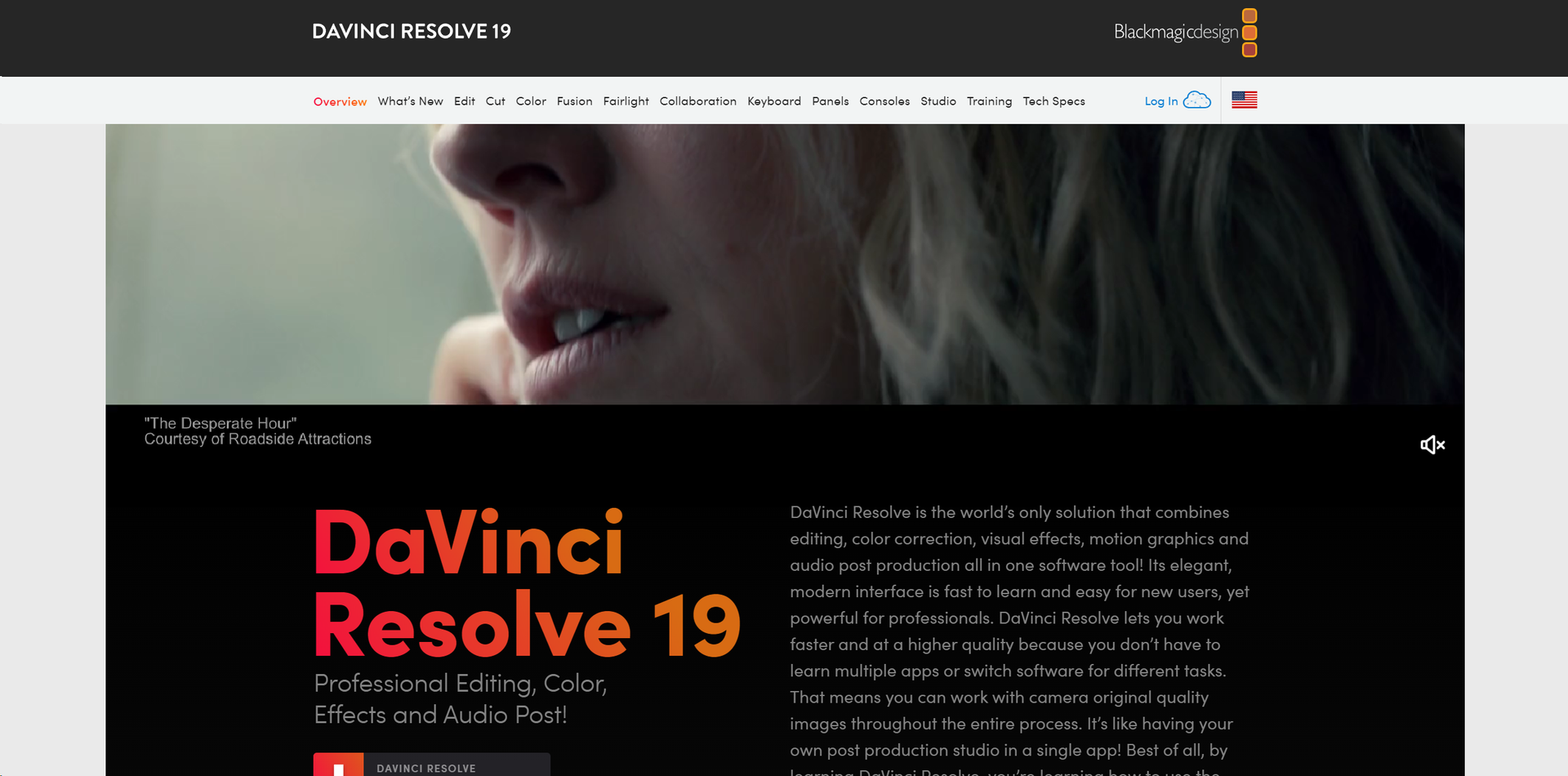
Photoshop Integration: Seamlessly works with Adobe Photoshop for enhanced workflow. After Effects and DaVinci Resolve: Integrates well with popular video editing software. Apple Silicon and Nvidia/AMD GPUs: Optimized for high performance on the latest hardware. Standalone Application: Offers a standalone app for those who prefer not using plugins.
Similar Tools
Weekly Issue
⚡
Video Enhancer tools · weekly digest
The AI Weekly — free in your inbox
New AI tools, pricing changes, expert picks, and hidden gems — curated by Mr. Spark every week. Join 5,000+ readers who stay ahead of the AI curve.
No spam, ever
Unsubscribe anytime
100% free