
Pricing Details
DaVinci Resolve Free: A robust version available for free, with some limitations compared to the Studio version. DaVinci Resolve Studio: Priced at $295, includes advanced features like the DaVinci Neural Engine and additional Resolve FX. Disclaimer: Please note that pricing information may not be up to date. For the most accurate and current pricing details, refer to the official DaVinci Resolve website.
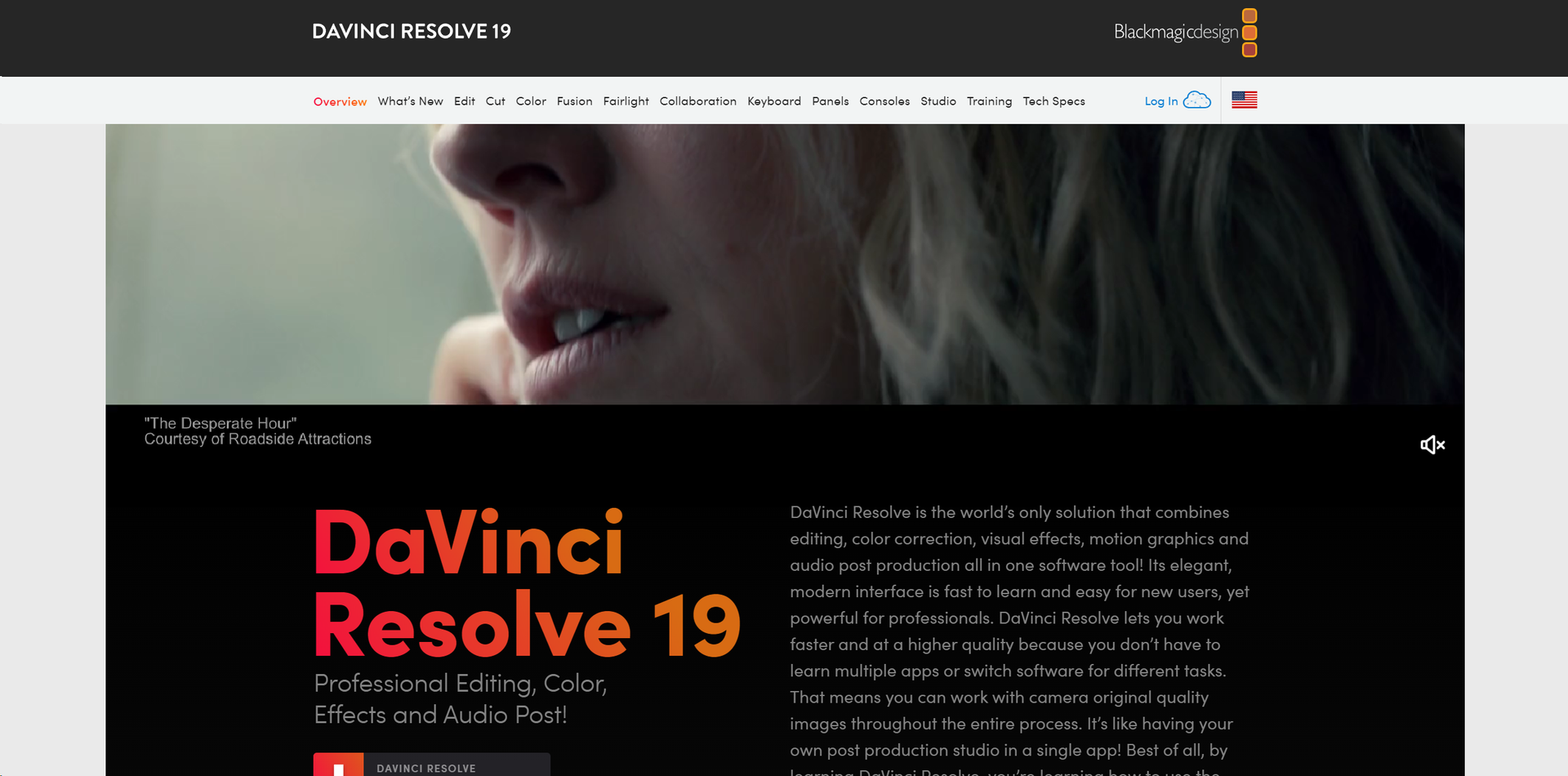
Product Visuals (1 images)
Strengths
- All-In-One Solution: Integrates all aspects of post-production into one application, reducing the need for multiple software solutions.
- Industry-Standard Quality: Offers professional-grade tools that are used in Hollywood, ensuring high-quality output.
- Customizable Interface: Highly adaptable to various workflows and user preferences, enhancing productivity.
- Extensive Format Support: Compatible with virtually all video formats, making it highly versatile for any post-production task.
Limitations
- Steep Learning Curve: The vast array of features can be overwhelming for beginners.
- Resource-Intensive: Requires a robust hardware setup to utilize all features smoothly.
- Limited Third-Party Plugin Support: While powerful, it could offer more in terms of third-party integrations and extensions.
Building your AI toolkit?
Save DaVinci Resolve and 1,000+ tools — free with Google, no spam
What You Get
Key Features
- Professional Editing Tools: DaVinci Resolve includes both traditional nonlinear editing interfaces and a revolutionary cut page with streamlined workflows.
- Advanced Color Correction: Recognized as the industry standard for color grading, it offers a wide gamut workspace and powerful features that allow precise control over color and lighting effects.
- Fusion VFX: A node-based interface that provides vast capabilities for creating complex visual effects and motion graphics right within the software.
- Fairlight Audio Post: Integrated professional tools for audio post-production, capable of handling up to 2,000 tracks with real-time effects and processing.
- Multi-User Collaboration: Real-time collaboration features let multiple users work on the same project simultaneously, a game-changer for larger production teams.
- DaVinci Neural Engine: Utilizes machine learning to enable powerful features like facial recognition and scene cut detection, enhancing both creative possibilities and editing efficiency.
- ProsAll-In-One Solution: Integrates all aspects of post-production into one application, reducing the need for multiple software solutions.Industry-Standard Quality: Offers professional-grade tools that are used in Hollywood, ensuring high-quality output.Customizable Interface: Highly adaptable to various workflows and user preferences, enhancing productivity.Extensive Format Support: Compatible with virtually all video formats, making it highly versatile for any post-production task.ConsSteep Learning Curve: The vast array of features can be overwhelming for beginners.Resource-Intensive: Requires a robust hardware setup to utilize all features smoothly.Limited Third-Party Plugin Support: While powerful, it could offer more in terms of third-party integrations and extensions.
Best For
- Film Editors: Utilizing the tool for editing feature films due to its comprehensive and high-quality toolset.
- Colorists: Employing the software for advanced color grading tasks.
- Visual Effects Artists: Creating complex effects and animations with Fusion.
- Sound Engineers: Using Fairlight for audio post-production.
- Television Studios: Leveraging its fast workflow for quick turnarounds on episodes.
- Uncommon Use Cases: Academic institutions use it for teaching media production; YouTube creators use it for producing high-quality content.
Integrations
Extensive Format Support: Handles nearly all media formats, ensuring smooth workflows. Blackmagic Design Hardware: Optimized for use with Blackmagic cameras and panels. Multi-Platform Support: Available on Windows, Mac, and Linux. Open FX Plugins: Supports a wide range of third-party plugins for added functionality.
Similar Tools
Weekly Issue
⚡
Video Enhancer tools · weekly digest
The AI Weekly — free in your inbox
New AI tools, pricing changes, expert picks, and hidden gems — curated by Mr. Spark every week. Join 5,000+ readers who stay ahead of the AI curve.
No spam, ever
Unsubscribe anytime
100% free