
Pricing Details
Free: $0 per month; includes unlimited presentations, 200 AI credits (no renewals), up to 10 AI slides per prompt, basic access to elements and themes, regular support, and PDF exports. Plus: $20 per month; includes unlimited presentations, 400 AI credits monthly, up to 20 AI slides per prompt, priority access to new elements and themes, watermark-free slides, PowerPoint export, priority support via Discord and email, and PDF exports. Pro: $30 per month; includes unlimited presentations, 1,000 AI credits monthly, unlimited AI slides, priority access to new elements and themes, watermark-free slides, PowerPoint export, priority support from founders, a free 30-minute consultation for first 100 users, and PDF exports. Disclaimer: Pricing details may change, so it's best to check Alai's official website for the most current information.
Product Visuals (1 images)
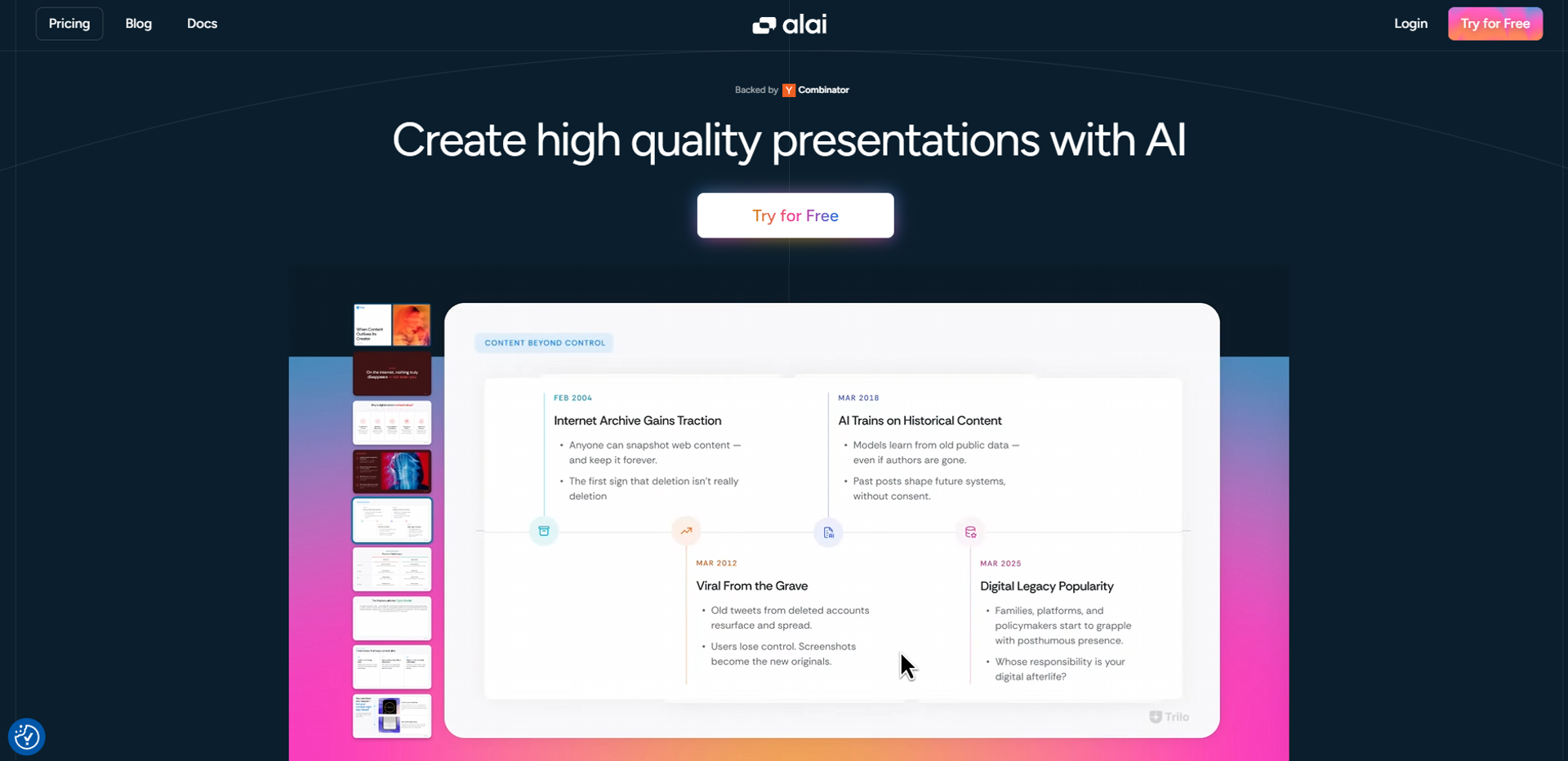
Strengths
- Time-Saving: Generates a complete deck in seconds, allowing more time for perfecting the message rather than designing.
- User-Friendly Interface: Intuitive and easy to navigate, even for those less tech-savvy.
- High-Quality Output: Ensures that all presentations meet a professional standard, boosting your credibility.
- Flexibility: Offers a range of styles and formats, catering to diverse presentation needs.
Limitations
- Initial Learning Curve: Some users might find the initial setup and understanding of features a bit challenging.
- Limited Offline Access: Requires an internet connection for full functionality, which can be a downside in connectivity-challenged areas.
What You Get
Key Features
- AI-Powered Design: Alai uses advanced AI algorithms to analyze your content and automatically generate visually appealing slides.
- Customizable Templates: Offers a variety of templates that can be personalized to fit your unique style and brand.
- Real-Time Collaboration: Allows multiple users to work on the same presentation simultaneously, making teamwork a breeze.
- Data Integration: Seamlessly pulls in data from various sources, ensuring your presentations are not only beautiful but also data-rich.
- ProsTime-Saving: Generates a complete deck in seconds, allowing more time for perfecting the message rather than designing.User-Friendly Interface: Intuitive and easy to navigate, even for those less tech-savvy.High-Quality Output: Ensures that all presentations meet a professional standard, boosting your credibility.Flexibility: Offers a range of styles and formats, catering to diverse presentation needs.ConsInitial Learning Curve: Some users might find the initial setup and understanding of features a bit challenging.Limited Offline Access: Requires an internet connection for full functionality, which can be a downside in connectivity-challenged areas.
Best For
- Corporate Teams: Utilizing Alai for creating impactful business presentations.
- Educators: Employing Alai to design engaging lecture slides.
- Freelancers: Leveraging the tool to craft client presentations quickly.
- Startups: Using Alai for pitching ideas and products innovatively.
- Uncommon Use Cases: Adopted by podcasters for visual storytelling; Used by non-profit organizations for impactful fundraising presentations.
Similar Tools
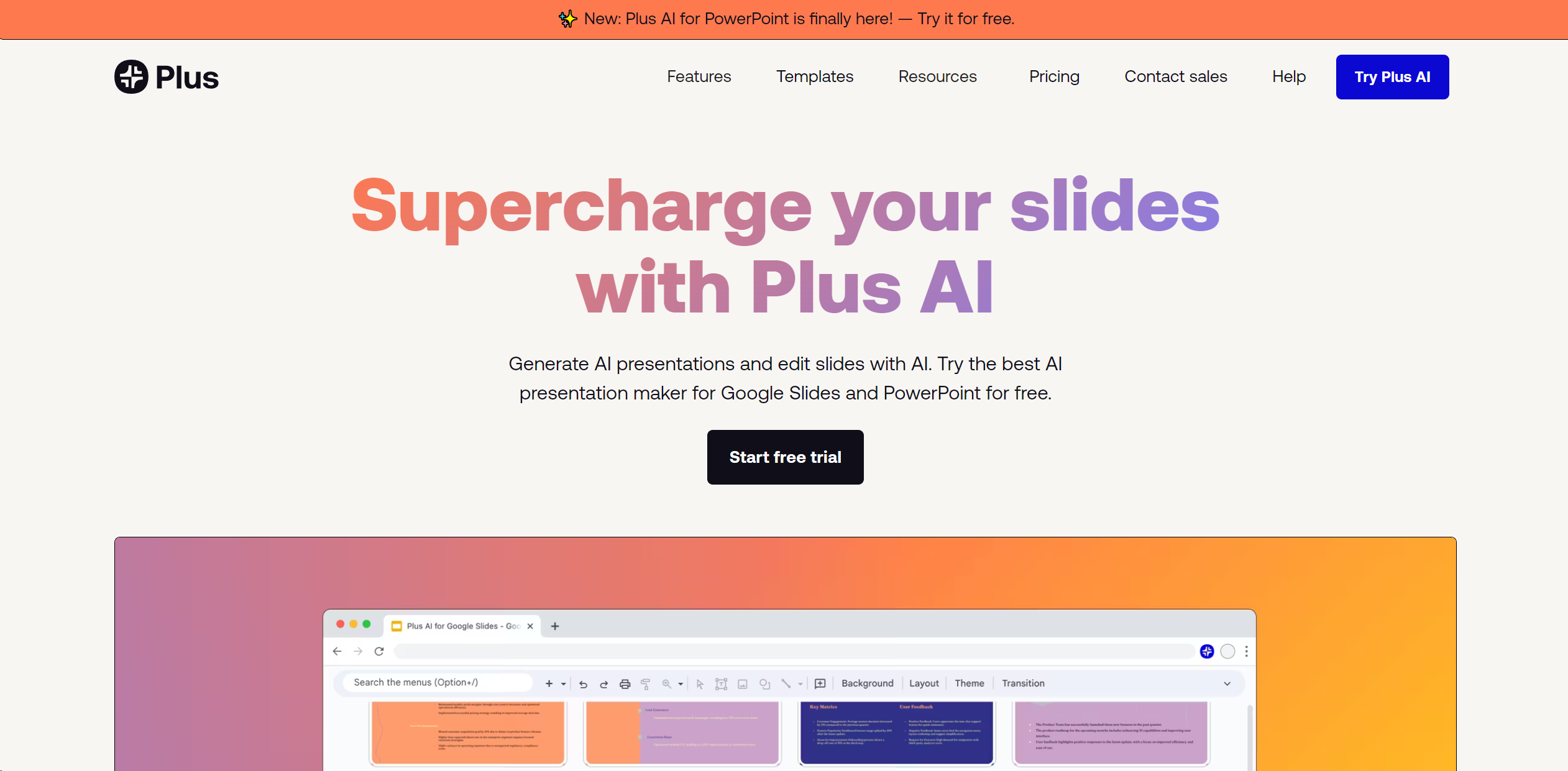
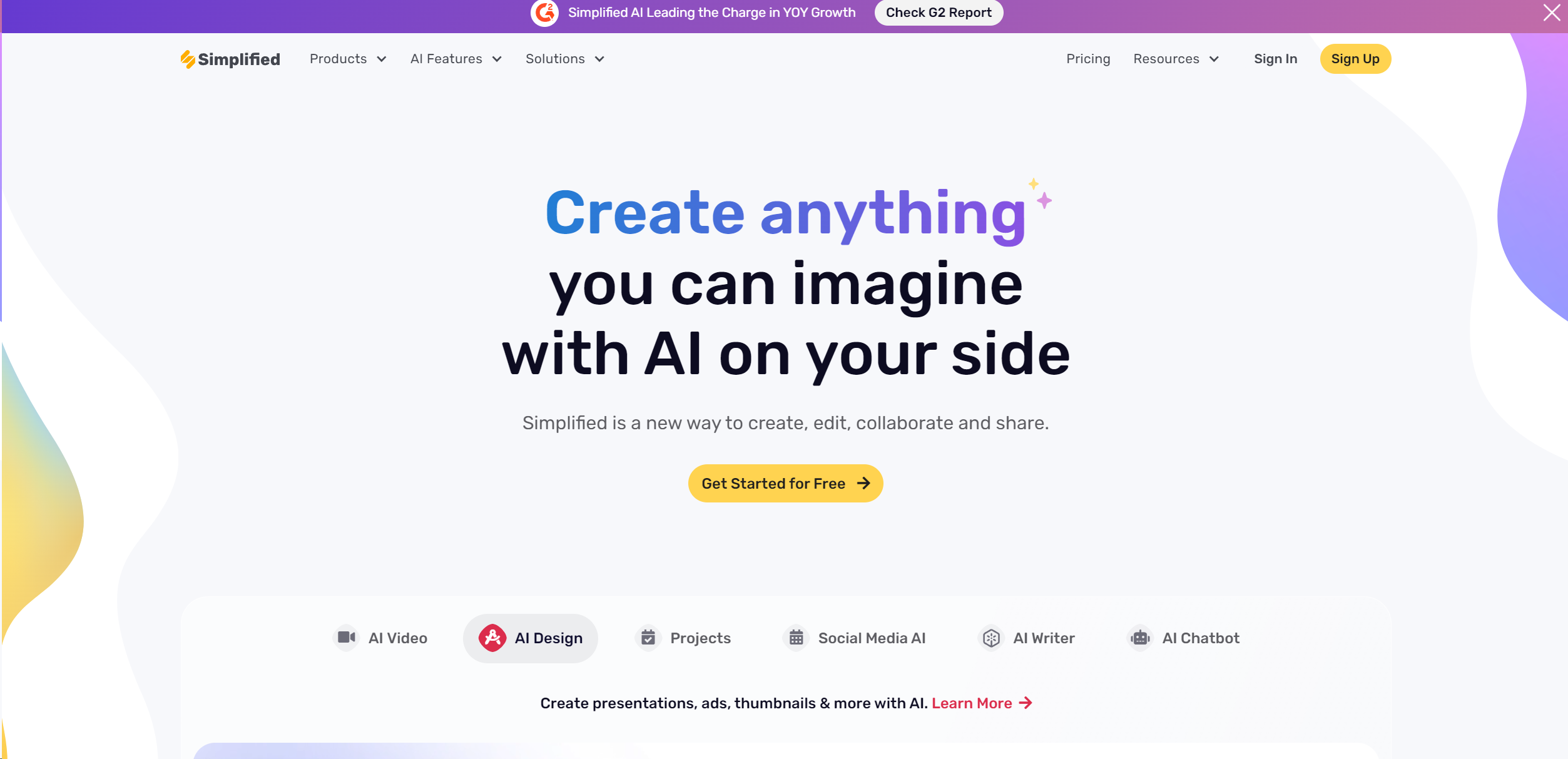
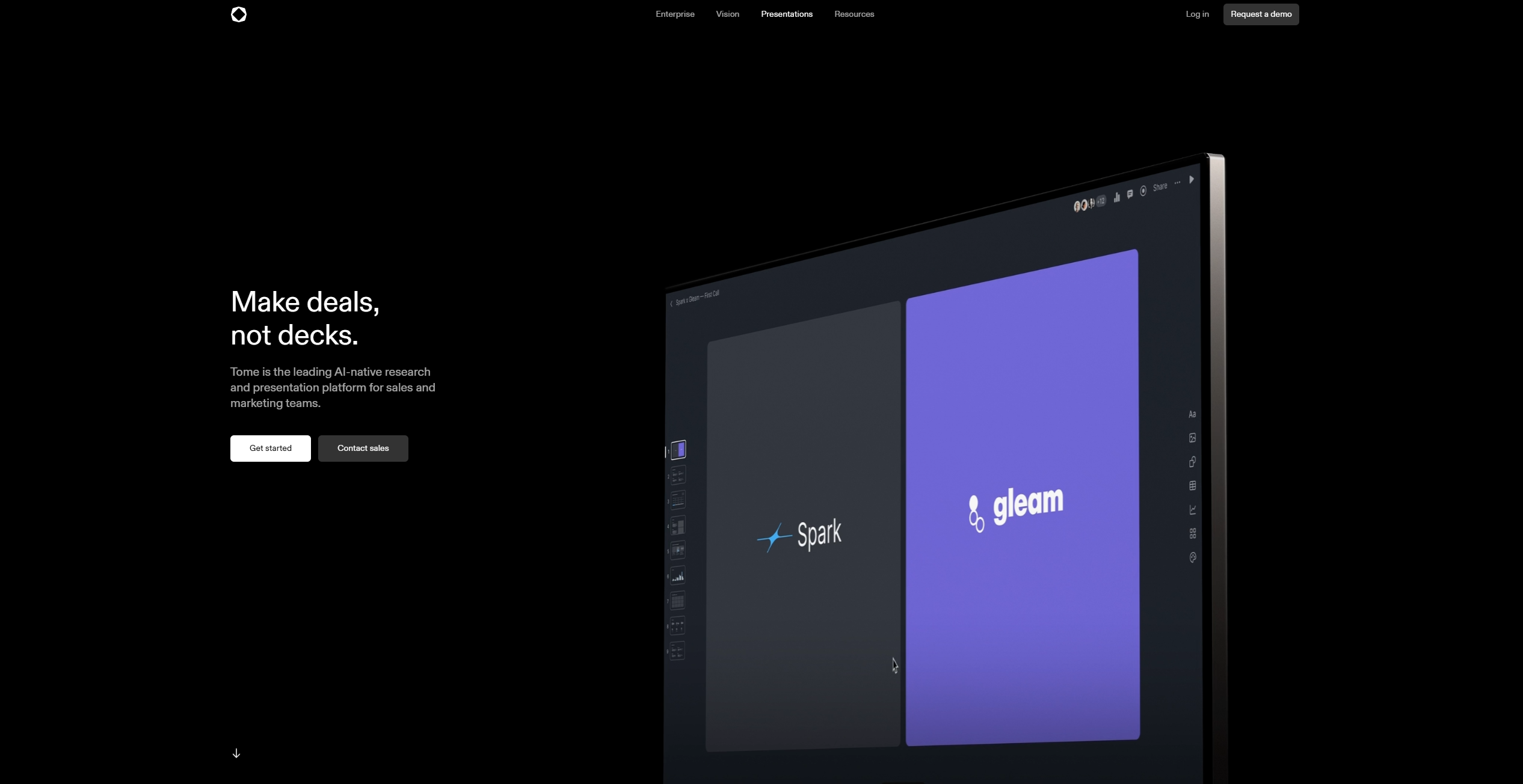
Presentations tools · weekly digest
The AI Weekly — free in your inbox
New AI tools, pricing changes, expert picks, and hidden gems — curated by Mr. Spark every week. Join 5,000+ readers who stay ahead of the AI curve.