
Pricing Details
Free Tier: Offers a comprehensive range of features at no cost, perfect for personal use and small projects. Pro Tier: Starts at $12.99 per month, providing access to premium features, including a larger content library and advanced tools. Enterprise Tier: Tailored solutions for large teams with custom pricing, offering enhanced collaboration and brand management features. Disclaimer: Please note that pricing information may not be up to date. For the most accurate and current pricing details, refer to the official Canva website.
Product Visuals (1 images)
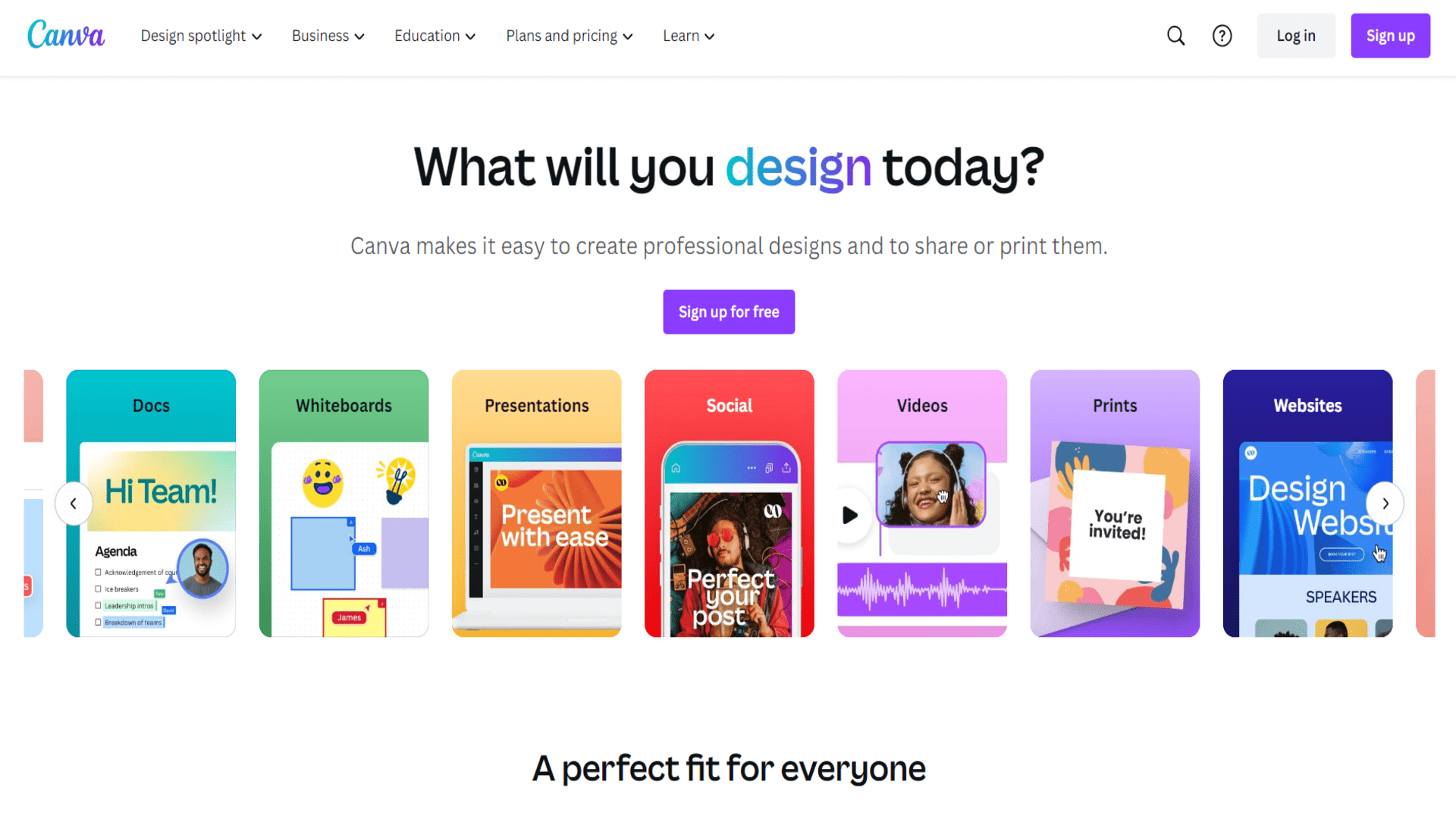
Strengths
- User-Friendly Experience: The intuitive interface ensures a smooth design process for users of all skill levels.
- Cost-Effective: Offers a free version with a wide array of features, making it accessible to everyone.
- Rich Resource Library: Provides access to millions of photos, icons, and graphics, enhancing design possibilities.
- Versatile Application: Suitable for a variety of design needs, from social media graphics to business presentations.
Limitations
- Limited Advanced Features: Some professional designers may find the lack of advanced editing tools limiting.
- Internet Dependence: Requires a stable internet connection for optimal performance and access to features.
- Template Overuse: Popular templates can lead to designs that lack uniqueness if not customized adequately.
What You Get
Key Features
- AI-Powered Design Suggestions: Canva uses AI to provide design suggestions and layout recommendations, helping users create aesthetically pleasing designs effortlessly.
- Extensive Template Library: With thousands of customizable templates for different purposes, Canva provides a head start on any design project.
- Drag-and-Drop Interface: Its user-friendly drag-and-drop interface allows even beginners to craft professional designs with ease.
- Collaboration Tools: Canva offers real-time collaboration features, enabling teams to work together seamlessly on design projects from anywhere.
- ProsUser-Friendly Experience: The intuitive interface ensures a smooth design process for users of all skill levels.Cost-Effective: Offers a free version with a wide array of features, making it accessible to everyone.Rich Resource Library: Provides access to millions of photos, icons, and graphics, enhancing design possibilities.Versatile Application: Suitable for a variety of design needs, from social media graphics to business presentations.ConsLimited Advanced Features: Some professional designers may find the lack of advanced editing tools limiting.Internet Dependence: Requires a stable internet connection for optimal performance and access to features.Template Overuse: Popular templates can lead to designs that lack uniqueness if not customized adequately.
Best For
- Small Business Owners: Utilizing Canva for creating marketing materials and social media content.
- Social Media Influencers: Employing Canva to design engaging posts and stories.
- Educators: Leveraging Canva for creating interactive presentations and educational materials.
- Non-Profit Organizations: Using Canva to design promotional content and fundraising materials.
- Uncommon Use Cases: Adopted by wedding planners for designing invitations; used by authors for creating book covers and promotional graphics.
Similar Tools
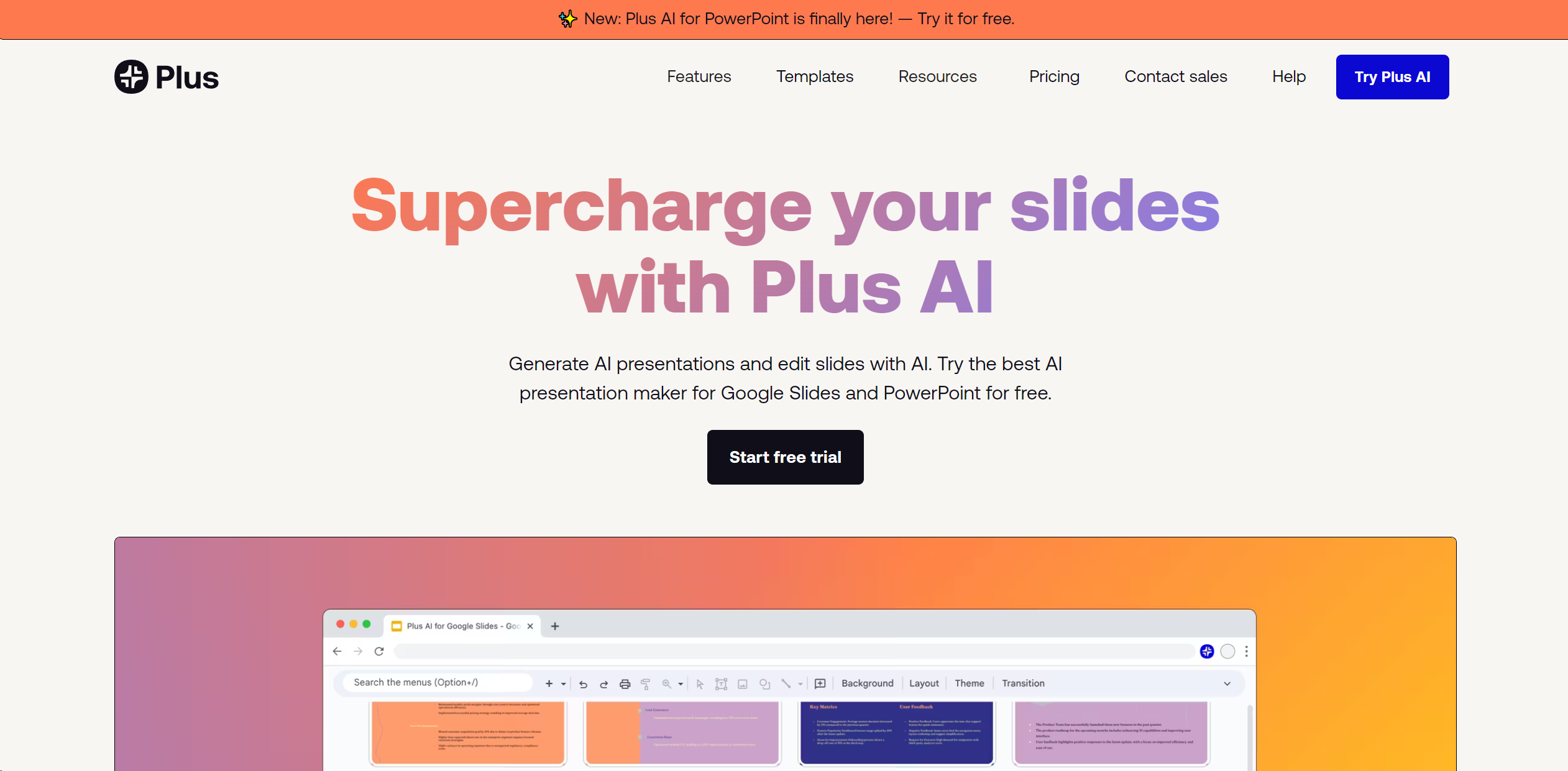
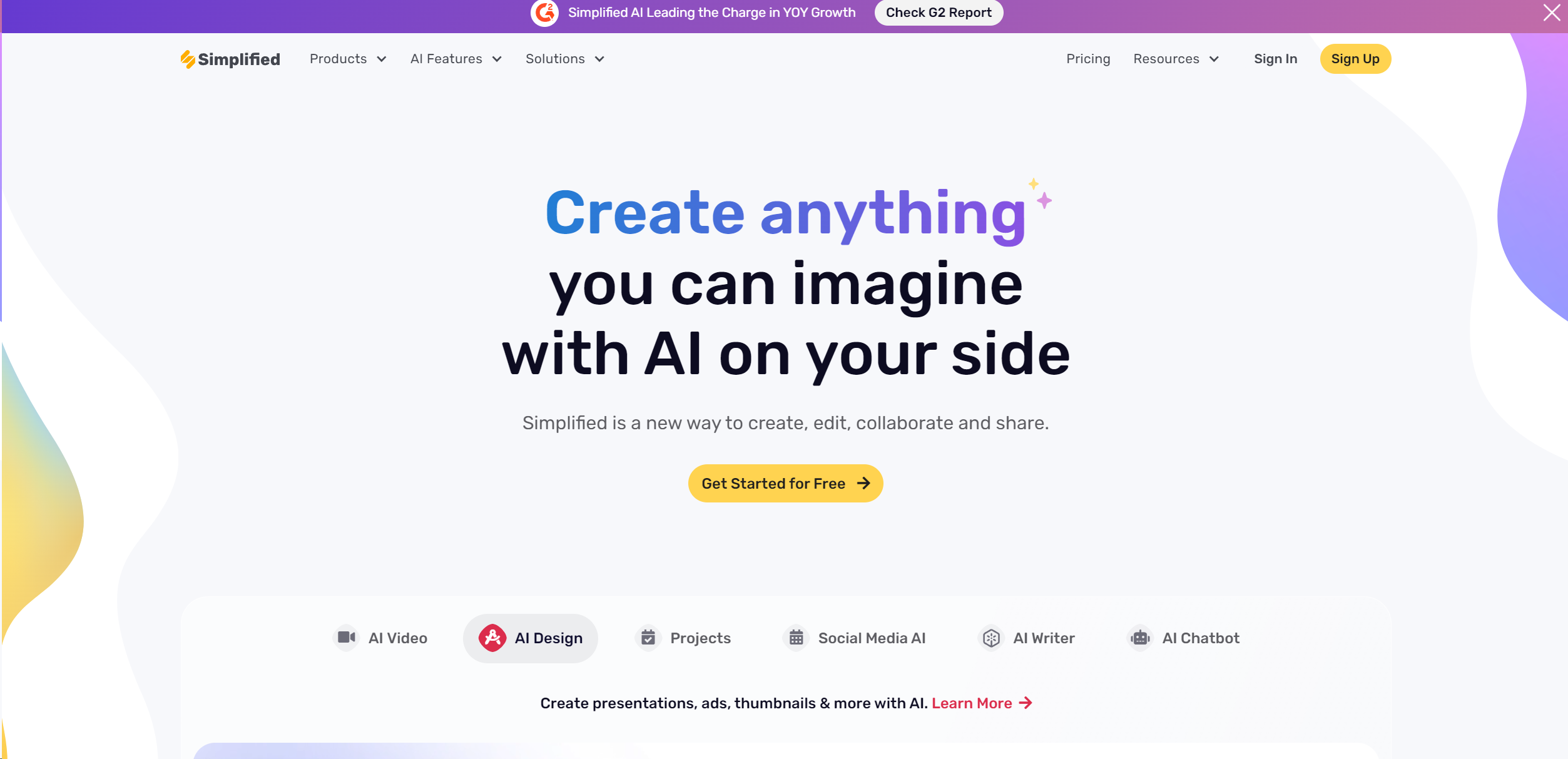
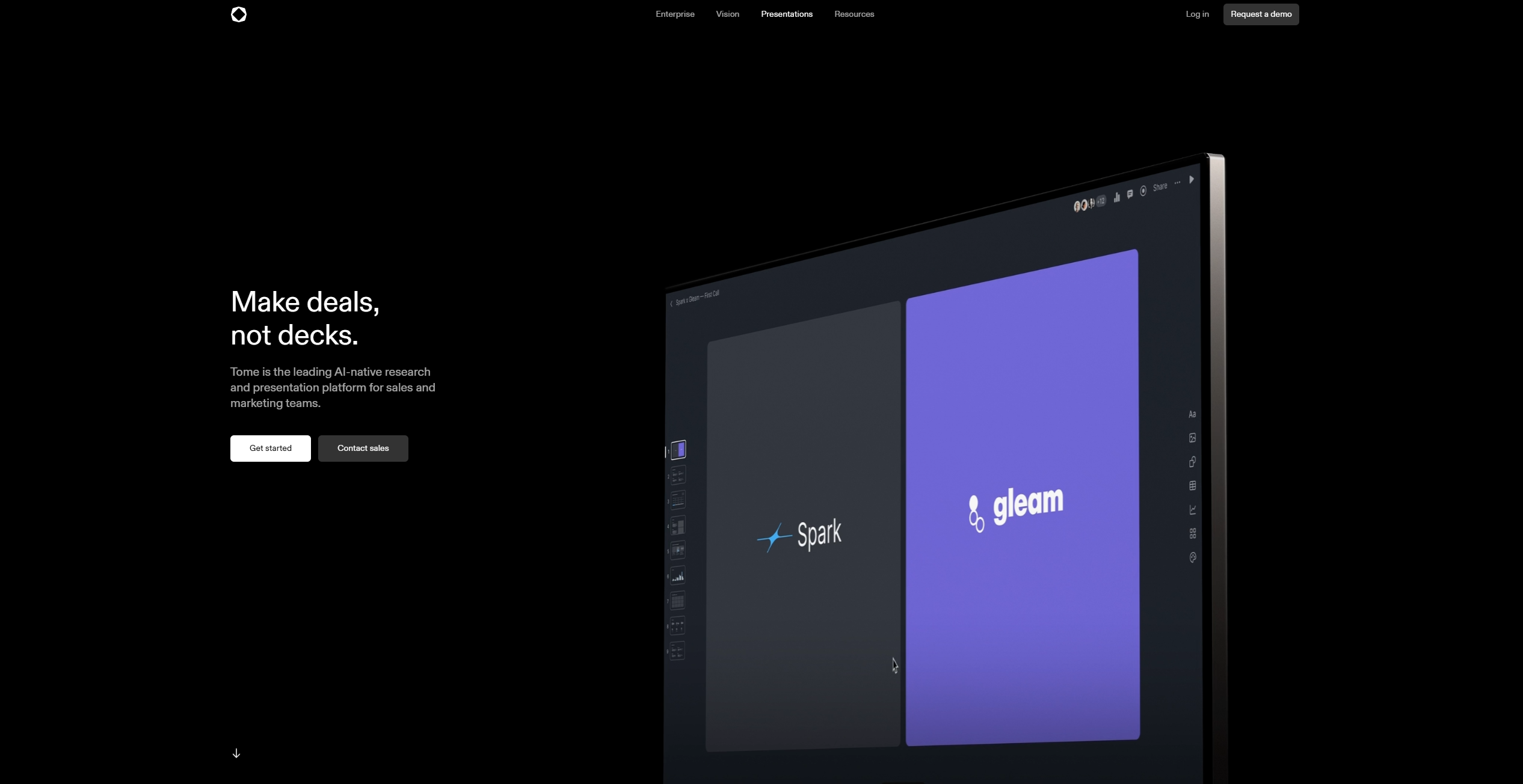
Weekly Issue
⚡
Presentations tools · weekly digest
The AI Weekly — free in your inbox
New AI tools, pricing changes, expert picks, and hidden gems — curated by Mr. Spark every week. Join 5,000+ readers who stay ahead of the AI curve.
No spam, ever
Unsubscribe anytime
100% free