
Pricing Details
Free Tier: Unlimited images with resolution limited to 720p. Pro Tier: $3 per month or $36 per year, offering unlimited images and resolutions with a high-quality refiner. Disclaimer: Please note that pricing information may not be up to date. For the most accurate and current pricing details, refer to the official Cleanup.pictures website.
Product Visuals (1 images)
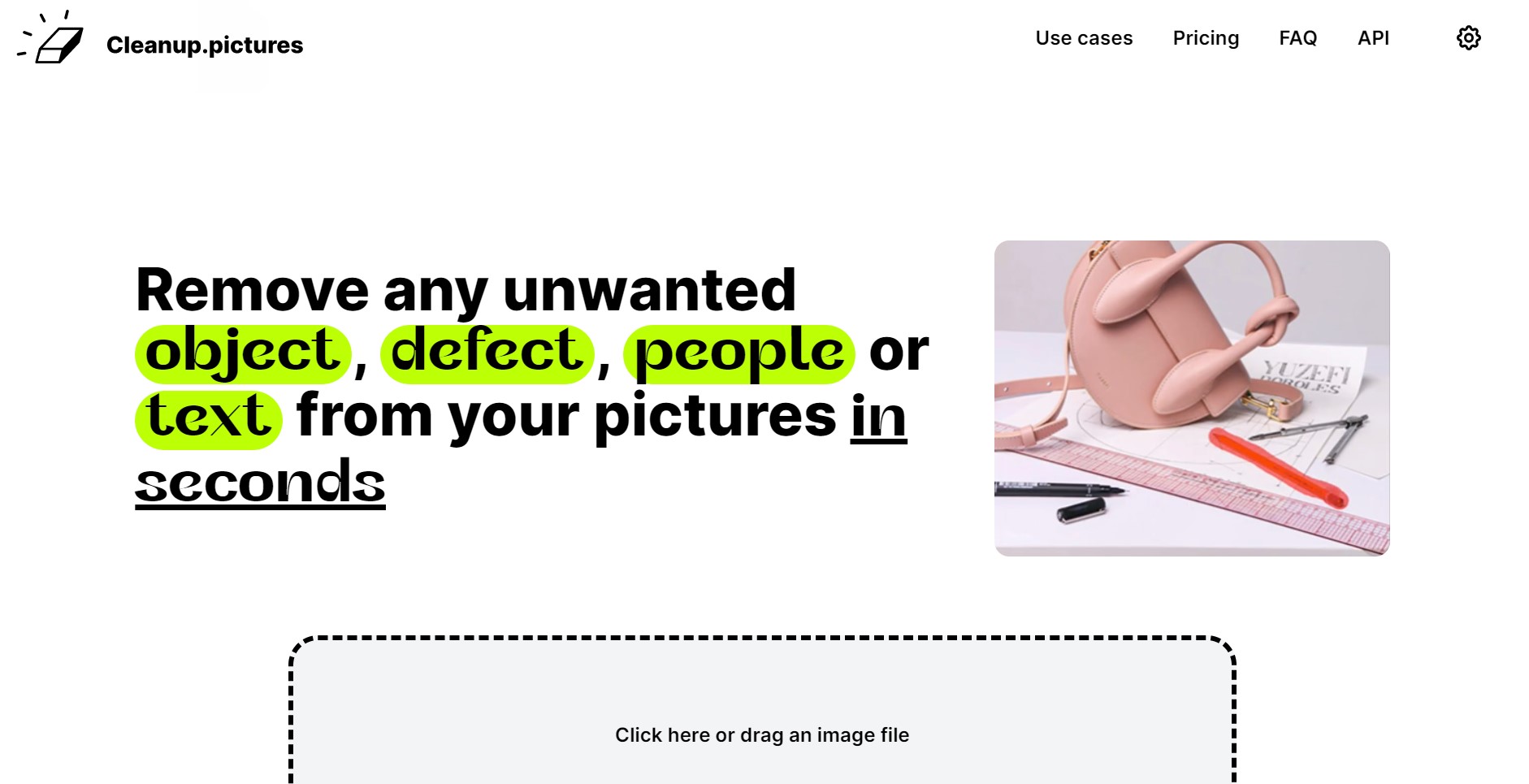
Strengths
- Time Efficiency: Achieves professional-grade edits in seconds, significantly reducing the time spent on manual retouching.
- Cost-Effective: Offers a free tier with essential features, and an affordable Pro plan for enhanced capabilities.
- High-Quality Output: Produces visually appealing edits without the typical smears or artifacts associated with other tools.
- Cross-Platform Accessibility: Available on both desktop and mobile, ensuring flexibility for users on the go.
Limitations
- Resolution Limitation for Free Tier: The free version restricts image exports to 720p, which may not meet the needs of all users.
- Single User License: Each subscription is limited to one user, which might be restrictive for larger teams.
Building your AI toolkit?
Save Cleanup.pictures and 1,000+ tools — free with Google, no spam
What You Get
Key Features
- AI-Powered Inpainting: Utilizing advanced algorithms, Cleanup.pictures intelligently reconstructs the background of an image after removing unwanted elements, ensuring seamless and natural-looking results.
- User-Friendly Interface: The platform offers an intuitive drag-and-drop feature, making it accessible for users of all skill levels to quickly edit images with minimal effort.
- High-Resolution Support: While the free version supports up to 720p, the Pro version allows for unlimited image resolutions, catering to high-quality professional needs.
- Versatile Use Cases: From removing tourists in travel photography to eliminating logos and watermarks in product images, Cleanup.pictures adapts to a wide range of editing scenarios.
- ProsTime Efficiency: Achieves professional-grade edits in seconds, significantly reducing the time spent on manual retouching.Cost-Effective: Offers a free tier with essential features, and an affordable Pro plan for enhanced capabilities.High-Quality Output: Produces visually appealing edits without the typical smears or artifacts associated with other tools.Cross-Platform Accessibility: Available on both desktop and mobile, ensuring flexibility for users on the go.ConsResolution Limitation for Free Tier: The free version restricts image exports to 720p, which may not meet the needs of all users.Single User License: Each subscription is limited to one user, which might be restrictive for larger teams.
Best For
- Photographers: Leveraging the tool to remove unwanted elements from portraits and landscapes for pristine photo albums.
- Creative Agencies: Utilizing the platform for quick edits to produce visually striking marketing materials.
- Real Estate Agents: Enhancing property images by eliminating distracting objects, providing cleaner visuals for listings.
- E-commerce Businesses: Improving product photos by removing text and logos, leading to more appealing online displays.
Similar Tools
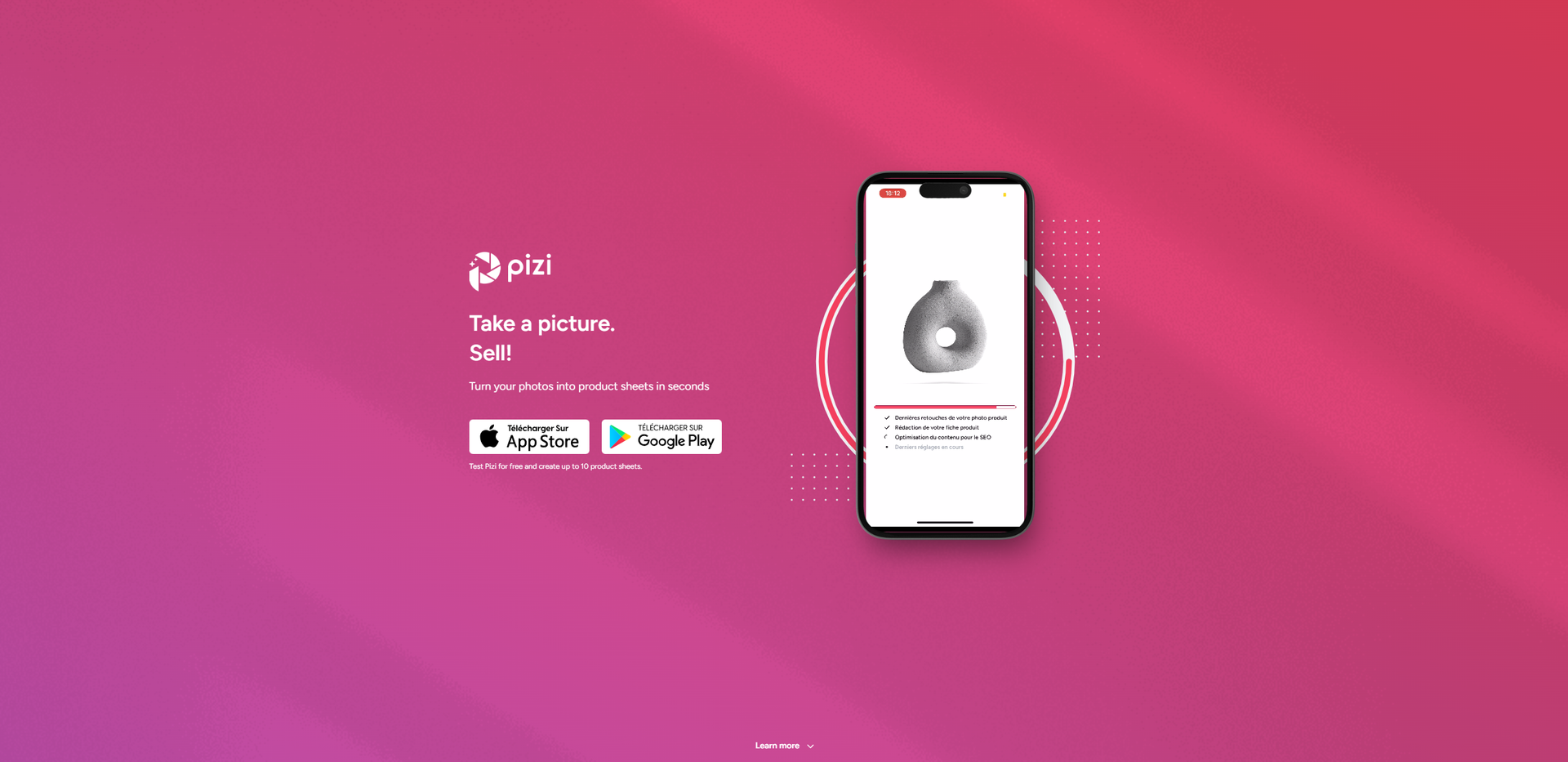
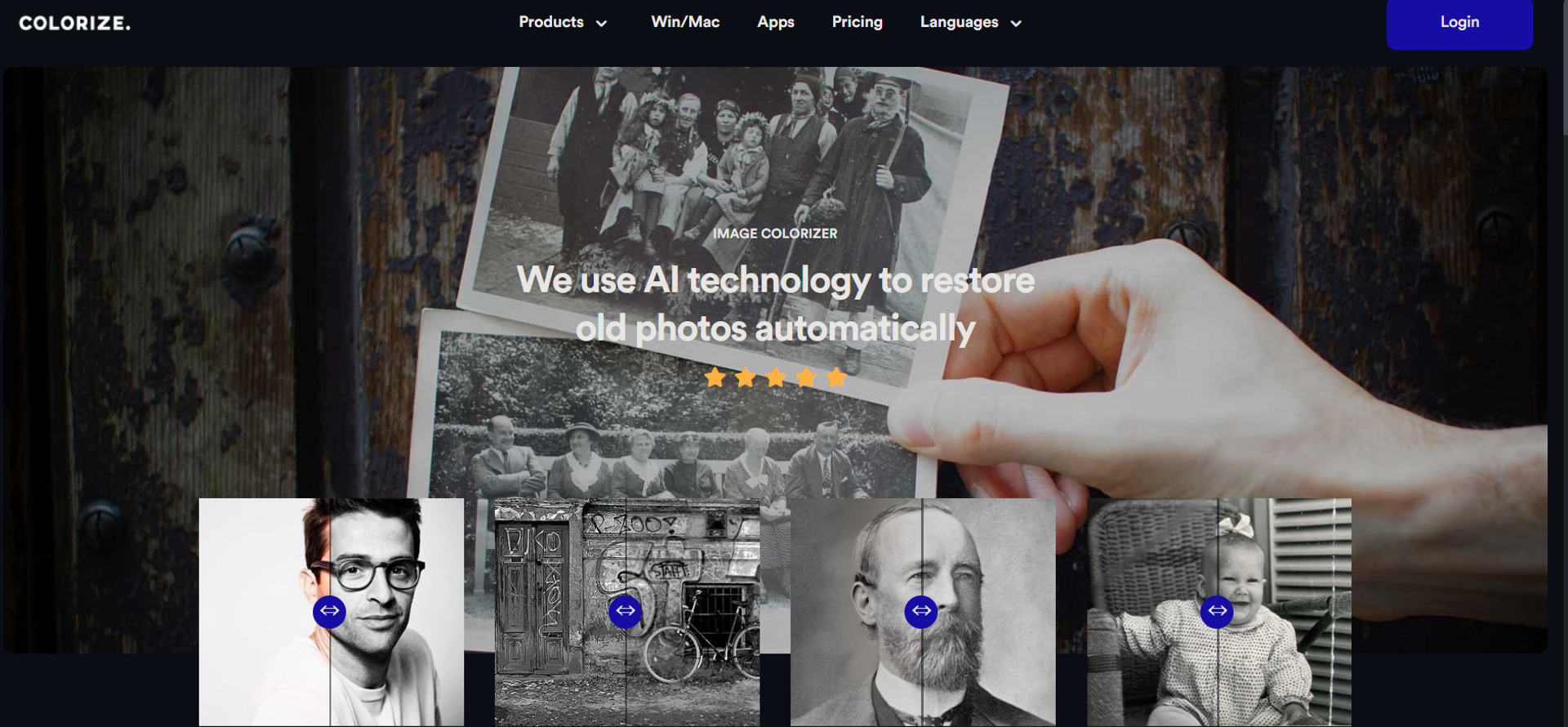
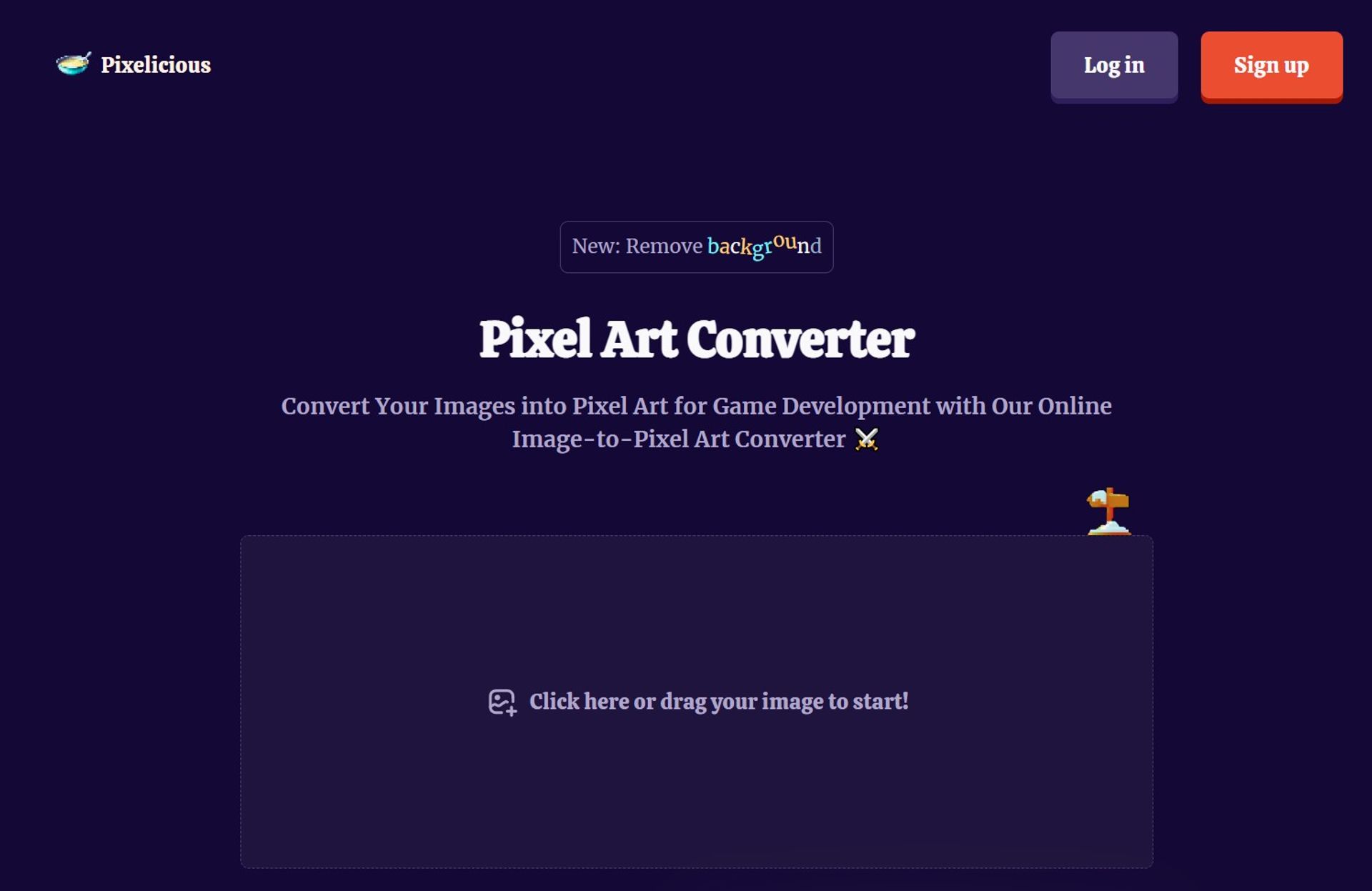
Weekly Issue
⚡
Image Editing tools · weekly digest
The AI Weekly — free in your inbox
New AI tools, pricing changes, expert picks, and hidden gems — curated by Mr. Spark every week. Join 5,000+ readers who stay ahead of the AI curve.
No spam, ever
Unsubscribe anytime
100% free