
Pricing Details
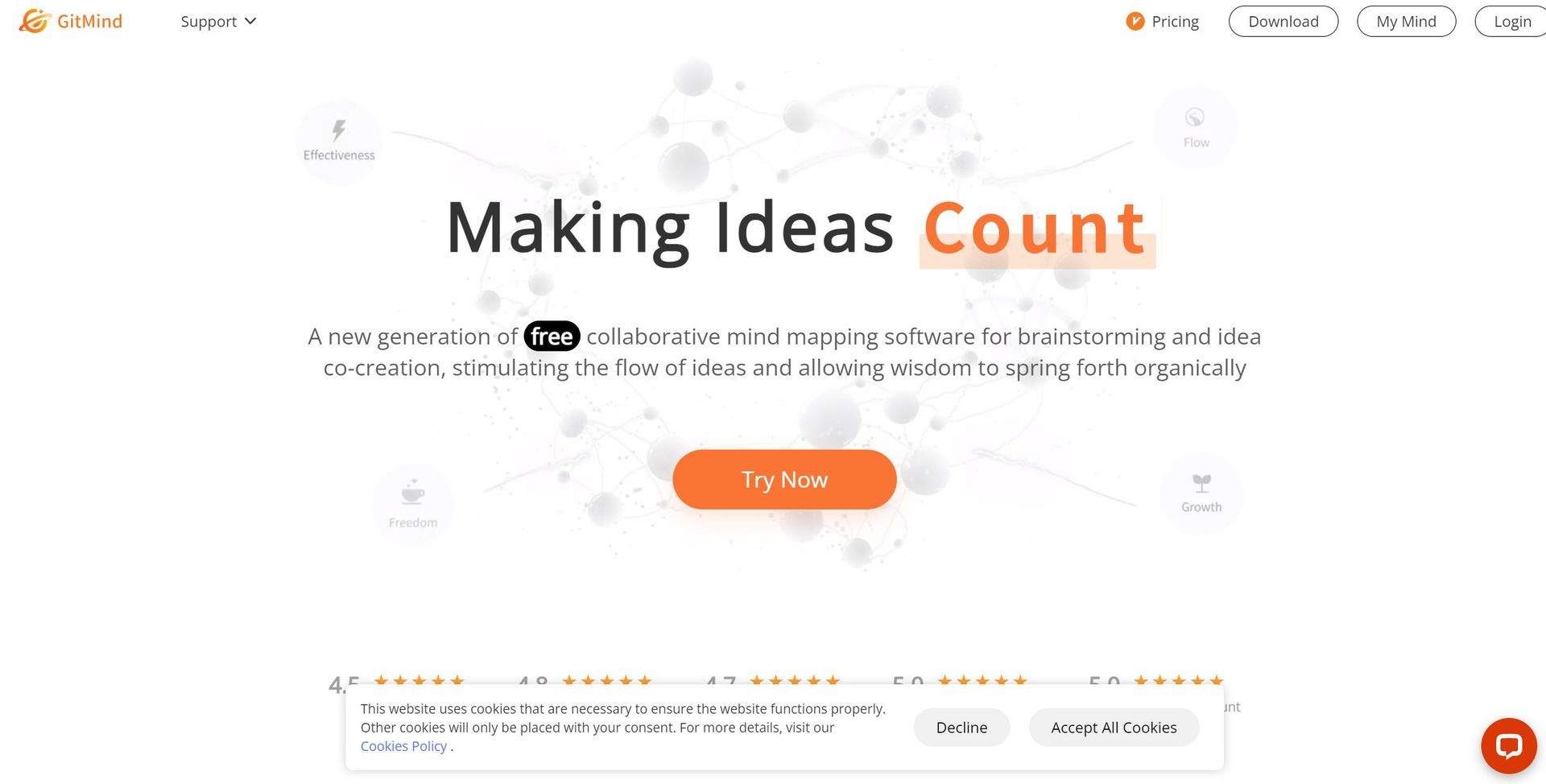
Free Tier: Experience GitMind with a no-cost option that offers basic features. Pro Tier: The Pro Tier starts at $5.75 per month, providing enhanced functionalities and support. Disclaimer: Please note that pricing information may not be up to date. For the most accurate and current pricing details, refer to the official GitMind website.
Product Visuals (1 images)
Strengths
- User-Friendly Interface: GitMind offers an intuitive design that requires minimal learning curve, making it accessible for users of all skill levels.
- Versatile Applications: Suitable for various tasks such as note-taking, presentation creation, and brainstorming sessions.
- Cost-Effective Solution: With a free tier available, GitMind provides substantial value without the need for significant investment.
- Cross-Platform Availability: Accessible on web and mobile devices, ensuring flexibility and convenience for users on the go.
Limitations
- Limited Third-Party Integrations: While functional, GitMind's integration capabilities with other software are somewhat restricted, which might limit its use in more complex workflows.
- Initial Setup Requirements: Some users may find the initial setup and customization process time-consuming.
Building your AI toolkit?
Save GitMind AI and 1,000+ tools — free with Google, no spam
What You Get
Key Features
- AI-Powered Mind Mapping: GitMind leverages artificial intelligence to transform textual prompts into structured mind maps, streamlining the brainstorming process.
- Collaborative Whiteboards: The platform supports real-time collaboration, allowing multiple users to work together on mind maps and flowcharts simultaneously.
- File to Mind Map Conversion: Users can convert documents into mind maps, making information digestion more intuitive and visually engaging.
- YouTube Video Summarizer: This feature extracts key points from videos, providing concise summaries and enhancing productivity.
- ProsUser-Friendly Interface: GitMind offers an intuitive design that requires minimal learning curve, making it accessible for users of all skill levels.Versatile Applications: Suitable for various tasks such as note-taking, presentation creation, and brainstorming sessions.Cost-Effective Solution: With a free tier available, GitMind provides substantial value without the need for significant investment.Cross-Platform Availability: Accessible on web and mobile devices, ensuring flexibility and convenience for users on the go.ConsLimited Third-Party Integrations: While functional, GitMind's integration capabilities with other software are somewhat restricted, which might limit its use in more complex workflows.Initial Setup Requirements: Some users may find the initial setup and customization process time-consuming.
Best For
- Educators: Utilizing GitMind for organizing lesson plans and creating engaging classroom materials.
- Project Managers: Employing it to visualize project timelines and task dependencies.
- Creative Professionals: Leveraging the tool to brainstorm and capture creative ideas effectively.
- Corporate Teams: Using GitMind for strategic planning and collaborative decision-making processes.
- Uncommon Use Cases:Legal Professionals: Mapping out case strategies.Healthcare Providers: Using GitMind for patient care planning.
- Legal Professionals: Mapping out case strategies.
- Healthcare Providers: Using GitMind for patient care planning.
Similar Tools
Weekly Issue
⚡
Presentations tools · weekly digest
The AI Weekly — free in your inbox
New AI tools, pricing changes, expert picks, and hidden gems — curated by Mr. Spark every week. Join 5,000+ readers who stay ahead of the AI curve.
No spam, ever
Unsubscribe anytime
100% free