
Pricing Details
Free Trial: Access Imagen AI with a 14-day free trial. Standard Plan: Priced at $29.99 per month. Enterprise Solutions: Custom pricing based on specific needs and content volume. Disclaimer: For the most accurate and current pricing details, please refer directly to the Imagen AI website.
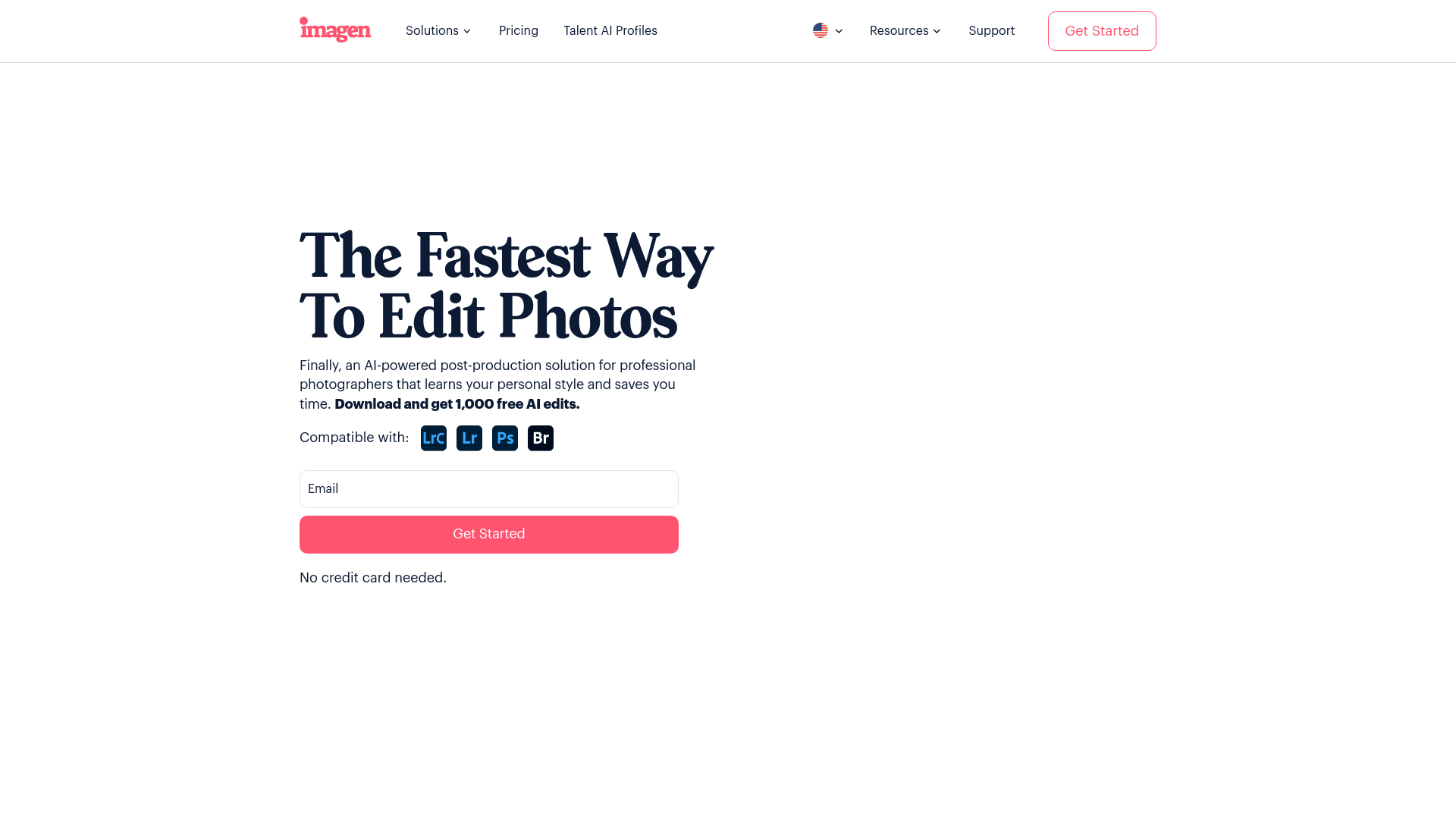
Product Visuals (1 images)
Building your AI toolkit?
Save Imagen AI and 1,000+ tools — free with Google, no spam
What You Get
Key Features
- Automated Image Enhancement: Utilizes machine learning to automatically improve image quality, including adjustments to lighting, color balance, and sharpness.
- Video Processing Capabilities: Offers auto-editing, scene detection, and smart cropping features to simplify video editing tasks.
- Customizable Workflows: Allows users to tailor the AI's processing features to meet specific project needs, providing flexibility and control.
- Scalability: Handles large volumes of content effortlessly, making it suitable for enterprises and agencies managing extensive digital assets.
- Pros:
- Efficiency Boost: Reduces editing and processing time, facilitating faster project completion.
- High-Quality Outputs: Delivers professional-grade final products with high standards of quality.
- User-Friendly Interface: Designed to be intuitive, making advanced AI-powered editing accessible to users at all levels.
- Cost-Effective: Automates routine tasks, potentially lowering operational costs related to manual editing.
- Cons:
- Initial Learning Curve: New users might need time to fully understand and utilize the AI’s capabilities.
- Hardware Requirements: Optimal performance may require more powerful hardware due to high processing demands.
- Limited File Format Support: May not support all image and video file formats, which could be a limitation for some users.
Best For
- Digital Marketing Agencies: For creating visually compelling campaign content.
- Social Media Managers: To enhance and manage social media visuals.
- Graphic Designers: Streamlining design workflows and improving output quality.
- Film and Video Editors: Benefiting from automated video editing features to speed up production.
- Uncommon Use Cases: Real estate agencies improving property photo quality; online educators enhancing visual content for educational purposes.
Integrations
Cloud Storage Services: Integrates with Google Drive, Dropbox, and other popular cloud storage solutions. Social Media Platforms: Facilitates direct export of enhanced content to platforms like Instagram and Facebook. API Access: Provides API access for custom integrations, offering flexibility across different platforms. Adobe Creative Suite: Seamlessly works with Adobe software, enhancing workflows for designers and editors.
Similar Tools

Weekly Issue
⚡
Image Editing tools · weekly digest
The AI Weekly — free in your inbox
New AI tools, pricing changes, expert picks, and hidden gems — curated by Mr. Spark every week. Join 5,000+ readers who stay ahead of the AI curve.
No spam, ever
Unsubscribe anytime
100% free