
Pricing Details
Free Plan: $0 per month. Includes 50 credits, up to 2 videos, and 1 parallel task. Offers text-to-video, image-to-video, AI-powered animation, and video enhancement features with watermark outputs—ideal for exploring basic AI video creation. Lite Plan: $15 per month. Includes 500 credits and up to 50 videos monthly with 3 parallel tasks. Provides faster generation, watermark-free outputs, more camera movement options, private video visibility, and priority support—great for creators producing consistent content. Pro Plan: $35 per month. Includes 1,250 credits (up to $859 per month for 50,000 credits), supports 5 parallel tasks, and enables up to 2,000 videos monthly. Adds faster rendering, no-watermark exports, private visibility, more movement options, and priority support—designed for professionals scaling AI video production. Disclaimer: Please note that pricing information may not be up to date. For the most accurate and current pricing details, refer to the official KaraVideo website.
Product Visuals (1 images)
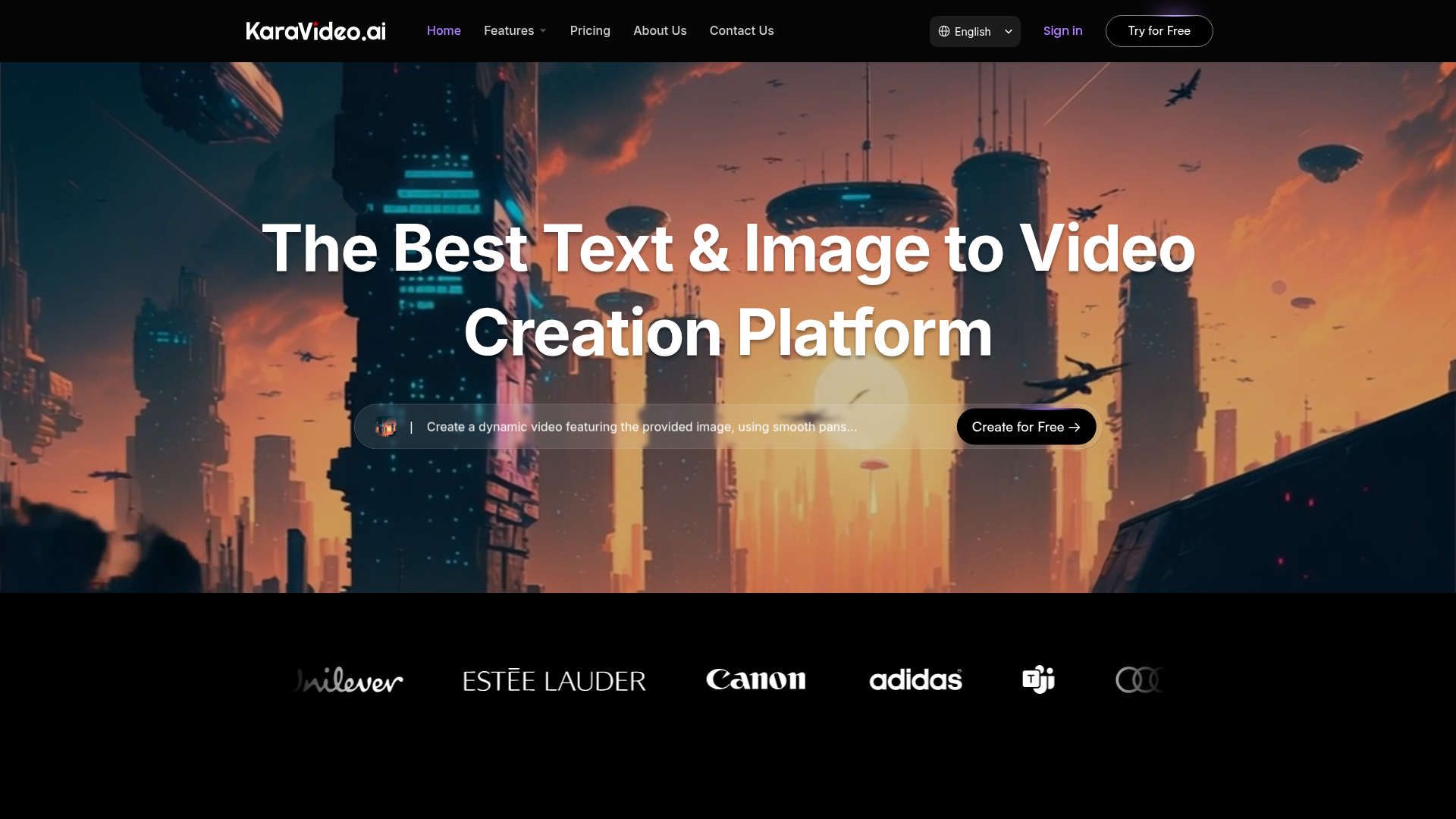
Strengths
- User-Friendly Interface: The platform is designed to be accessible to users of all skill levels, reducing the learning curve and expediting the creative process.
- Efficient Workflow: With its streamlined process of describe, pick model, and generate, KaraVideo minimizes the time spent on video creation.
- Cost-Effective: One subscription covers all models, eliminating the need for multiple subscriptions and simplifying billing.
- High-Quality Output: The tool delivers videos with exceptional quality, thanks to features like upscaling and stabilization.
Limitations
- Initial Learning Curve: Although user-friendly, some users might initially require time to explore all available features fully.
- Limited Offline Capabilities: The tool requires an internet connection to function, which may be a limitation for some users.
Building your AI toolkit?
Save KaraVideo and 1,000+ tools — free with Google, no spam
What You Get
Key Features
- AI-Powered Video Creation: KaraVideo uses advanced AI algorithms to convert text and images into dynamic videos, making the creative process both intuitive and efficient.
- Multi-Model Access: Enjoy access to top video engines like Sora, Kling, and Veo, all from a single dashboard, ensuring you have the best tools at your fingertips.
- Consistent Character Management: Upload reference images to maintain character consistency throughout your video projects, a feature particularly beneficial for storytelling and branding.
- Customizable Video Effects: Choose from over 40 AI-powered effects to add a unique touch to your videos, including anime styles and cinematic motions.
- ProsUser-Friendly Interface: The platform is designed to be accessible to users of all skill levels, reducing the learning curve and expediting the creative process.Efficient Workflow: With its streamlined process of describe, pick model, and generate, KaraVideo minimizes the time spent on video creation.Cost-Effective: One subscription covers all models, eliminating the need for multiple subscriptions and simplifying billing.High-Quality Output: The tool delivers videos with exceptional quality, thanks to features like upscaling and stabilization.ConsInitial Learning Curve: Although user-friendly, some users might initially require time to explore all available features fully.Limited Offline Capabilities: The tool requires an internet connection to function, which may be a limitation for some users.
Best For
- Content Creators: From YouTubers to podcasters, creators use KaraVideo to enhance their storytelling with visually engaging content.
- Marketing Professionals: Agencies and freelancers leverage the tool for crafting compelling marketing videos that captivate audiences.
- Educators: Teachers and educational institutions utilize KaraVideo to create engaging instructional videos that enhance learning experiences.
- Filmmakers: Indie filmmakers find it useful for creating storyboards and animatics quickly and cost-effectively.
- Uncommon Use Cases: Used by comic book artists to animate panels for digital formats; Employed by travel bloggers to create immersive travelogues.
Similar Tools
Video Generators tools · weekly digest
The AI Weekly — free in your inbox
New AI tools, pricing changes, expert picks, and hidden gems — curated by Mr. Spark every week. Join 5,000+ readers who stay ahead of the AI curve.