
Pricing Details
Free Trial: Get started with Lightricks with a free trial period. Subscription Options: Monthly and annual subscription plans available, catering to different user needs. Disclaimer: For the most accurate and current pricing details, refer to the official Lightricks website.
Product Visuals (1 images)
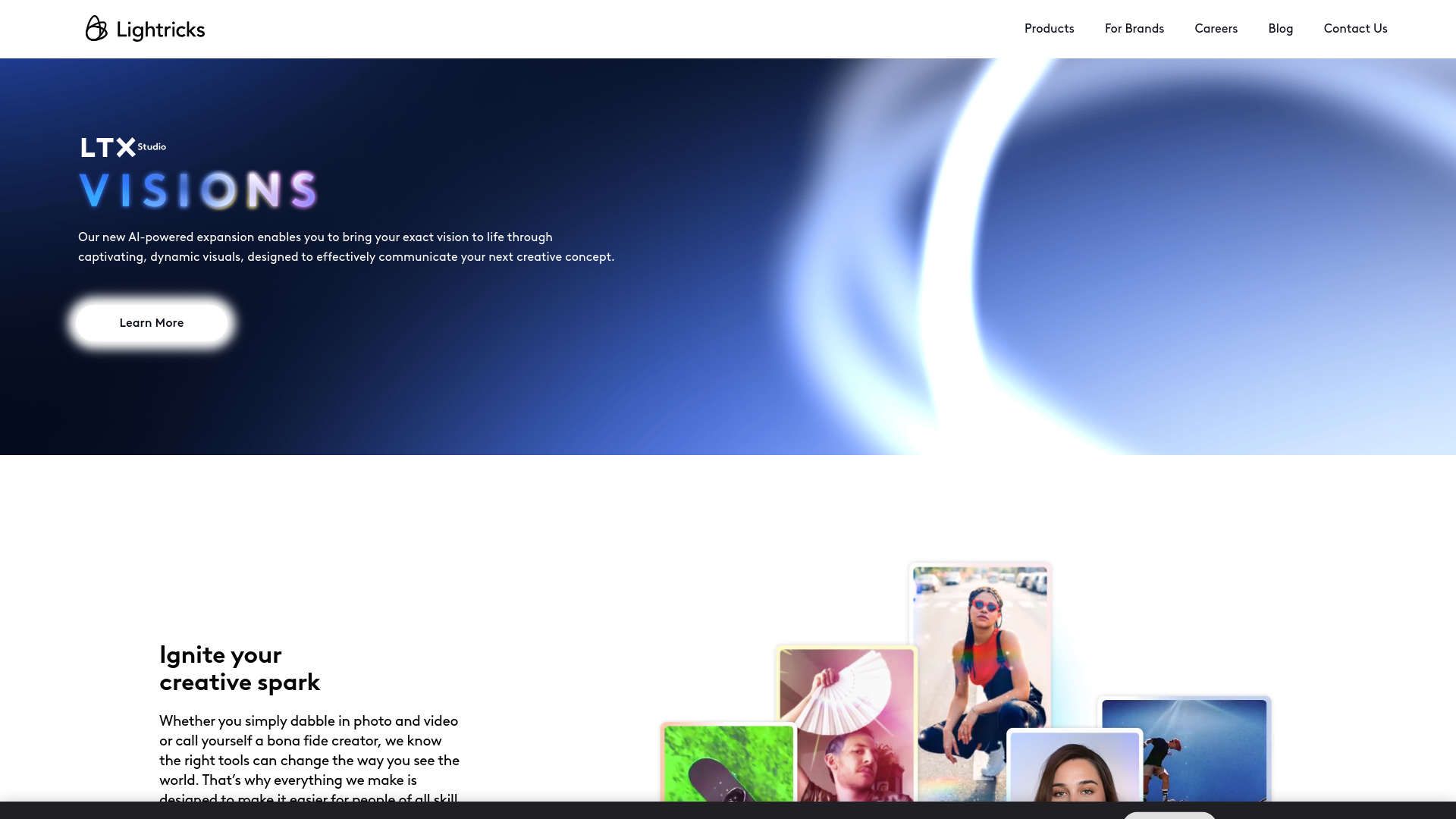
Strengths
- Enhanced Creativity: Tools designed to remove technical barriers and foster creativity.
- High-Quality Output: Whether it’s a photo edit or a video, the output consistently meets high standards.
- User-Friendly Design: Intuitive interfaces that cater to all skill levels, making complex tasks more accessible.
- Award-Winning Technology: Recognized with the Apple Design Award, which speaks volumes about its innovation and quality.
Limitations
- Subscription Model: While offering powerful features, the cost might be a barrier for hobbyists.
- Resource Intensive: Some tools may require advanced hardware to function smoothly.
- Learning Curve: Despite intuitive design, the vast features can overwhelm new users initially.
Building your AI toolkit?
Save Lightricks and 1,000+ tools — free with Google, no spam
What You Get
Key Features
- AI-Powered Video Production: Lightricks incorporates cutting-edge AI to streamline video production, allowing users to easily craft stories with professional flair.
- Intuitive Photo Editing Apps: Offers a range of photo editing tools that cater to different skill levels, enabling seamless edits with professional results.
- Real-Time Image Generation: Transform sketches and concepts into detailed images through AI-driven generation tools.
- Cross-Platform Compatibility: Lightricks supports a variety of platforms, ensuring creators can work effectively across different devices.
- ProsEnhanced Creativity: Tools designed to remove technical barriers and foster creativity.High-Quality Output: Whether it’s a photo edit or a video, the output consistently meets high standards.User-Friendly Design: Intuitive interfaces that cater to all skill levels, making complex tasks more accessible.Award-Winning Technology: Recognized with the Apple Design Award, which speaks volumes about its innovation and quality.ConsSubscription Model: While offering powerful features, the cost might be a barrier for hobbyists.Resource Intensive: Some tools may require advanced hardware to function smoothly.Learning Curve: Despite intuitive design, the vast features can overwhelm new users initially.
Best For
- Professional Photographers: Utilizing advanced editing tools to enhance photo quality.
- Video Content Creators: Creating engaging video content for social media platforms.
- Graphic Designers: Employing the tool to design and execute visual content.
- Marketing Professionals: Crafting appealing visuals for campaigns and branding.
- Uncommon Use Cases: Academic institutions use it for teaching digital media courses; real estate agents use it to enhance property photos for listings.
Integrations
Mobile and Desktop Platforms: Ensures a seamless workflow across devices. Social Media Integration: Directly share creations on various social media platforms. Cloud Storage Services: Easy integration with popular cloud storage providers for efficient file management. API Availability: Offers APIs for custom integrations, catering to specific business needs.
Similar Tools
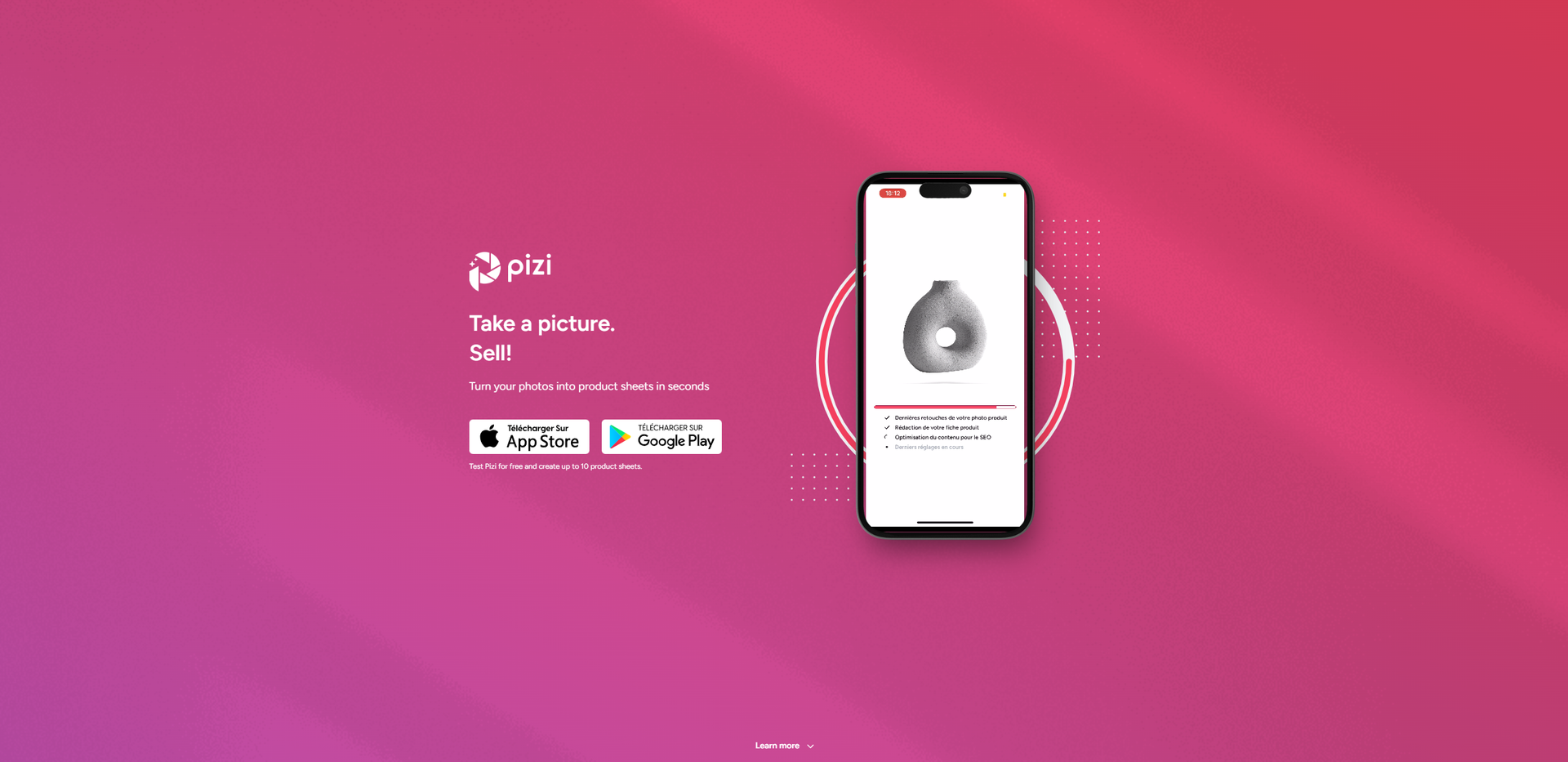
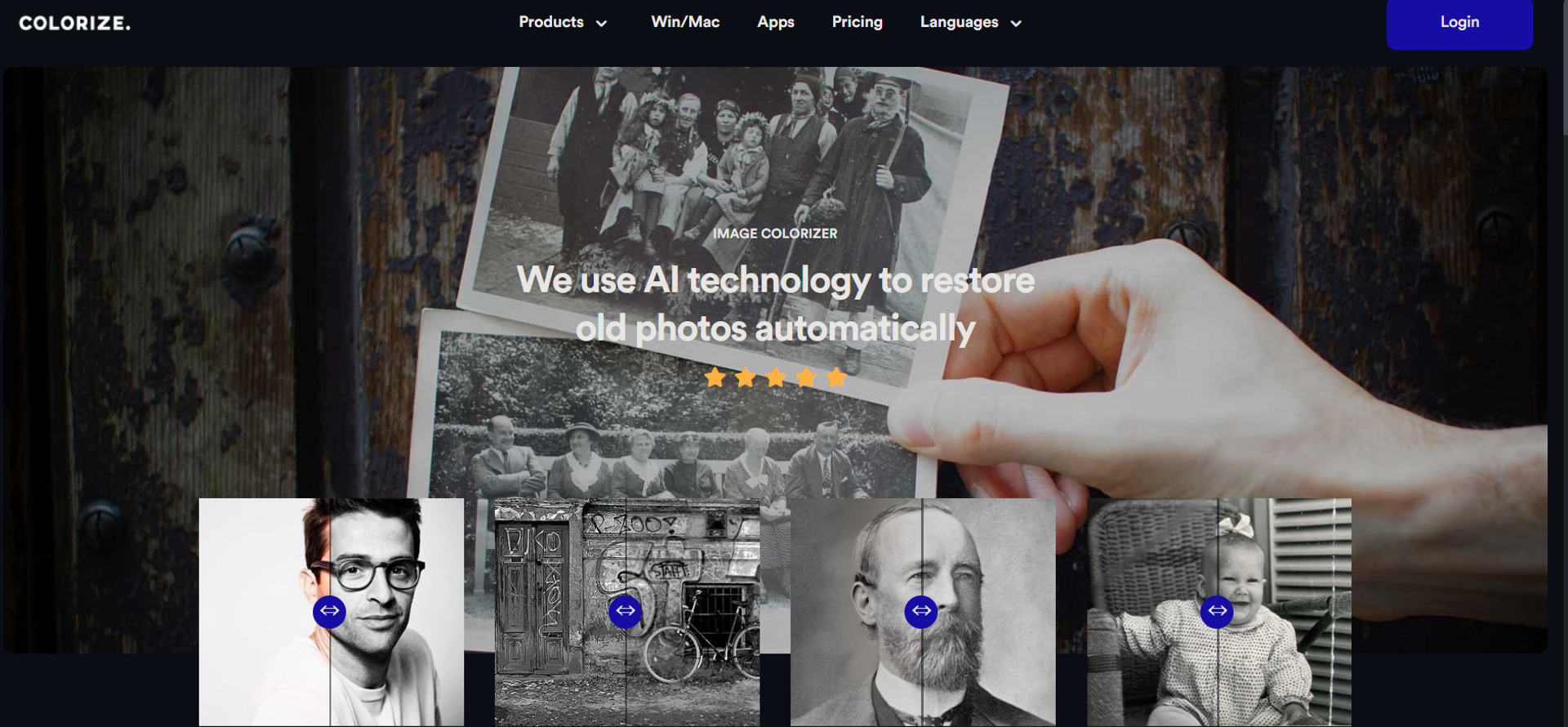
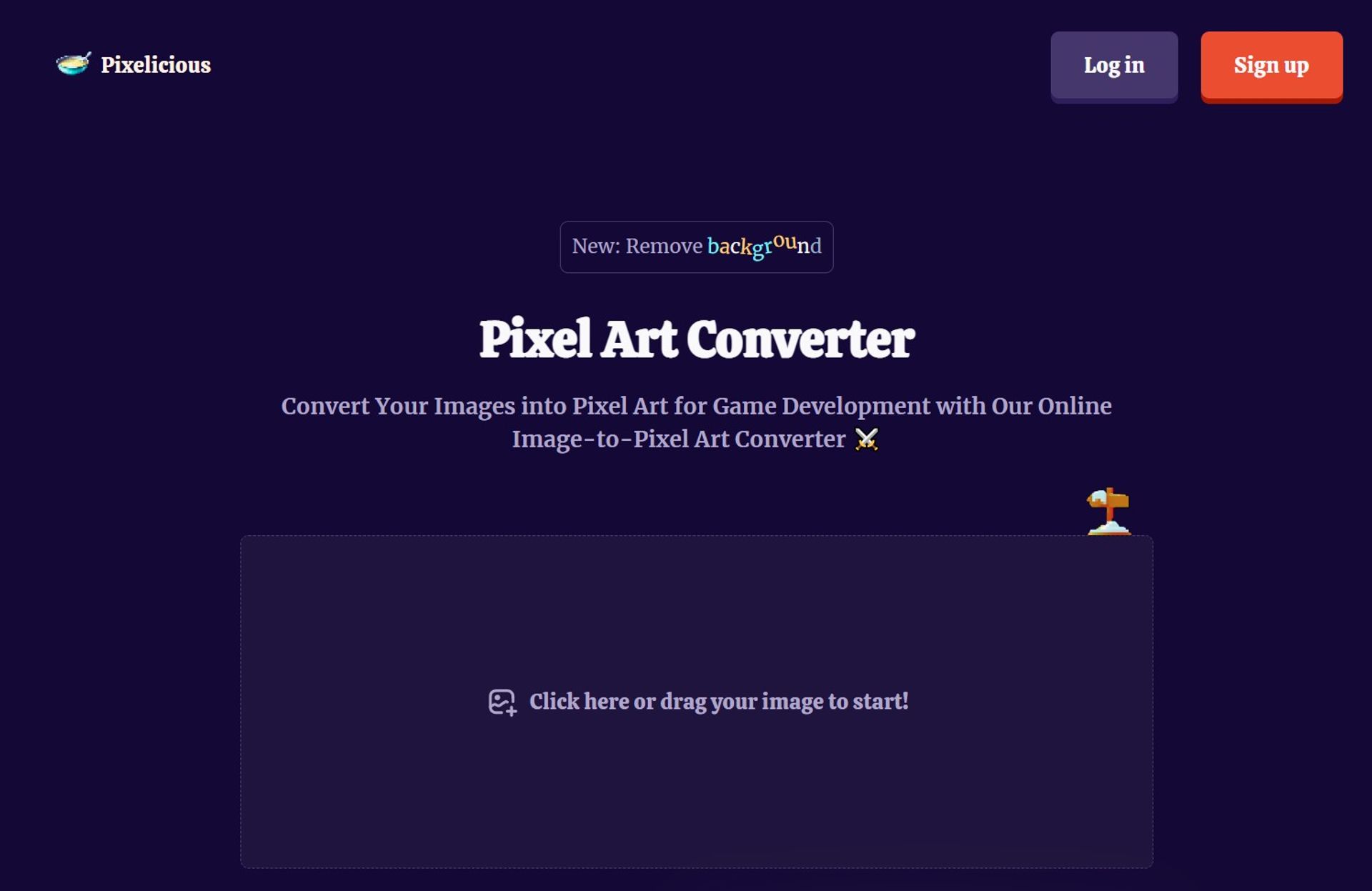
Weekly Issue
⚡
Image Editing tools · weekly digest
The AI Weekly — free in your inbox
New AI tools, pricing changes, expert picks, and hidden gems — curated by Mr. Spark every week. Join 5,000+ readers who stay ahead of the AI curve.
No spam, ever
Unsubscribe anytime
100% free