
Pricing Details
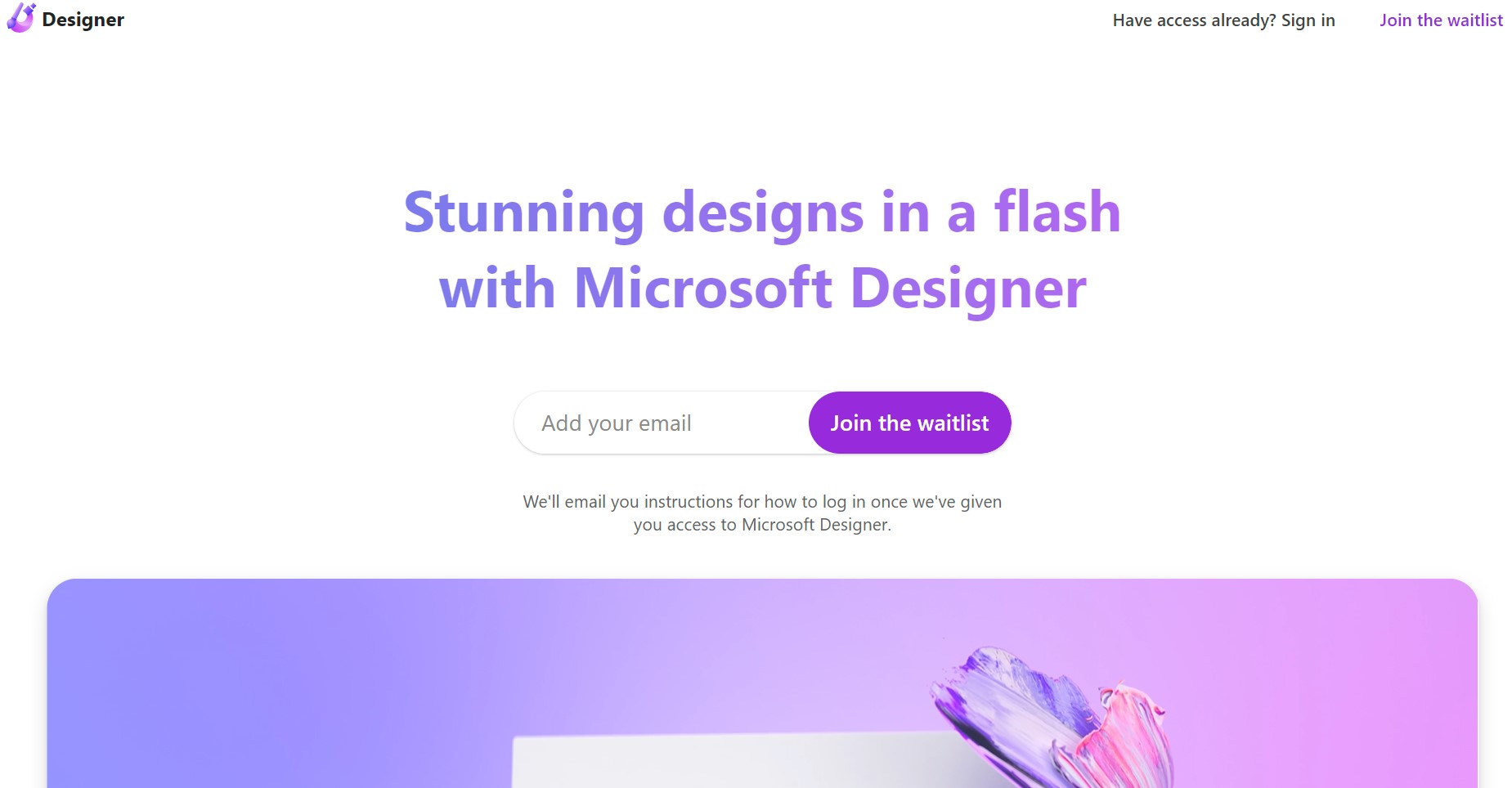
Free Tier: Users can access Microsoft Designer's basic features at no cost. Subscription-Based: Additional features are available through a Microsoft 365 subscription. Disclaimer: Pricing information is subject to change. For the most current details, please refer to the official Microsoft Designer website.
Product Visuals (1 images)
Strengths
- User-Friendly Interface: Intuitive controls make it simple for anyone to create impressive designs.
- Efficiency: Streamlines the design process, saving valuable time for users.
- Brand Consistency: Ensures that designs adhere to brand guidelines with customizable templates.
- Collaborative Features: Allows for easy sharing and collaboration within teams.
Limitations
- Learning Curve: Some users may need time to fully utilize all the features available.
- Online Dependency: Requires an internet connection for full functionality.
- Limited Advanced Features: May not satisfy the needs of professional designers looking for complex functionalities.
Building your AI toolkit?
Save Microsoft Designer and 1,000+ tools — free with Google, no spam
What You Get
Key Features
- AI-Powered Design Suggestions: Offers personalized design recommendations based on your content and preferences.
- Templates Library: A vast array of professionally designed templates to jumpstart your creative projects.
- Seamless Integration: Works harmoniously with other Microsoft 365 applications for a cohesive user experience.
- Accessibility Features: Includes tools that ensure designs are accessible to all audiences, reinforcing inclusivity.
- ProsUser-Friendly Interface: Intuitive controls make it simple for anyone to create impressive designs.Efficiency: Streamlines the design process, saving valuable time for users.Brand Consistency: Ensures that designs adhere to brand guidelines with customizable templates.Collaborative Features: Allows for easy sharing and collaboration within teams.ConsLearning Curve: Some users may need time to fully utilize all the features available.Online Dependency: Requires an internet connection for full functionality.Limited Advanced Features: May not satisfy the needs of professional designers looking for complex functionalities.
Best For
- Small Business Owners: Utilizing the tool to create marketing materials without needing to hire a designer.
- Content Creators: Generating eye-catching graphics to accompany their online content.
- Educators: Enhancing their teaching materials with engaging visuals.
- Non-Profit Organizations: Producing impactful visuals for campaigns and events.
- Uncommon Use Cases: Used by bloggers to design featured images; Adopted by authors for book promotion graphics.
Integrations
Microsoft 365 Integration: Microsoft Designer is designed to work seamlessly with Word, PowerPoint, and other Microsoft 365 apps. Cloud Storage: Integrates with OneDrive for easy access and storage of designs. Cross-Device Use: Accessible on various devices, ensuring you can design anytime, anywhere. Collaboration Tools: Integrates with Microsoft Teams for collaborative design workflows.
Similar Tools
Weekly Issue
⚡
Presentations tools · weekly digest
The AI Weekly — free in your inbox
New AI tools, pricing changes, expert picks, and hidden gems — curated by Mr. Spark every week. Join 5,000+ readers who stay ahead of the AI curve.
No spam, ever
Unsubscribe anytime
100% free