
Pricing Details
Free Tier: Experience MyMap AI with a free trial. Disclaimer: Please note that pricing information may not be up to date. For the most accurate and current pricing details, refer to the official MyMap AI website.
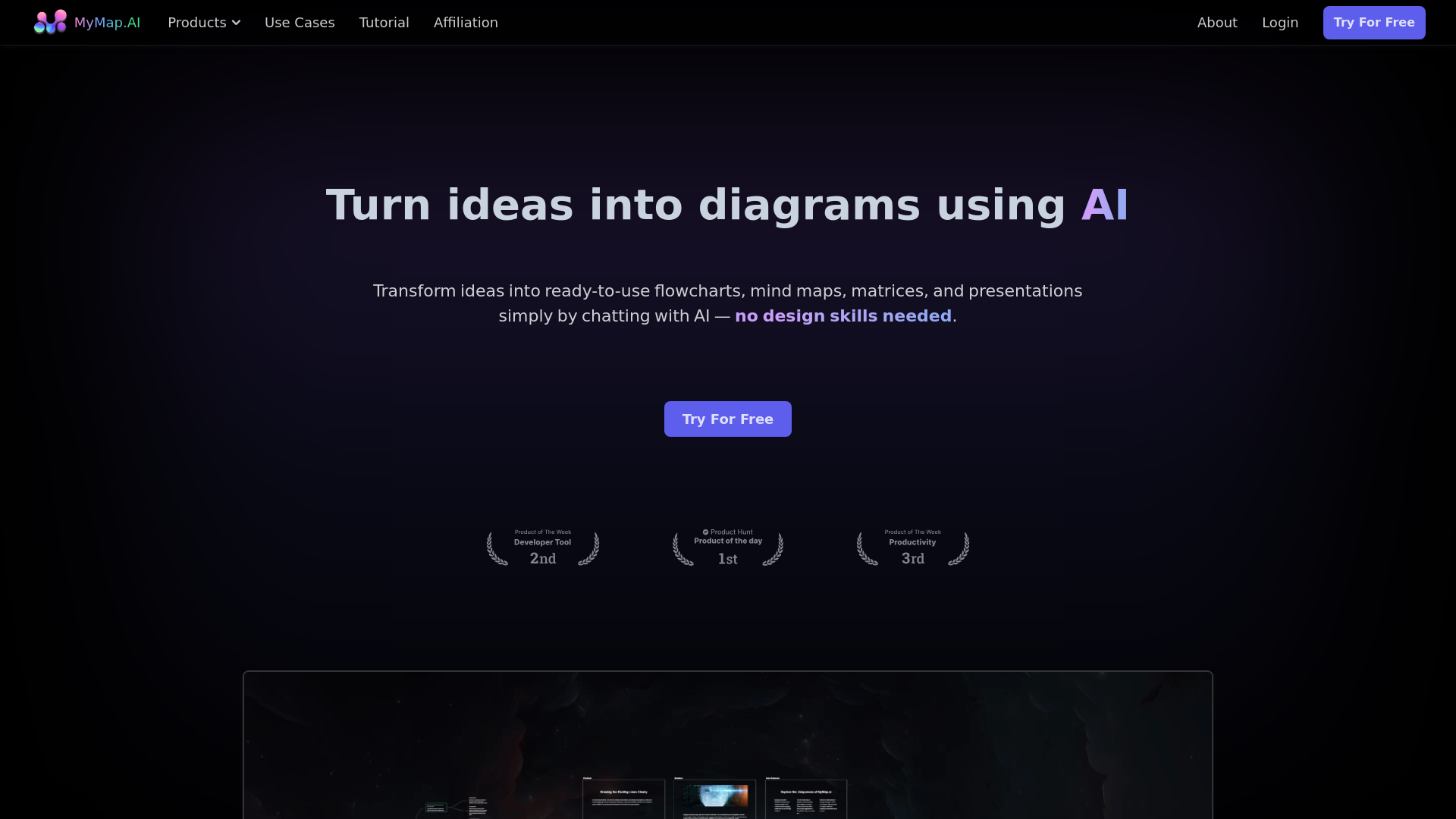
Product Visuals (1 images)
Strengths
- Time Efficiency: Significantly reduces the time required to create diagrams.
- User-Friendly: No design skills needed; simply chat with the AI.
- Versatile Formats: Supports a wide range of input formats and outputs.
- Real-Time Collaboration: Enhances team productivity with real-time collaboration features.
Limitations
- Initial Learning Curve: May require some time to get used to the chat-based interface.
- Limited Offline Capabilities: Requires internet access for full functionality.
- Customization Limits: Some users might find the customization options limited compared to traditional diagram tools.
What You Get
Key Features
- AI-Native: Just chat with AI to create diagrams—no need to fiddle with tools yourself.
- Multiple Format Upload: Upload various file types or enter topics, and the AI creates diagrams using the context provided.
- Web Search: Create context-rich diagrams using live Google or Bing search results.
- Internet Access: Paste any URL, and the AI pulls out relevant info to use in your maps.
- Collaboration: Team up with coworkers on the same map in real-time.
- Share & Export: Save your map as images or PDFs, or just share the link with others.
- ProsTime Efficiency: Significantly reduces the time required to create diagrams.User-Friendly: No design skills needed; simply chat with the AI.Versatile Formats: Supports a wide range of input formats and outputs.Real-Time Collaboration: Enhances team productivity with real-time collaboration features.ConsInitial Learning Curve: May require some time to get used to the chat-based interface.Limited Offline Capabilities: Requires internet access for full functionality.Customization Limits: Some users might find the customization options limited compared to traditional diagram tools.
Best For
- Students & Researchers: Utilizing MyMap AI to turn lecture notes and research papers into visual mind maps and flowcharts.
- Professionals: Employing the tool to create visual project maps and process flowcharts instantly.
- Content Creators: Using MyMap AI to generate visual outlines, storyboards, and content calendars.
- Educators: Leveraging the tool to create engaging visual aids for teaching.
- Uncommon Use Cases: Freelancers using it for client presentations; event planners mapping out event logistics.
Similar Tools
Weekly Issue
⚡
Presentations tools · weekly digest
The AI Weekly — free in your inbox
New AI tools, pricing changes, expert picks, and hidden gems — curated by Mr. Spark every week. Join 5,000+ readers who stay ahead of the AI curve.
No spam, ever
Unsubscribe anytime
100% free