
Pricing Details
Free Tools: Access to a wide range of tools without any cost. Subscription Plans: Premium plans are available for users requiring more advanced features and capabilities. Disclaimer: For the most accurate and current pricing details, please refer to the official PDF Candy website.
Product Visuals (1 images)
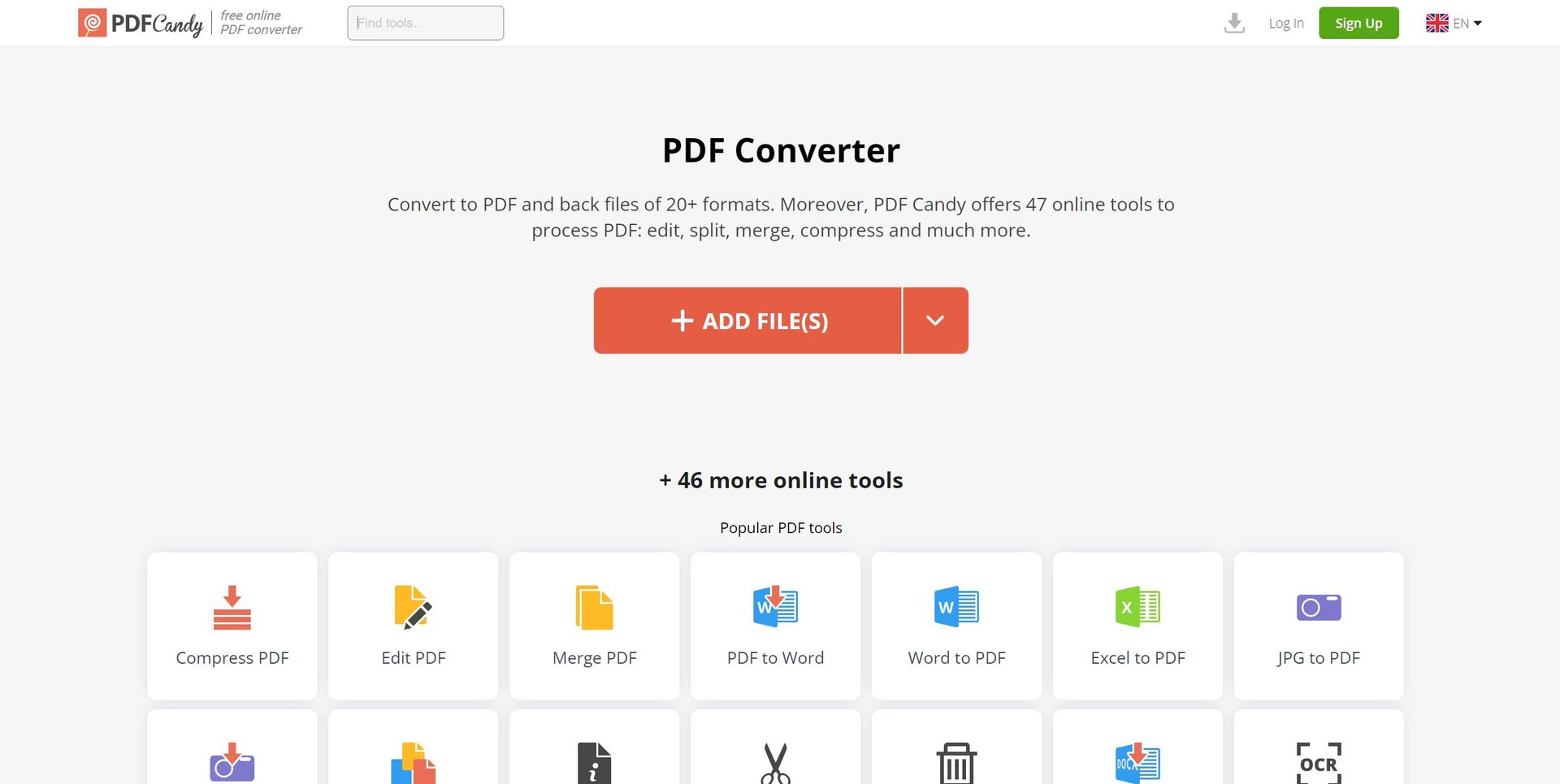
Strengths
- Variety of Tools: An impressive selection of 47 PDF tools caters to nearly every need one might have.
- User-Friendly: The interface is intuitive, making it easy to navigate and utilize the tools effectively.
- Free Access: Many tools are available for free, which is particularly beneficial for occasional users or those on a tight budget.
- No Installation Required: Being an online platform, it eliminates the need for software downloads and installations.
Limitations
- Time-Limited File Availability: Uploaded files are only available for a short duration (120 minutes), which may require re-uploading for extended tasks.
- Internet Dependency: As an online tool, a stable internet connection is mandatory for uninterrupted service.
- Limited Advanced Features: While it covers a broad range of functions, professional users might find some advanced features lacking.
Building your AI toolkit?
Save PDF Candy and 1,000+ tools — free with Google, no spam
What You Get
Key Features
- Comprehensive PDF Management: A wide array of tools, including editing, merging, splitting, and compressing PDF files.
- Conversion Capabilities: Converts various file formats to and from PDF, such as Word, Excel, and images.
- Editing and Customization: Allows users to edit metadata, add watermarks, and modify the content within PDFs.
- Security Functions: Features to protect PDF files with passwords and unlock protected documents.
- ProsVariety of Tools: An impressive selection of 47 PDF tools caters to nearly every need one might have.User-Friendly: The interface is intuitive, making it easy to navigate and utilize the tools effectively.Free Access: Many tools are available for free, which is particularly beneficial for occasional users or those on a tight budget.No Installation Required: Being an online platform, it eliminates the need for software downloads and installations.ConsTime-Limited File Availability: Uploaded files are only available for a short duration (120 minutes), which may require re-uploading for extended tasks.Internet Dependency: As an online tool, a stable internet connection is mandatory for uninterrupted service.Limited Advanced Features: While it covers a broad range of functions, professional users might find some advanced features lacking.
Best For
- Students and Academics: Utilizing the platform to manage research papers and academic materials.
- Small Business Owners: Employing the tool to handle business documents like contracts and reports.
- Legal Professionals: Using PDF Candy to securely merge and split legal documents.
- Teachers: Leveraging the tool to create, organize, and distribute educational content.
- Uncommon Use Cases: Non-profit organizations utilize it for creating informational pamphlets; Home users for managing personal documents like recipes or invoices.
Integrations
Web-Based Platform: Accessible from any device with an internet connection and a web browser. File Format Support: Wide compatibility with various file formats for conversion to and from PDF. Language Support: Available in multiple languages, catering to a global user base. Privacy Consideration: Uploaded files are automatically deleted after a certain period to ensure user privacy.
Similar Tools



Weekly Issue
⚡
Image Editing tools · weekly digest
The AI Weekly — free in your inbox
New AI tools, pricing changes, expert picks, and hidden gems — curated by Mr. Spark every week. Join 5,000+ readers who stay ahead of the AI curve.
No spam, ever
Unsubscribe anytime
100% free