
Pricing Details
Lite: $49 per month. Includes 10 credits renewing yearly, access to avatars, text-to-speech, text-to-image, and text-to-video, five exports without Powtoon branding, MP4 downloads, videos up to 10 minutes, and limited content and templates. Professional: $99 per month. Includes 25 credits renewing monthly, unlimited access to script writer and video assistant, unlimited premium exports, full access to content and templates, videos up to 20 minutes, and all Lite features. Business: $125 per month (annual only). Includes 350 credits renewing yearly, unlimited access to script writer and video assistant, full character customization and branding, lip-syncing, full brand control, camera movement, videos up to 30 minutes, third-party reseller rights, and all Professional features. Disclaimer: Please note that pricing information may not be up to date. For the most accurate and current pricing details, refer to the official Powtoon website.
Product Visuals (1 images)
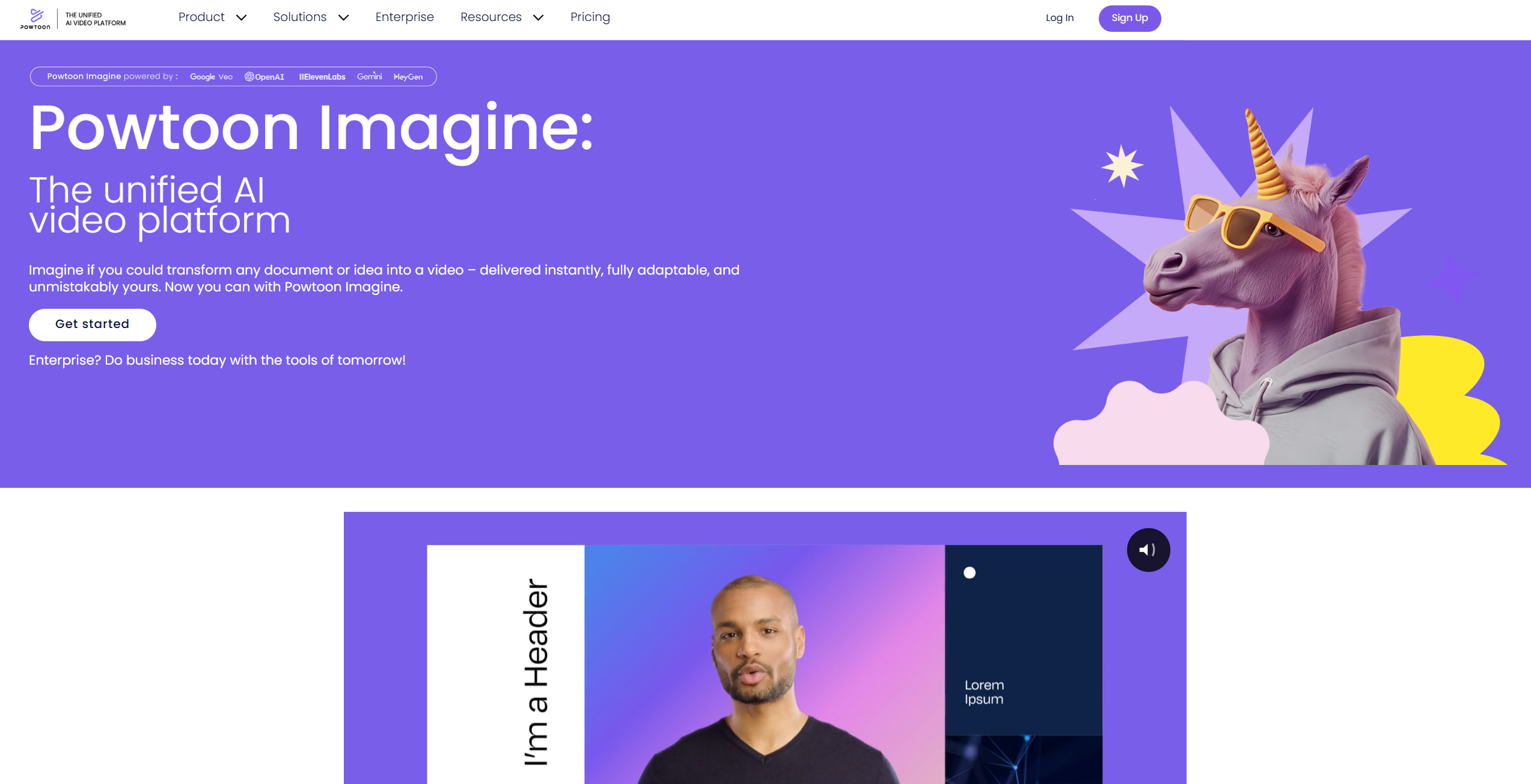
Strengths
- User-Friendly Interface: Intuitive drag-and-drop editor, making video creation accessible to everyone.
- Time-Saving Automation: AI tools significantly reduce the time needed to produce polished videos.
- Customization Options: Extensive options for branding and personalizing videos to match your unique style.
- Wide Range of Uses: Suitable for creating various types of videos, including marketing, training, and social media content.
Limitations
- Learning Curve for Advanced Features: Some users might need time to fully grasp the more advanced AI functionalities.
- Limited Free Plan: The free plan has restrictions that might require upgrading for full access to features.
- Integration Limitations: While robust, some users may find the integration options limited compared to other platforms.
What You Get
Key Features
- AI Video Generator: Quickly transform documents, presentations, and ideas into engaging videos with AI-driven features.
- AI Scriptwriter: Automatically generate professionally written scripts tailored to your creative needs.
- AI Text-to-Speech: Create natural-sounding voiceovers to give your videos an authentic touch.
- AI Avatars: Craft lifelike videos with custom AI avatars that include lip-syncing and voice options.
- AI Captions and Translations: Instantly generate captions and translate content into multiple languages for broader accessibility.
- AI Text-to-Image: Produce high-quality images from text descriptions, enhancing your video's visual appeal.
- ProsUser-Friendly Interface: Intuitive drag-and-drop editor, making video creation accessible to everyone.Time-Saving Automation: AI tools significantly reduce the time needed to produce polished videos.Customization Options: Extensive options for branding and personalizing videos to match your unique style.Wide Range of Uses: Suitable for creating various types of videos, including marketing, training, and social media content.ConsLearning Curve for Advanced Features: Some users might need time to fully grasp the more advanced AI functionalities.Limited Free Plan: The free plan has restrictions that might require upgrading for full access to features.Integration Limitations: While robust, some users may find the integration options limited compared to other platforms.
Best For
- E-commerce Businesses: Enhancing product presentations and promotional content with engaging videos.
- Digital Marketing Agencies: Creating visually appealing campaigns to capture audience attention.
- Educators and Trainers: Developing interactive and informative training materials and educational content.
- Social Media Managers: Crafting captivating social media posts and stories to boost engagement.
- Uncommon Use Cases: Used by healthcare professionals for patient education videos; Adopted by real estate agents for virtual property tours.
Similar Tools
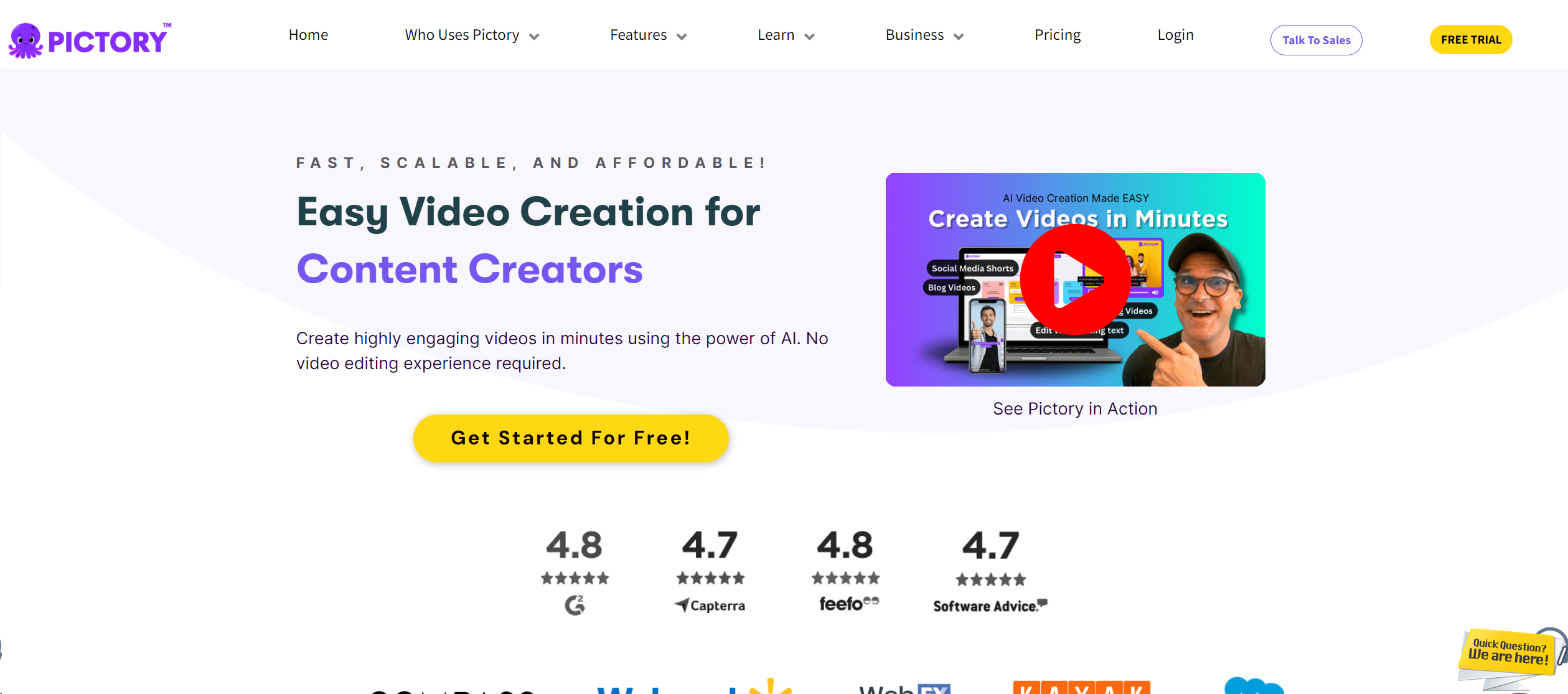
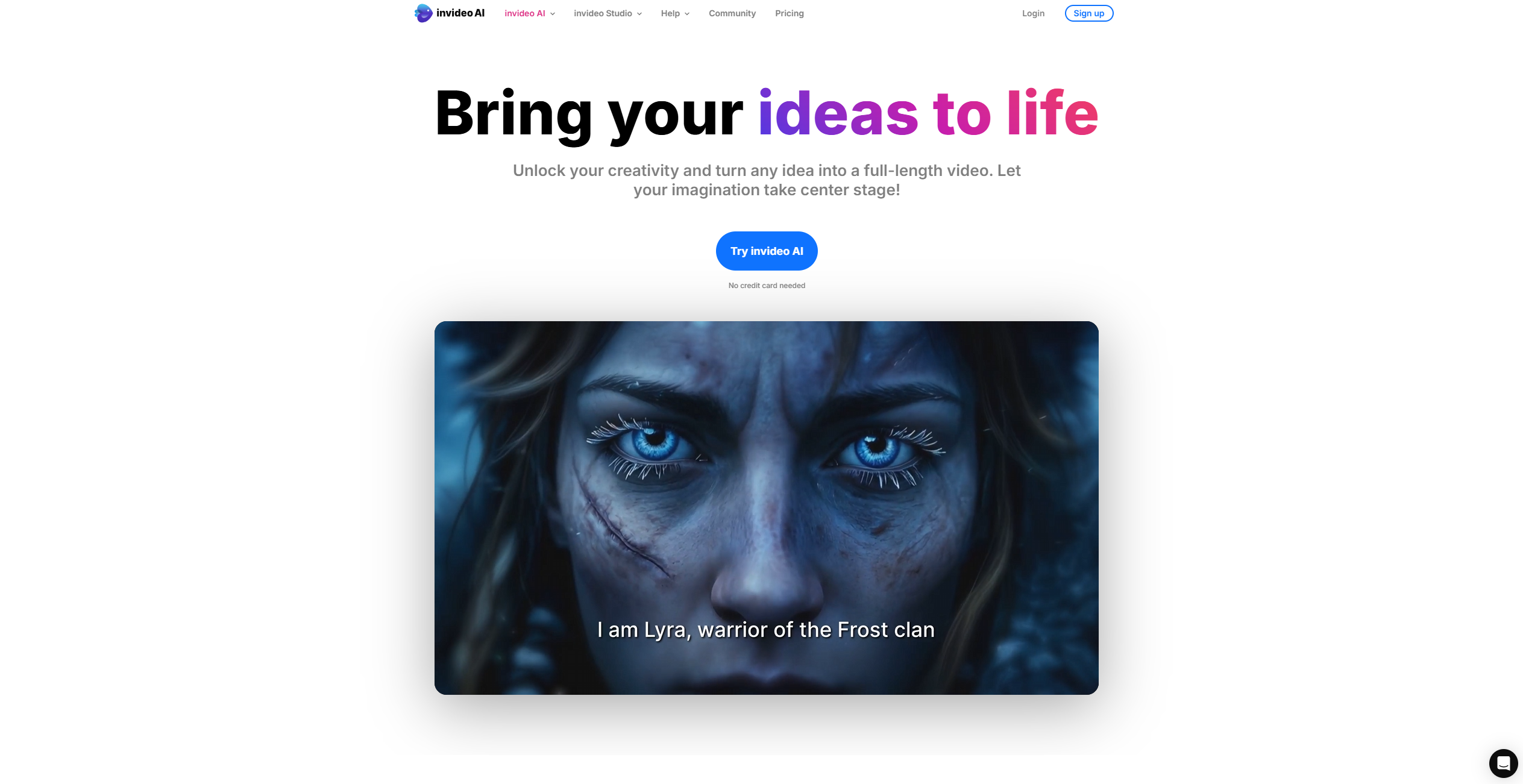
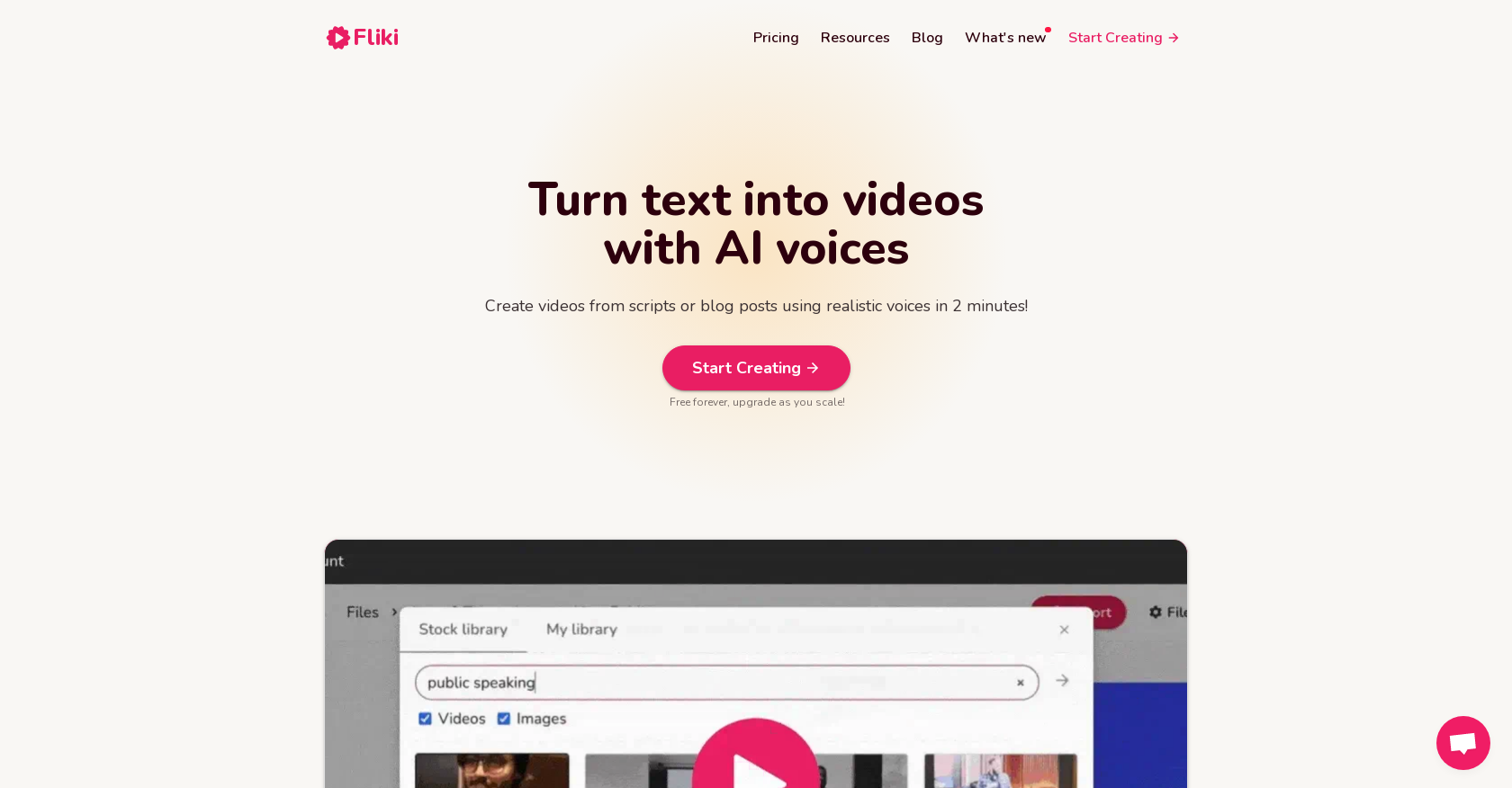
Video Generators tools · weekly digest
The AI Weekly — free in your inbox
New AI tools, pricing changes, expert picks, and hidden gems — curated by Mr. Spark every week. Join 5,000+ readers who stay ahead of the AI curve.