
Pricing Details
Free: Free forever. Best for individuals, hobbyists, or small teams. Includes up to 5 projects, basic collaboration, 2GB storage, standard components, community support, and public templates. Pro: $29 per month. Designed for professionals or growing teams needing more power. Offers up to 20 projects, advanced collaboration, 10GB storage, custom components, advanced analytics, and priority support. Teams: $99 per month. For teams scaling operations. Adds unlimited projects, team workspaces, 50GB storage, team analytics, API access, and dedicated support to everything in Pro. Enterprise: Custom pricing. Built for large organizations needing custom integrations, unlimited storage, SLA guarantees, on-premise deployment, and top-tier support and security. Disclaimer: Please note that pricing information may not be up to date. For the most accurate and current pricing details, refer to the official Preswald website.
Product Visuals (1 images)
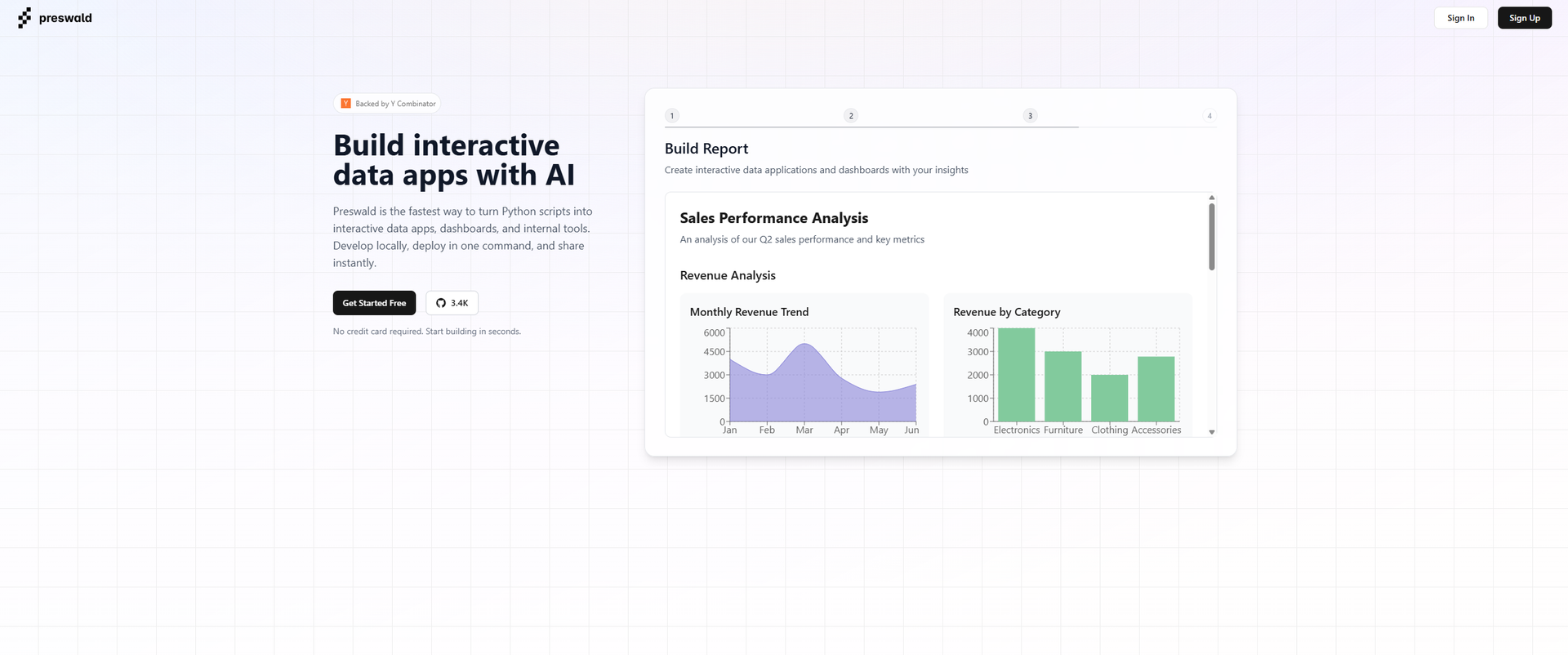
Strengths
- User-Friendly Interface: Intuitive platform that requires no prior design experience, making it accessible to all users.
- Time-Saving Automation: Automates repetitive design tasks, significantly reducing the time spent on presentation creation.
- Enhanced Creativity: AI-generated suggestions inspire creativity and innovation in presentation design.
- Cross-Platform Compatibility: Works seamlessly across various devices, ensuring flexibility and convenience.
Limitations
- Limited Free Features: Free version offers limited access to advanced features.
- Initial Setup Required: Users may need time to set up and familiarize themselves with the tool's full capabilities.
What You Get
Key Features
- AI-Driven Design Suggestions: Leverages AI to offer smart design recommendations, ensuring presentations are both aesthetically pleasing and coherent.
- Template Customization: Provides a wide array of customizable templates tailored to different industries and presentation types.
- Real-Time Collaboration: Enables multiple users to work on a presentation simultaneously, enhancing team productivity.
- Data Visualization Tools: Integrates powerful visualization features to transform data into clear, compelling graphics.
- ProsUser-Friendly Interface: Intuitive platform that requires no prior design experience, making it accessible to all users.Time-Saving Automation: Automates repetitive design tasks, significantly reducing the time spent on presentation creation.Enhanced Creativity: AI-generated suggestions inspire creativity and innovation in presentation design.Cross-Platform Compatibility: Works seamlessly across various devices, ensuring flexibility and convenience.ConsLimited Free Features: Free version offers limited access to advanced features.Initial Setup Required: Users may need time to set up and familiarize themselves with the tool's full capabilities.
Best For
- Business Professionals: Creating impactful presentations for meetings and pitches.
- Educators: Designing engaging lectures and educational materials.
- Marketing Teams: Crafting visually appealing marketing presentations and reports.
- Consultants: Developing comprehensive client presentations and proposals.
- Uncommon Use Cases: Used by non-profits to create awareness campaigns; Employed by event planners for crafting event proposals and layouts.
Similar Tools
Presentations tools · weekly digest
The AI Weekly — free in your inbox
New AI tools, pricing changes, expert picks, and hidden gems — curated by Mr. Spark every week. Join 5,000+ readers who stay ahead of the AI curve.