
Pricing Details
Free Tier: Get started with Sessions with no cost, ideal for trying out the basic features. Pro Tier: Starts at a competitive price, offering full access to all advanced features and tools. Disclaimer: For the most accurate and current pricing details, refer to the official Sessions website.
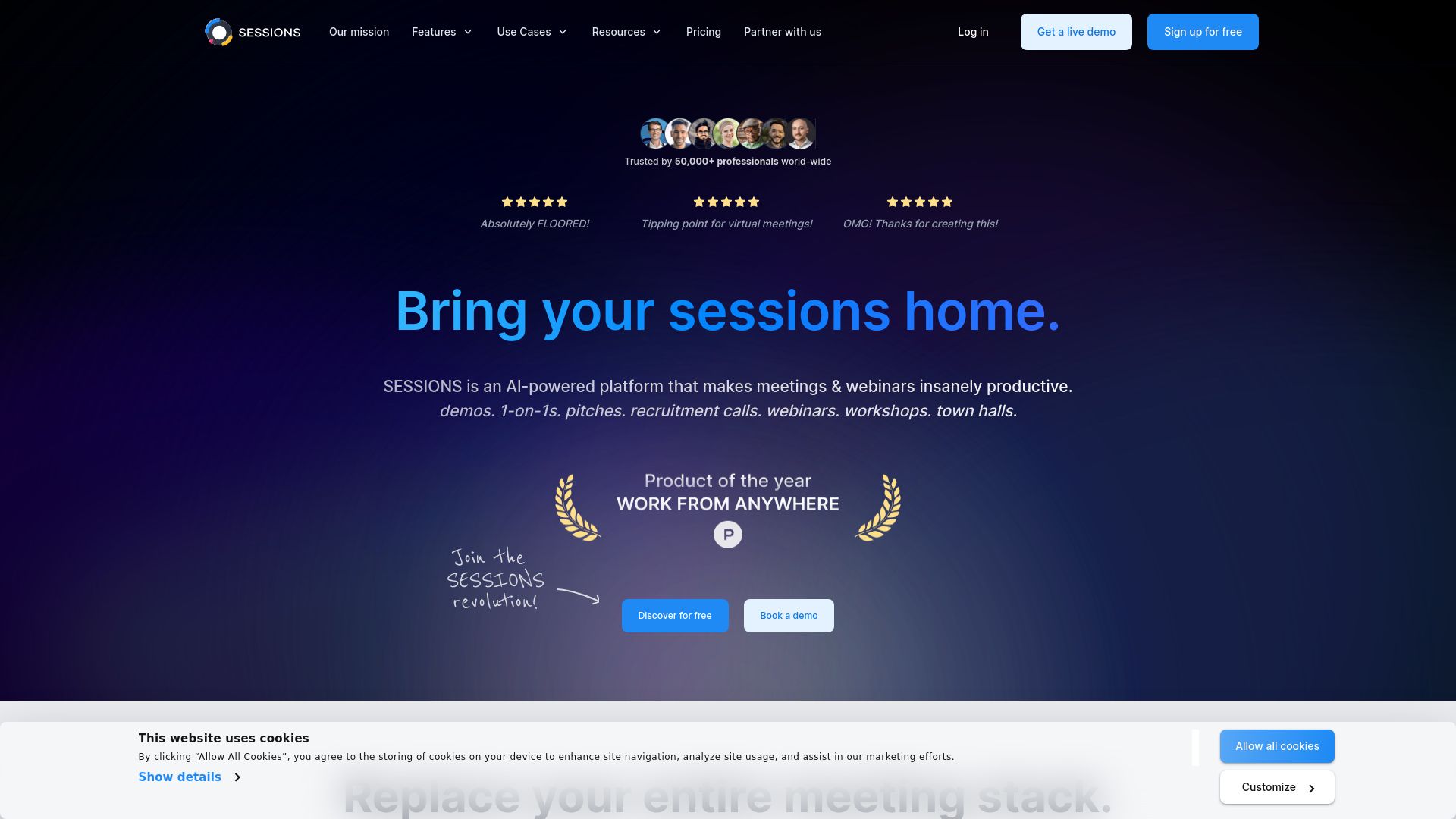
Product Visuals (1 images)
Strengths
- Enhanced Engagement: Interactive tools and high-quality streaming keep participants engaged and involved.
- Increased Productivity: Features like AI Copilot and interactive agendas save time and streamline meeting management.
- Scalability: Suitable for businesses of all sizes, from small teams to large enterprises.
- Strong Security Measures: Robust privacy and security protocols ensure that all data and interactions are protected.
Limitations
- Complexity for New Users: The wide array of features may require a learning curve for individuals not tech-savvy.
- Dependency on Internet Quality: As with any online platform, the performance is highly dependent on internet connectivity.
- Limited Physical Interaction: While highly efficient, it cannot fully replicate the dynamics of in-person meetings.
What You Get
Key Features
- Ultra HD Video and Audio: Ensures crystal-clear communication, setting a high standard for virtual interactions.
- Interactive Agendas: Allows users to create, save, and share dynamic meeting agendas, enhancing preparation and participation.
- AI Copilot: Streamlines the creation and management of webinars, significantly reducing the effort and time involved.
- Workspaces: Facilitates collaboration by enabling teams to share resources and agendas efficiently.
- Bookings and Scheduling: Integrates seamlessly with calendars, simplifying the process of scheduling and managing appointments.
- Memory and Analytics: Stores all meeting resources securely in the cloud while providing detailed analytics to track engagement and effectiveness.
- ProsEnhanced Engagement: Interactive tools and high-quality streaming keep participants engaged and involved.Increased Productivity: Features like AI Copilot and interactive agendas save time and streamline meeting management.Scalability: Suitable for businesses of all sizes, from small teams to large enterprises.Strong Security Measures: Robust privacy and security protocols ensure that all data and interactions are protected.ConsComplexity for New Users: The wide array of features may require a learning curve for individuals not tech-savvy.Dependency on Internet Quality: As with any online platform, the performance is highly dependent on internet connectivity.Limited Physical Interaction: While highly efficient, it cannot fully replicate the dynamics of in-person meetings.
Best For
- Sales Professionals: Utilize the platform for product demos and discovery calls.
- Marketing Teams: Create and manage large-scale online events like webinars.
- Customer Success Managers: Conduct onboarding and training sessions efficiently.
- HR Departments: Streamline the recruitment and interview process.
- Uncommon Use Cases: Used by educational institutions for interactive online classes; utilized by remote teams for daily stand-ups and project updates.
Integrations
Calendar Integration: Synchronizes with major calendar platforms to facilitate scheduling and reminders. CRM Integration: Seamlessly connects with popular CRM systems to enhance customer relationship management. API Access: Offers APIs for custom integrations, allowing businesses to tailor the platform to their specific needs. Third-Party Tools: Supports a wide range of third-party applications, enhancing functionality and user experience.
Similar Tools
Weekly Issue
⚡
Presentations tools · weekly digest
The AI Weekly — free in your inbox
New AI tools, pricing changes, expert picks, and hidden gems — curated by Mr. Spark every week. Join 5,000+ readers who stay ahead of the AI curve.
No spam, ever
Unsubscribe anytime
100% free