
Pricing Details
Basic Plan: Free, offering 3 presentations per month, 2500 character input per presentation, and 10 AI credits per month. Pro Plan: $10/month, including 10 presentations per month, 6000 character input per presentation, and 50 AI credits. Premium Plan: $20/month for unlimited presentations, 12000 character input per presentation, and 100 AI credits. Disclaimer: For the most accurate and current pricing details, refer to the official SlidesAI website.
Product Visuals (1 images)
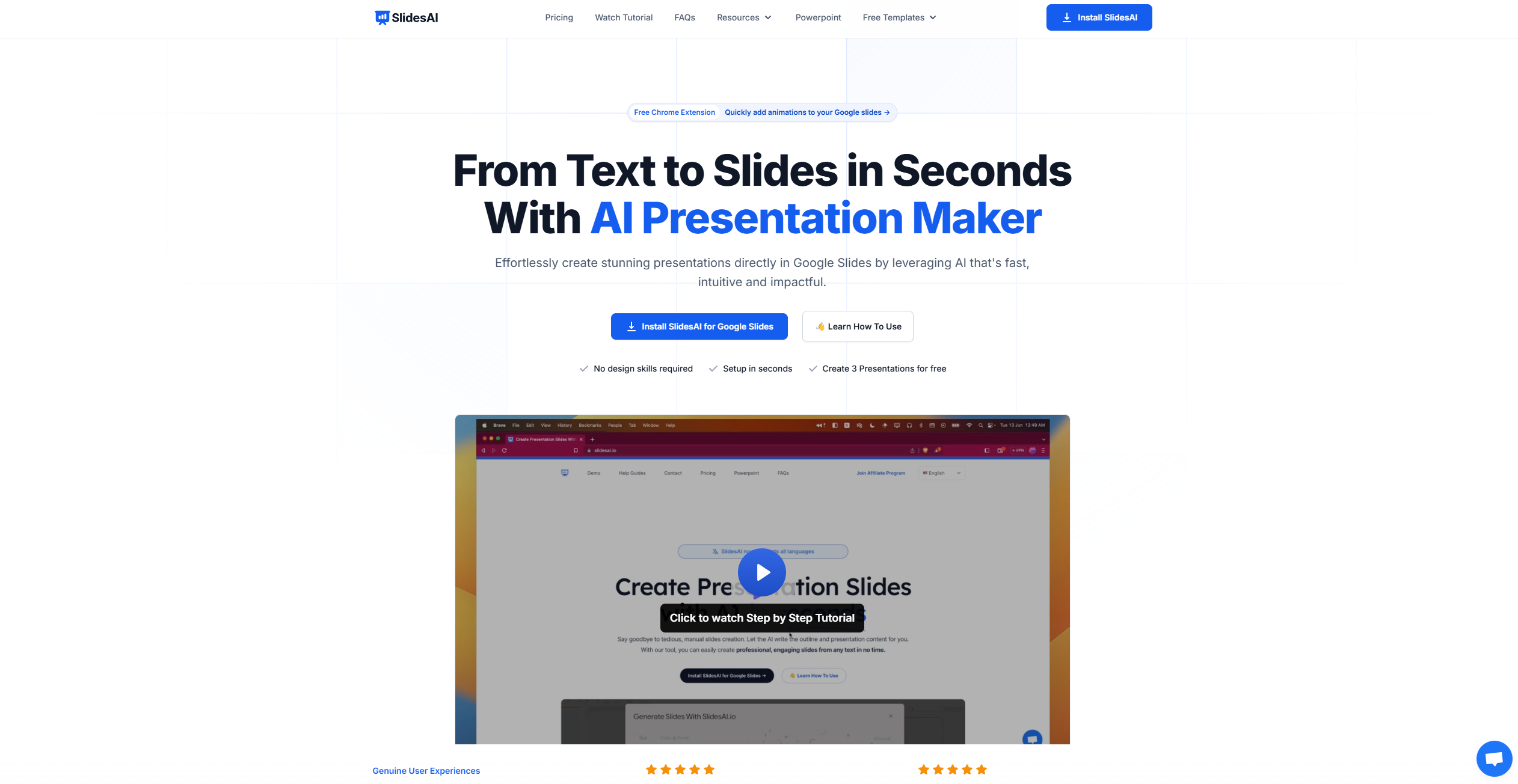
What You Get
Key Features
- Text to Presentation: Simply input your text, and SlidesAI automatically generates a professional presentation in seconds.
- Topic to Presentation: Provide a topic, and let SlidesAI craft a comprehensive presentation around it, showcasing its capability to understand and expand on given subjects.
- Multilingual Support: With support for over 100 languages, SlidesAI is accessible to a global audience, ensuring no language barrier hinders your presentation creation.
- Customization Options: Personalize the look and feel of your presentations with pre-designed color and font presets, or create your own custom design to match your branding or preference.
- Rich Media Integration: Access to 1.5 million premium stock images and the ability to search and customize hundreds of different icons enriches the visual appeal of your presentations.
- Export Slides as Video: This upcoming feature promises to turn your presentations into videos, further expanding the versatility of your content (currently in development).
- Pros:
- Efficiency: Dramatically reduces the time and effort required to create presentations.
- Ease of Use: User-friendly interface ensures that even those with no design skills can create professional slides.
- Versatility: Supports a wide range of languages and offers extensive customization options to cater to diverse needs.
- Integration: Seamlessly integrates with Google Slides, making it accessible to a vast number of users.
- Cons:
- Limited to Google Slides: Currently, SlidesAI is only compatible with Google Slides, although there are plans to integrate with Microsoft PowerPoint.
- Feature Availability: Some promising features like video export and document upload are still in development and not yet available to users.
Best For
- SlidesAI is utilized by a diverse range of users, from professionals across various industries to educators and students seeking to enhance their presentation quality and efficiency. Here are some primary users:
- Business Professionals: For creating compelling presentations for meetings, pitches, and reports.
- Educators and Students: To efficiently generate educational content and assignments.
- Marketing Teams: Employing the tool to craft engaging presentations for campaigns and stakeholder updates.
- Freelancers: Using SlidesAI to quickly produce high-quality presentations for clients.
- Uncommon Use Cases: Non-profit organizations leveraging it for grant proposals; bloggers and content creators for summarizing articles or posts in presentation format.
Integrations
Google Slides Integration: Direct integration allows for a seamless workflow within the Google ecosystem. Multilingual Support: Ensures that SlidesAI can be used by a global audience. Upcoming PowerPoint Integration: Expanding its usability to Microsoft PowerPoint users (currently on the waitlist).
Similar Tools
Weekly Issue
⚡
Presentations tools · weekly digest
The AI Weekly — free in your inbox
New AI tools, pricing changes, expert picks, and hidden gems — curated by Mr. Spark every week. Join 5,000+ readers who stay ahead of the AI curve.
No spam, ever
Unsubscribe anytime
100% free