
Pricing Details
Free Tier: Access basic features without any cost. Premium Tier: Starts at $24.99 per month, unlocking advanced features and templates. Disclaimer: For the most accurate and current pricing details, refer to the official SlideTeam AI Presentation Generator website.
Product Visuals (1 images)
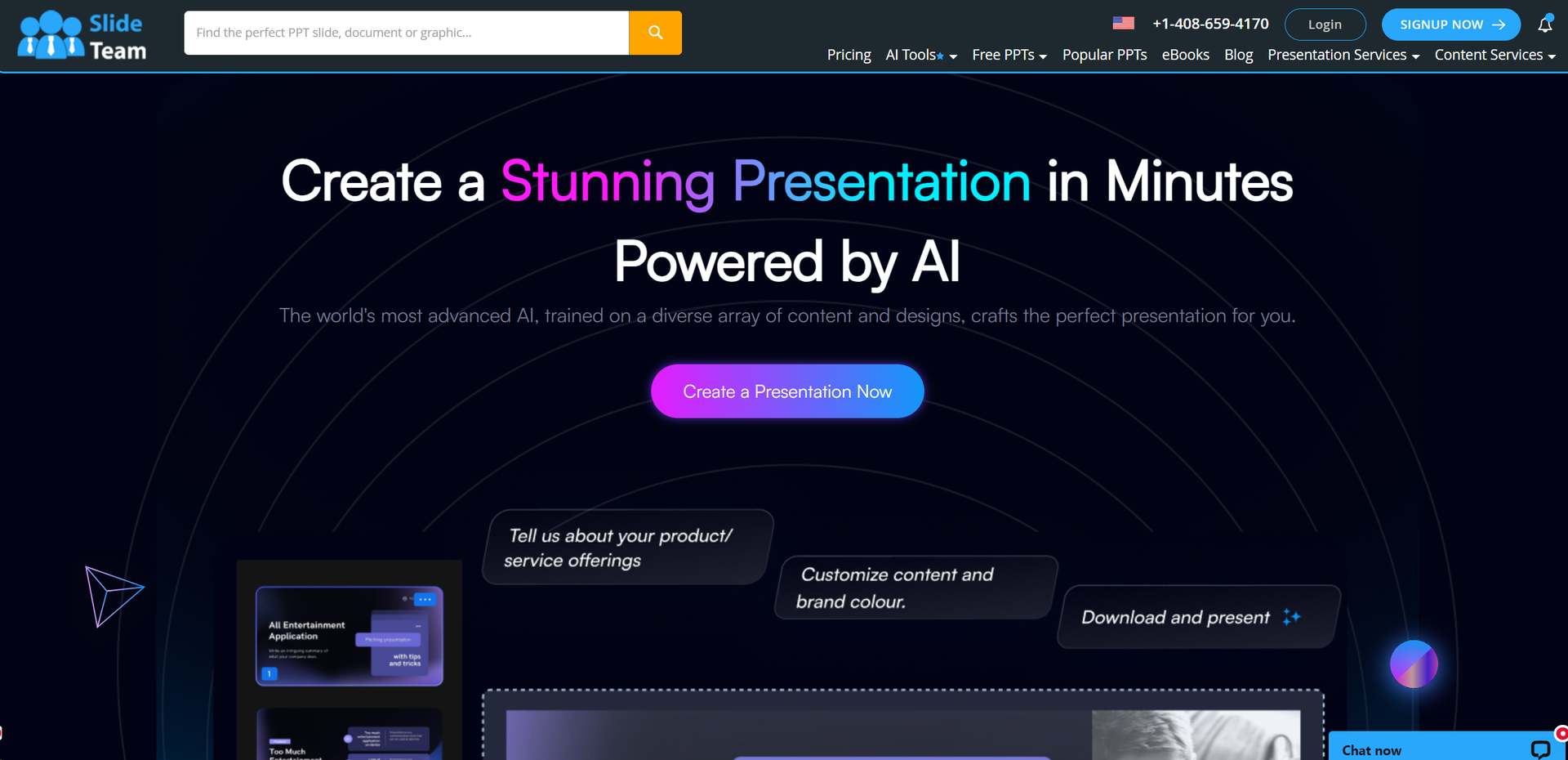
Strengths
- Efficiency Boost: Reduces the time required to create professional presentations by automating design tasks.
- High-Quality Outputs: Ensures that each slide is visually appealing and meets professional standards.
- User-Friendly Interface: Simplifies the user experience, making it easy for anyone to create presentations, regardless of their design skills.
- Cost-Effective: Provides a cost-efficient solution compared to hiring graphic designers or purchasing multiple software.
Limitations
- Internet Dependency: Requires a stable internet connection to access all features and functionalities.
- Feature Overload: New users might feel overwhelmed by the extensive features and options available.
- Subscription Model: While there is a free tier, advanced features are locked behind a subscription paywall.
Building your AI toolkit?
Save SlideTeam AI Presentation Generator and 1,000+ tools — free with Google, no spam
What You Get
Key Features
- AI-Powered Design: Automatically generates aesthetically pleasing slide layouts based on the content you input.
- Extensive Template Library: Access to a vast collection of pre-designed templates that cater to various industries and occasions.
- Customization Options: Offers users the flexibility to tweak designs according to their specific preferences or brand guidelines.
- Real-Time Collaboration: Enables teams to work together on presentations in real-time, enhancing productivity and creativity.
- ProsEfficiency Boost: Reduces the time required to create professional presentations by automating design tasks.High-Quality Outputs: Ensures that each slide is visually appealing and meets professional standards.User-Friendly Interface: Simplifies the user experience, making it easy for anyone to create presentations, regardless of their design skills.Cost-Effective: Provides a cost-efficient solution compared to hiring graphic designers or purchasing multiple software.ConsInternet Dependency: Requires a stable internet connection to access all features and functionalities.Feature Overload: New users might feel overwhelmed by the extensive features and options available.Subscription Model: While there is a free tier, advanced features are locked behind a subscription paywall.
Best For
- Marketing Professionals: Utilizing the tool to craft compelling presentations for campaigns and stakeholder meetings.
- Educators: Leveraging the generator to create educational materials and lesson presentations.
- Startups: Employing the tool to prepare pitch decks and business presentations efficiently.
- Consultants: Using the tool for client reports and analysis presentations.
- Uncommon Use Cases: Non-profits using it to create awareness materials; Event planners designing quick visual aids for event briefings.
Integrations
Microsoft Office Integration: Seamlessly works with Microsoft PowerPoint. Cloud Storage Services: Compatible with Dropbox, Google Drive, and OneDrive for easy access and storage. Image Importing: Supports importing images directly from Adobe Stock and other image databases. Real-Time Collaboration Tools: Integrates with tools like Slack and Microsoft Teams to facilitate teamwork.
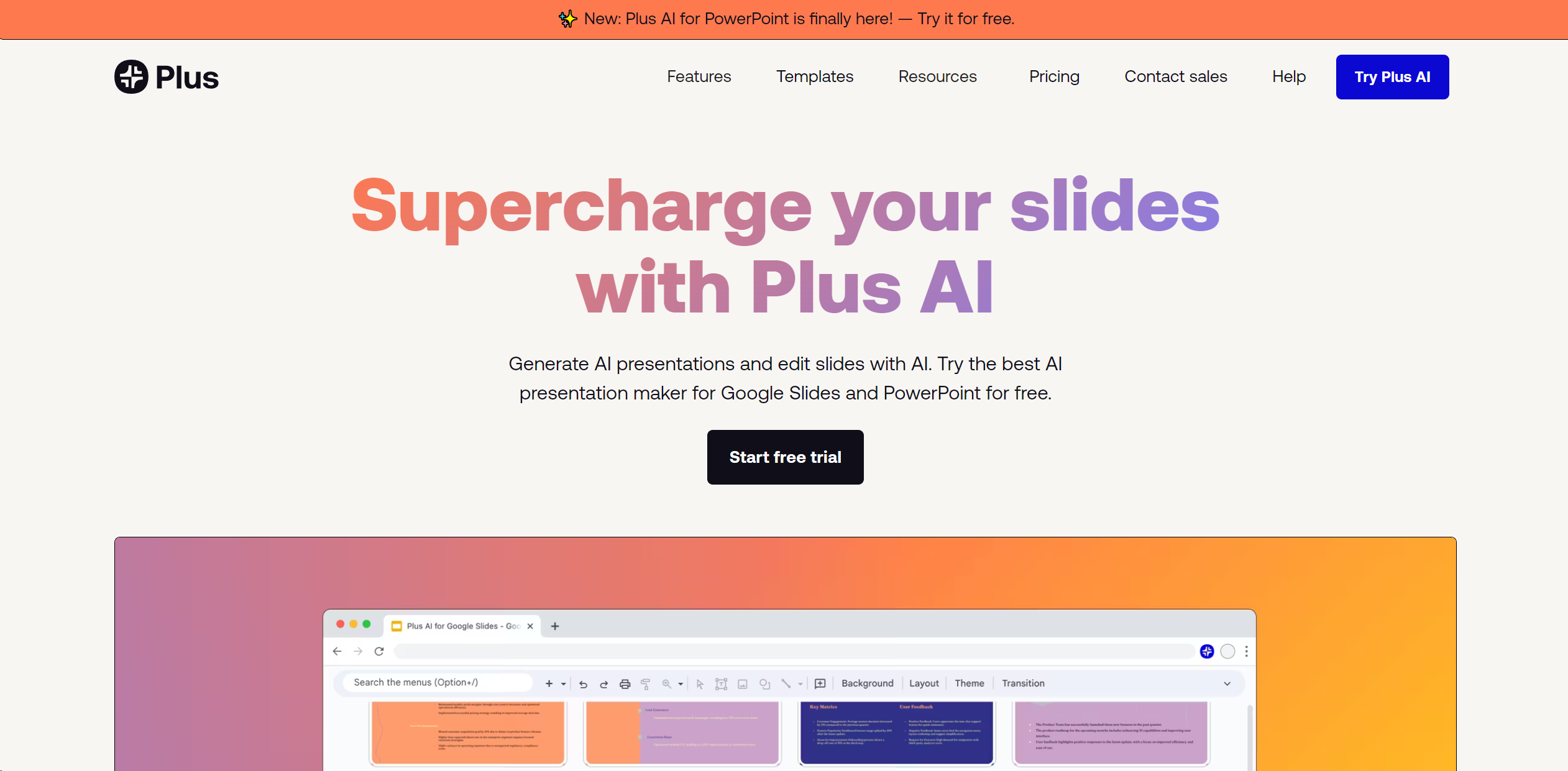
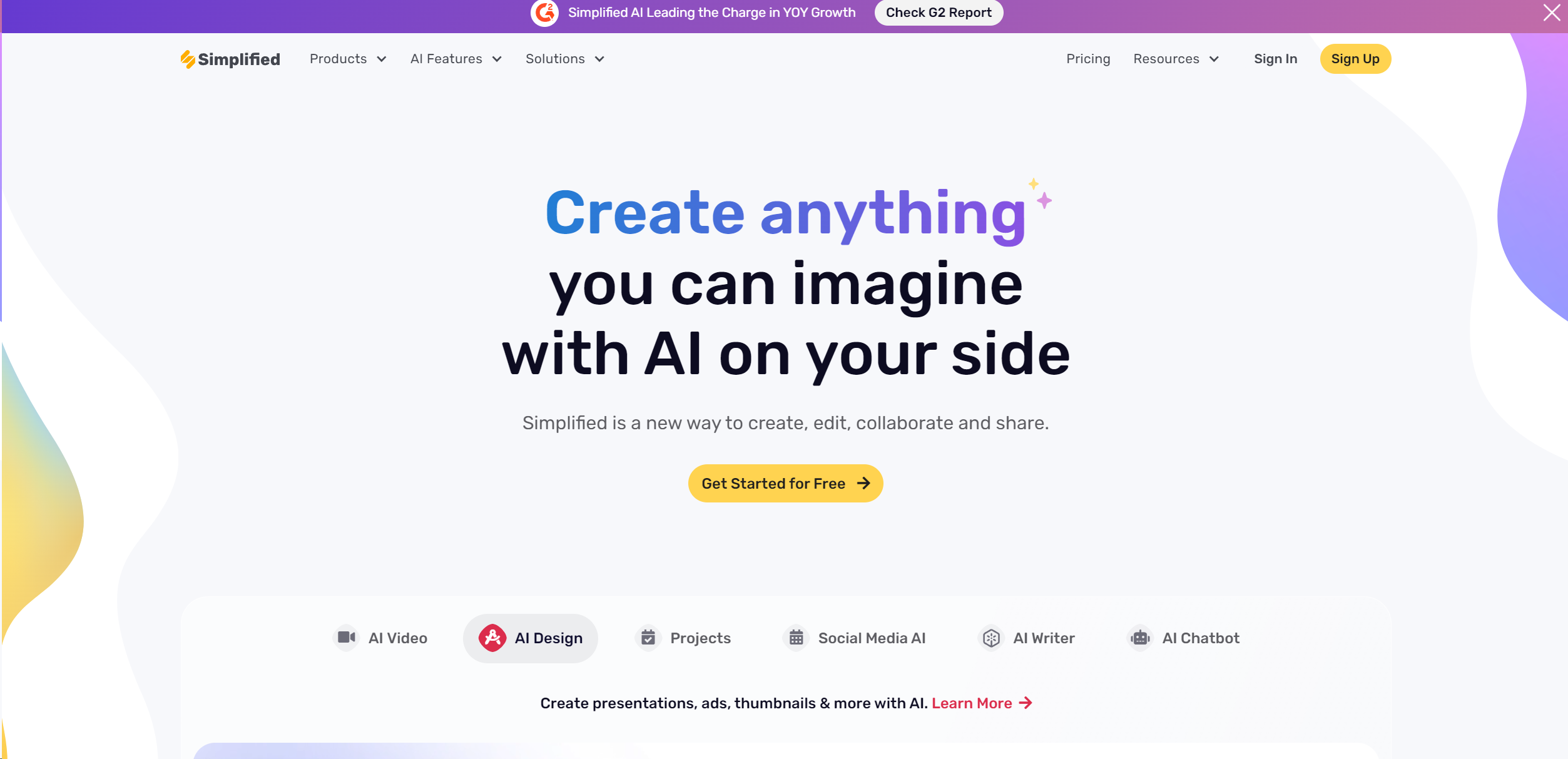
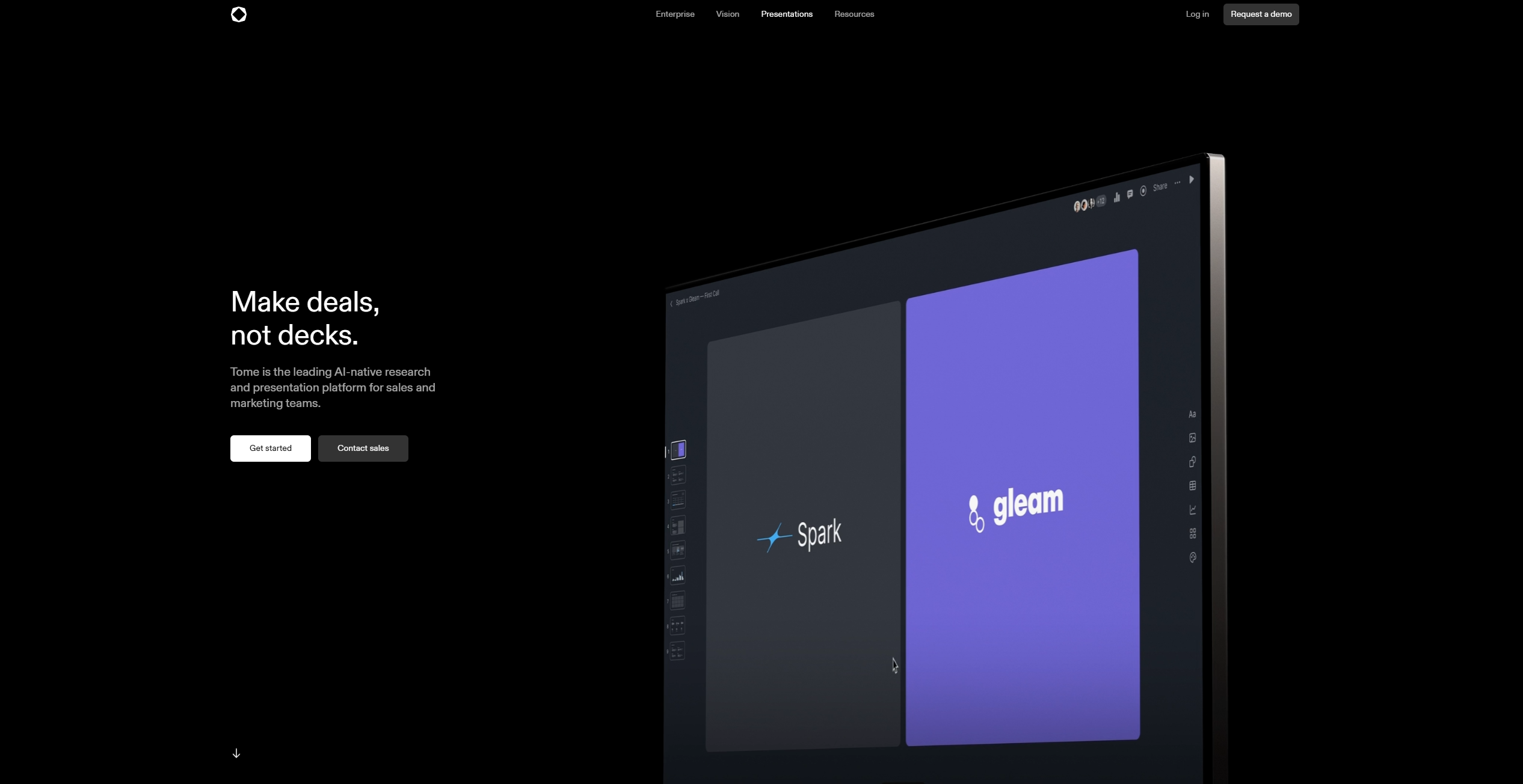
Similar Tools
Weekly Issue
⚡
Presentations tools · weekly digest
The AI Weekly — free in your inbox
New AI tools, pricing changes, expert picks, and hidden gems — curated by Mr. Spark every week. Join 5,000+ readers who stay ahead of the AI curve.
No spam, ever
Unsubscribe anytime
100% free