
Pricing Details
Free: $0 per month; includes 10 references per month. Standard: $10 per month; includes 800 credits (up to 200 videos), 50 references, high-resolution video generation, commercial use, watermark-free downloads, Prompt Editing Pro Mode, and 300 free Q2 image generations monthly. Premium: $35 per month; includes 4,000 credits (up to 1,000 videos), 100 references, high-speed generation, commercial use, watermark-free downloads, Prompt Editing Pro Mode, early feature access, and 300 free Q2 image generations monthly. Ultimate: $99 per month; includes 8,000 credits, 300 references, ultra-fast generation, free off-peak submissions, commercial use, watermark-free downloads, Prompt Editing Pro Mode, early access, and unlimited Q2 image generation. Enterprise: Starting at $1,399; includes all Ultimate benefits plus 80–8,000 credits monthly, up to 20% volume discounts, enterprise accounts, invoicing support, training, dedicated support manager, and custom enterprise solutions. Disclaimer: Please note that pricing information may not be up to date. For the most accurate and current pricing details, refer to the official Vidu AI website.
Product Visuals (1 images)
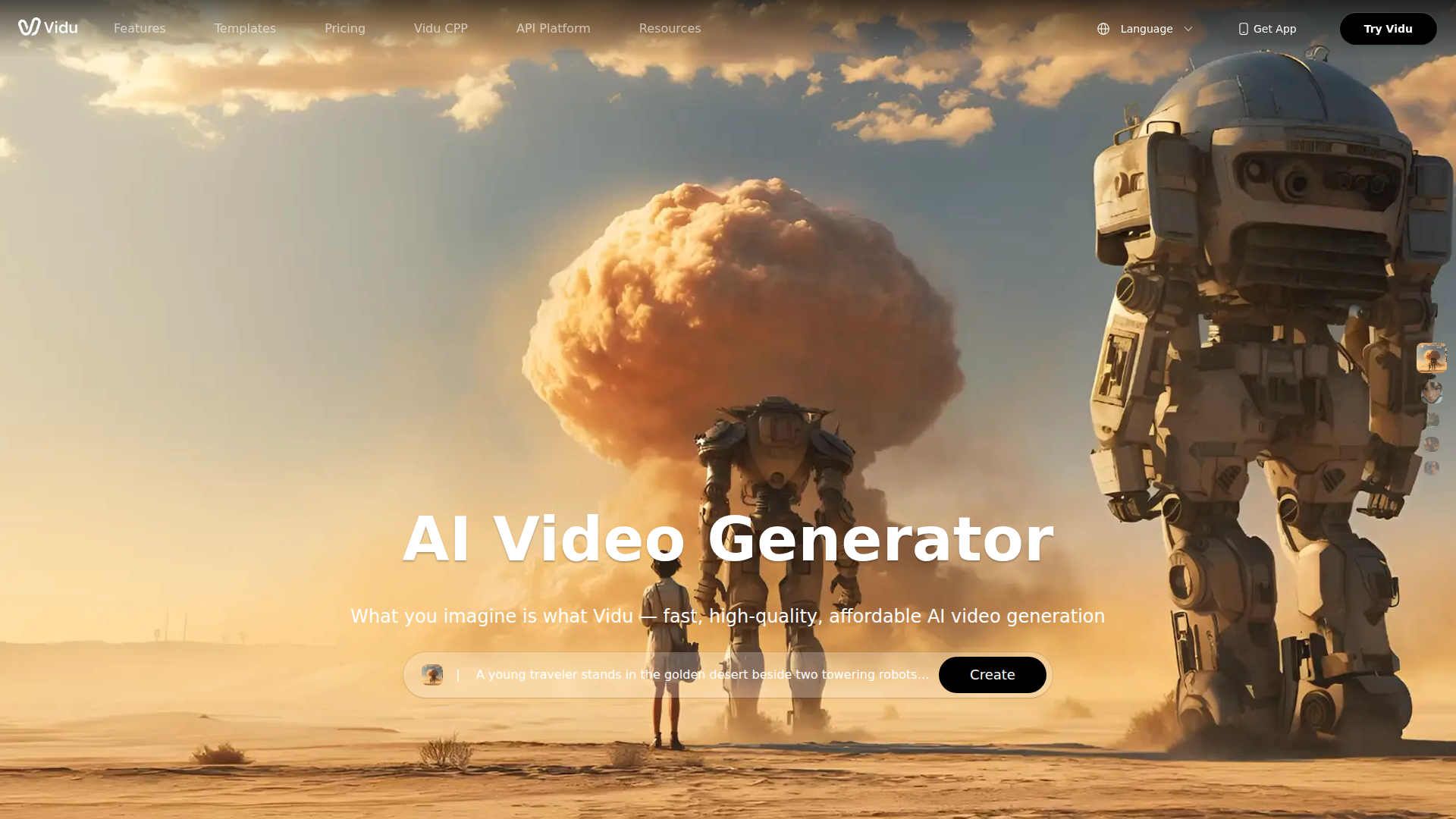
Strengths
- Fast Video Creation: Generate videos in just 10 seconds, which is perfect for quick project turnarounds.
- High-Quality Output: From low resolution to stunning 1080p, Vidu AI provides flexibility in video quality.
- User-Friendly Templates: Offers a variety of templates for creating viral content easily.
- Multi-Entity Consistency: Ensures characters and objects remain consistent across videos, enhancing storytelling.
Limitations
- Initial Learning Curve: Users may need some time to fully understand the advanced features.
- Limited Integration: Currently, there are limited third-party platform integrations.
What You Get
Key Features
- AI Video Generator: Create videos from text and images in seconds, saving time and effort.
- Reference to Video: Upload up to three images to maintain consistency in character and object portrayal throughout your video.
- Image to Video: Animate still images with dynamic motion, even controlling first and last frames for smooth transitions.
- Unlimited Free Generation: Produce videos without limits in Off-Peak Mode, making it accessible to users with no credits required.
- ProsFast Video Creation: Generate videos in just 10 seconds, which is perfect for quick project turnarounds.High-Quality Output: From low resolution to stunning 1080p, Vidu AI provides flexibility in video quality.User-Friendly Templates: Offers a variety of templates for creating viral content easily.Multi-Entity Consistency: Ensures characters and objects remain consistent across videos, enhancing storytelling.ConsInitial Learning Curve: Users may need some time to fully understand the advanced features.Limited Integration: Currently, there are limited third-party platform integrations.
Best For
- Social Media Influencers: Crafting engaging and shareable content quickly.
- Marketing Teams: Enhancing video advertisements with dynamic animations.
- Film Studios: Creating studio-level 2D animations and cinematic content.
- Content Creators: Producing viral videos with unique styles and effects.
- Uncommon Use Cases: Educational institutions using it for teaching video production; Nonprofits creating awareness campaigns with animated storytelling.
Similar Tools
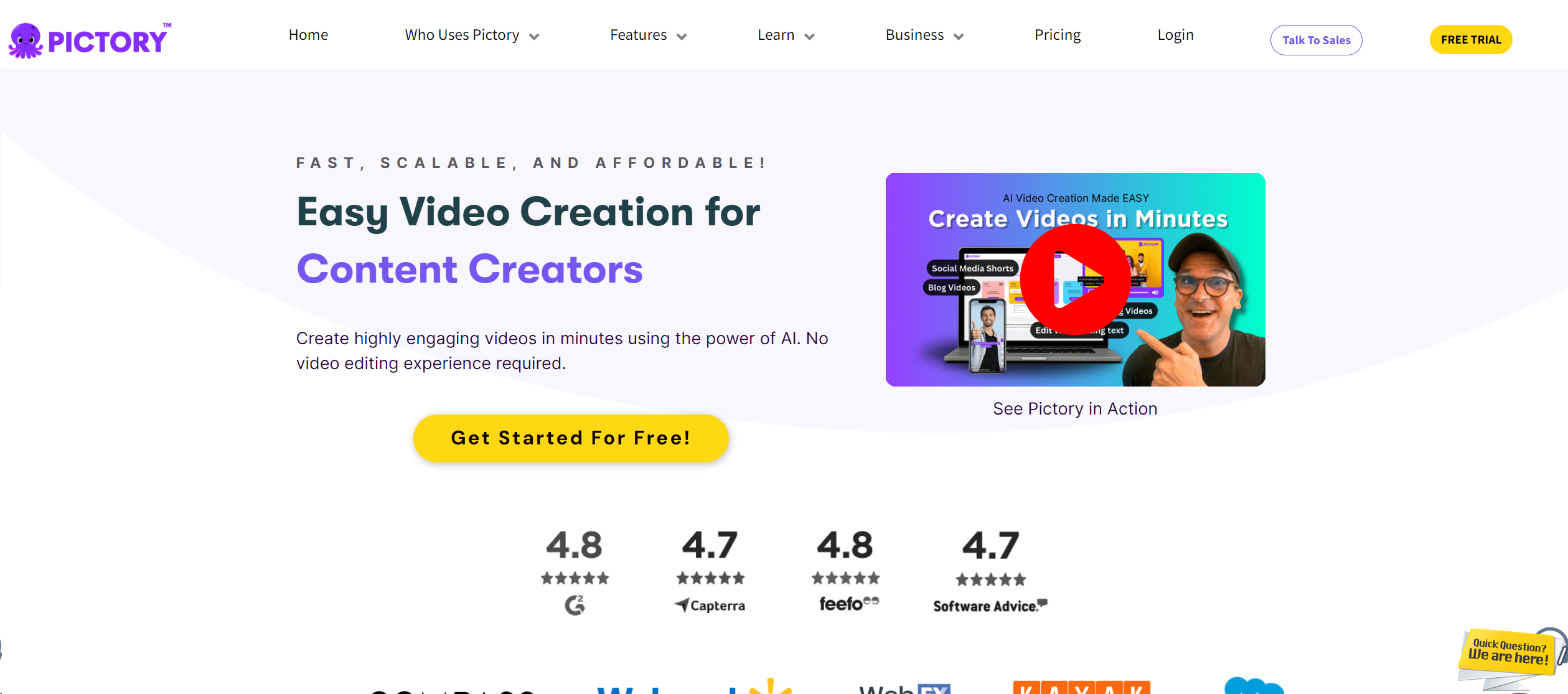
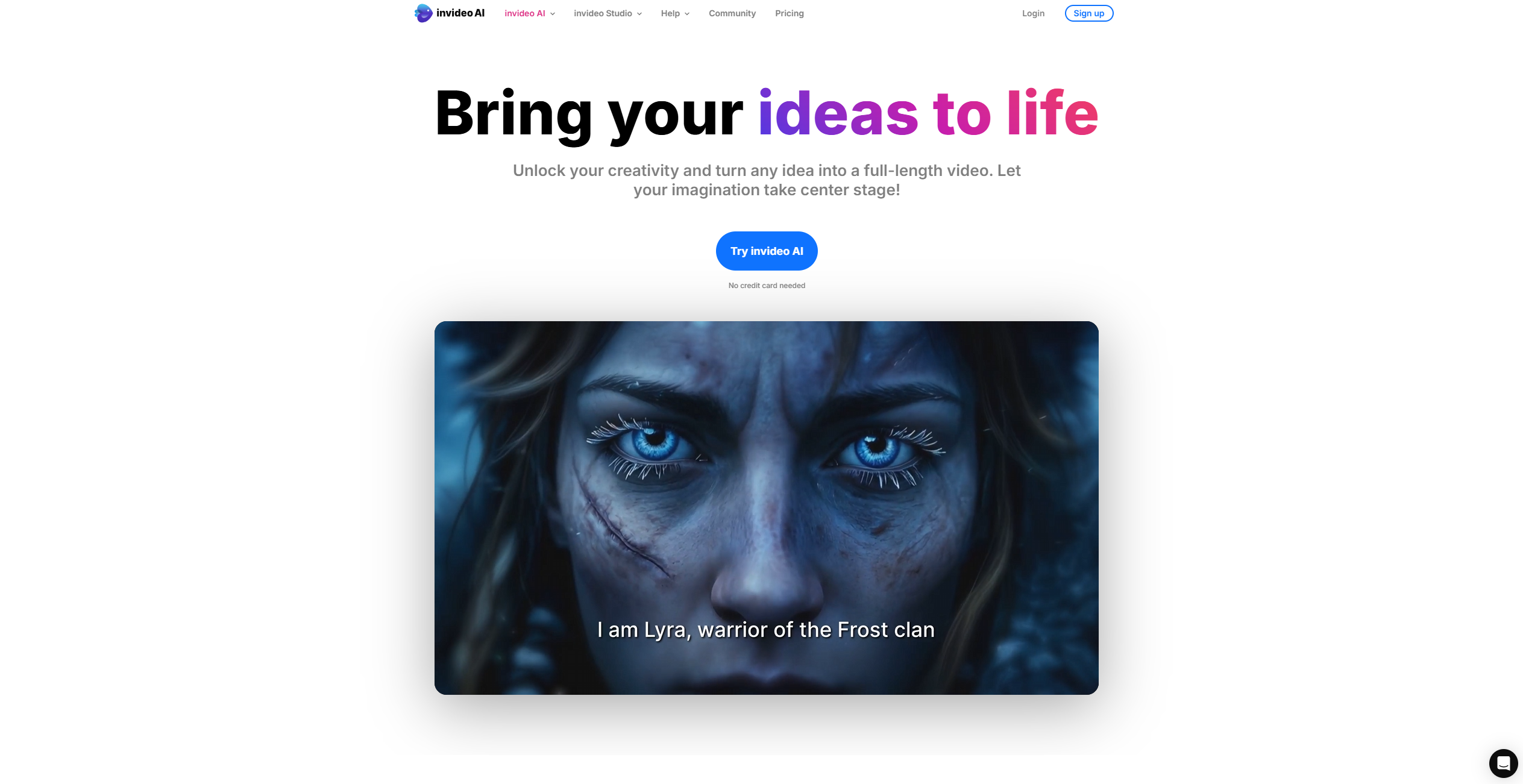
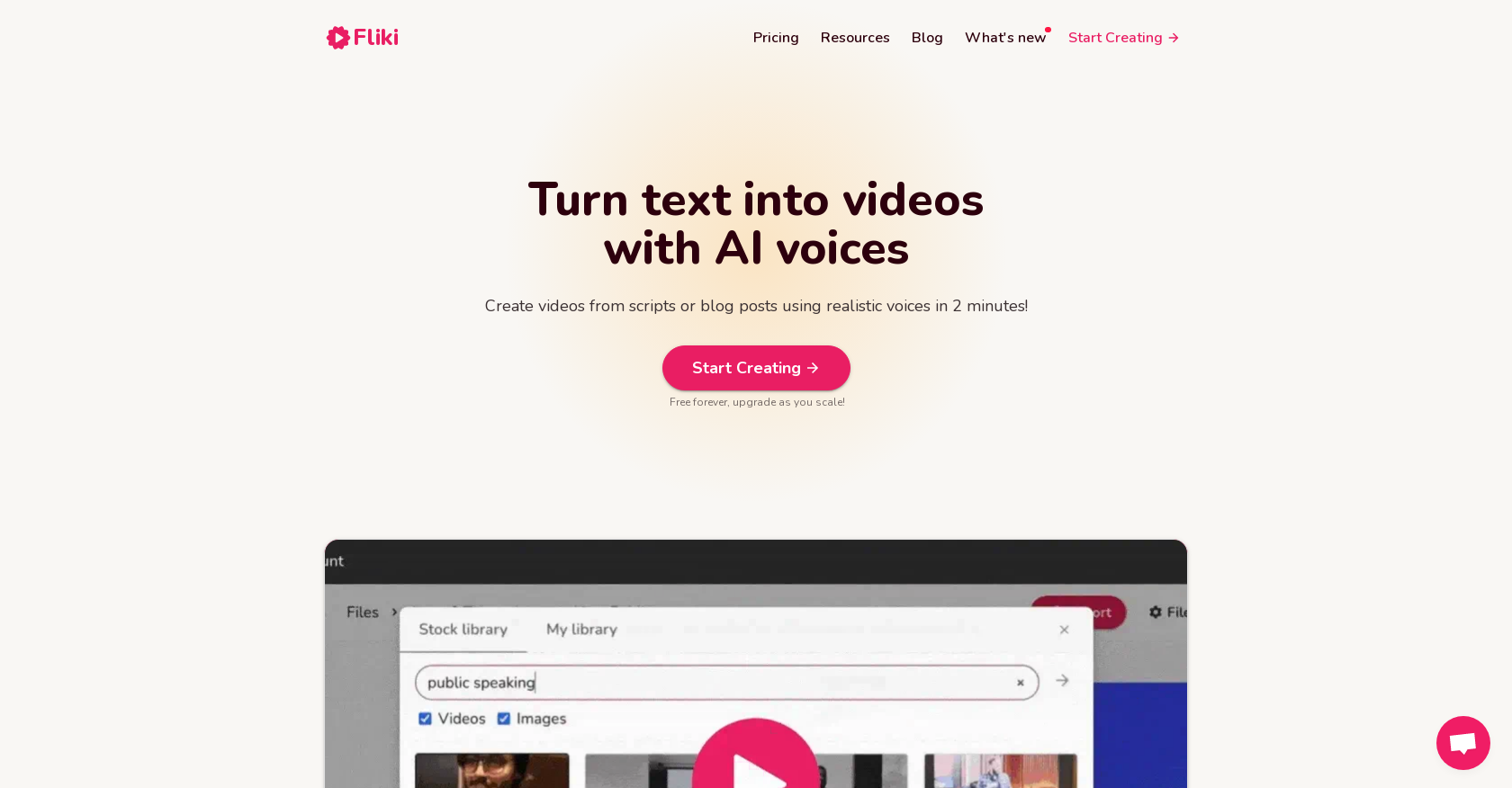
Video Generators tools · weekly digest
The AI Weekly — free in your inbox
New AI tools, pricing changes, expert picks, and hidden gems — curated by Mr. Spark every week. Join 5,000+ readers who stay ahead of the AI curve.