
Pricing Details
Starter: Free with 30 minutes of AI video analysis per month. Lite: $9.90 per month, includes 5 hours of AI video analysis and 60 minutes of fast server-side exports. Pro: $19.90 per month, offering 15 hours of AI video analysis and unlimited fast server-side exports. Premium: $49.90 per month, featuring 50 hours of AI video analysis, priority support, and access to the latest beta features. Disclaimer: Please note that pricing information may not be up to date. For the most accurate and current pricing details, refer to the official 2short.ai website.
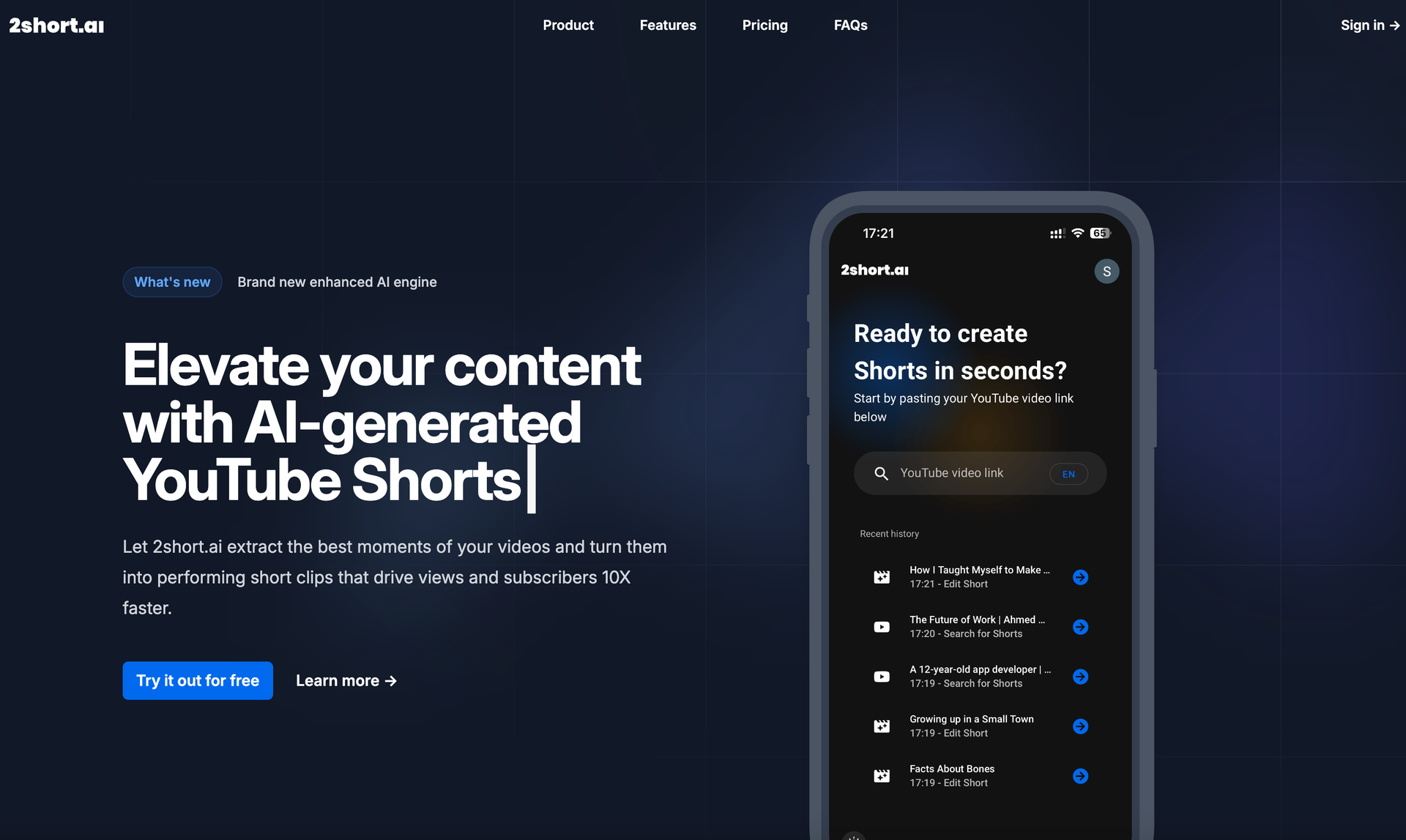
Product Visuals (1 images)
Strengths
- Time Efficiency: Significantly reduces the time spent on editing by automating the extraction and enhancement process.
- Cost-Effective Plans: Offers a range of pricing options to accommodate different user needs, from beginners to professionals.
- User-Friendly Interface: Intuitive design simplifies the process of converting long videos into shorts.
- Unlimited High-Quality Exports: Provides the ability to export videos without watermarks, maintaining content quality.
Limitations
- Initial Learning Curve: Users may need some time to familiarize themselves with the full potential of the tool's advanced features.
- Language Limitations: While supporting many languages, there might be restrictions for less common languages.
- Caption Dependency: Requires videos to have captions, although YouTube's auto-generated captions mitigate this issue.
Building your AI toolkit?
Save 2short.ai and 1,000+ tools — free with Google, no spam
What You Get
Key Features
- AI-Powered Content Extraction: Automatically identifies and extracts the most engaging segments of your videos, optimizing them for short-form platforms.
- Facial Tracking Technology: Ensures active speakers are always centered, enhancing the focus and quality of your short clips.
- Animated Subtitles: With just a click, add dynamic subtitles that boost viewer engagement and increase watch time.
- High-Quality Exports: Export your videos in 1080p resolution without any watermarks, ensuring professional-grade content delivery.
- Versatile Aspect Ratios: Create shorts suitable for any platform with support for vertical, square, and horizontal formats.
- Advanced Editing Tools: Offers flexibility through editing and cropping options, allowing for manual adjustments when needed.
- Branding Options: Incorporate logos and overlays to maintain a consistent brand presence across all your videos.
- ProsTime Efficiency: Significantly reduces the time spent on editing by automating the extraction and enhancement process.Cost-Effective Plans: Offers a range of pricing options to accommodate different user needs, from beginners to professionals.User-Friendly Interface: Intuitive design simplifies the process of converting long videos into shorts.Unlimited High-Quality Exports: Provides the ability to export videos without watermarks, maintaining content quality.ConsInitial Learning Curve: Users may need some time to familiarize themselves with the full potential of the tool's advanced features.Language Limitations: While supporting many languages, there might be restrictions for less common languages.Caption Dependency: Requires videos to have captions, although YouTube's auto-generated captions mitigate this issue.
Best For
- YouTube Creators: Utilizing the tool to repurpose long-form content into shorts for increased channel visibility.
- Social Media Influencers: Leveraging the platform to create engaging TikToks and Instagram Reels.
- Podcast Hosts: Transforming podcast episodes into short highlights to attract more listeners.
- Educational Content Creators: Using the tool to convert lengthy educational videos into digestible, engaging snippets.
- Uncommon Use Cases: Employed by motivational speakers to share impactful moments; used by fitness coaches to highlight workout tips.
Similar Tools
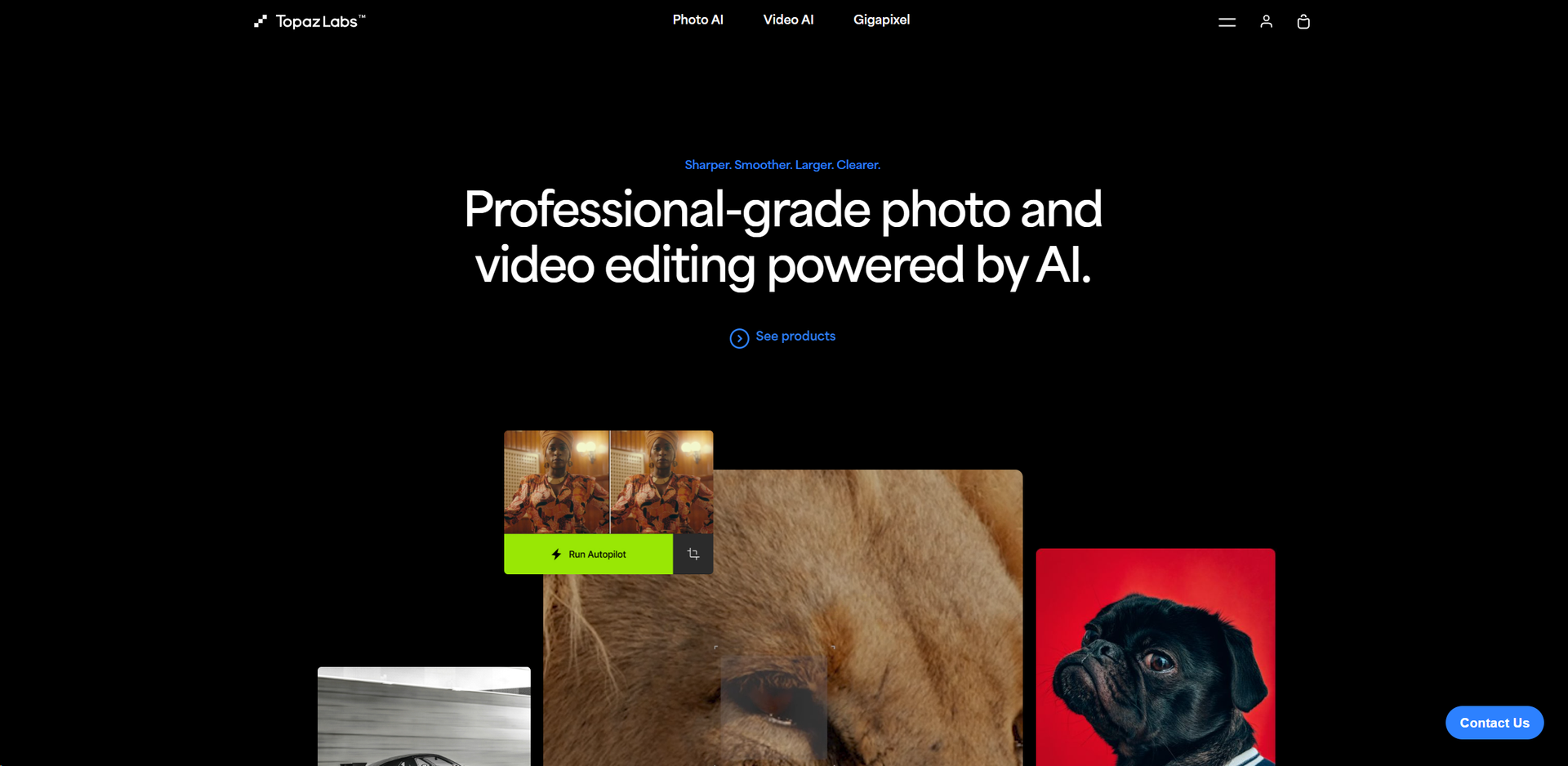
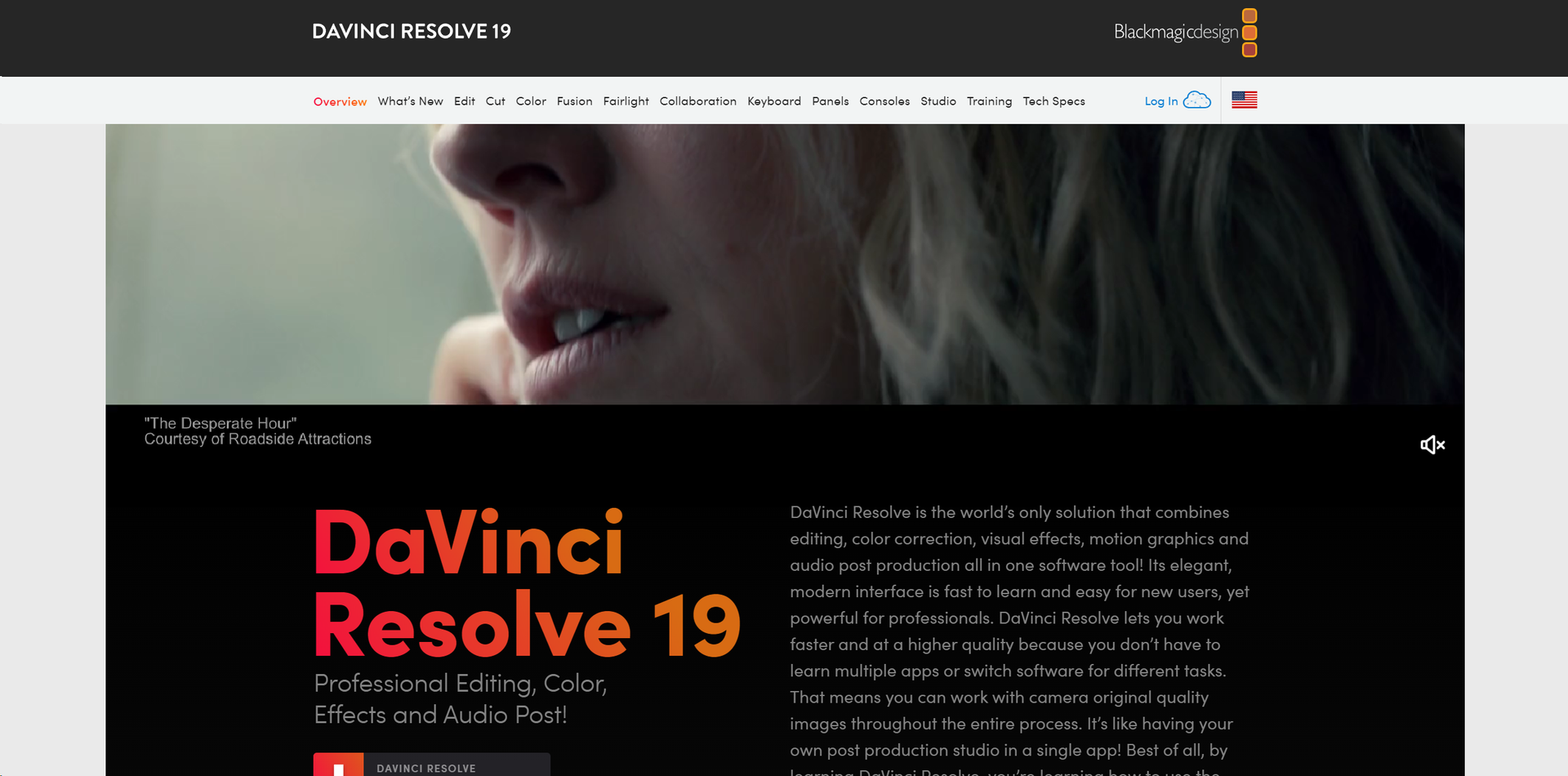
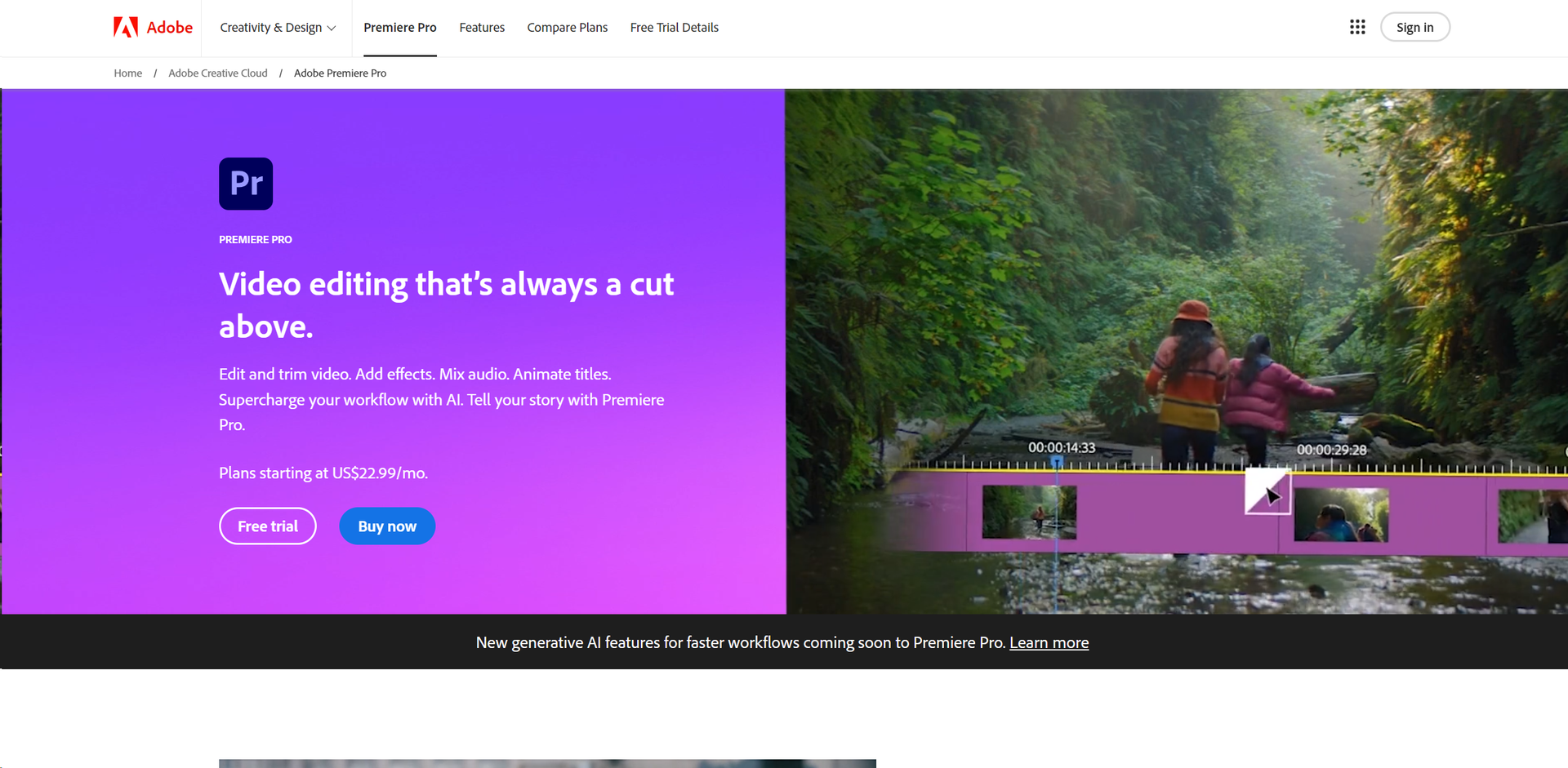
Video Enhancer tools · weekly digest
The AI Weekly — free in your inbox
New AI tools, pricing changes, expert picks, and hidden gems — curated by Mr. Spark every week. Join 5,000+ readers who stay ahead of the AI curve.