
Pricing Details
Free Tier: Offers a wide range of features without cost. Pro Monthly Subscription: Available for $7.99 per month, providing access to premium features and additional effects. Disclaimer: Please note that pricing information may not be up to date. For the most accurate and current pricing details, refer to the official CapCut website.
Product Visuals (1 images)
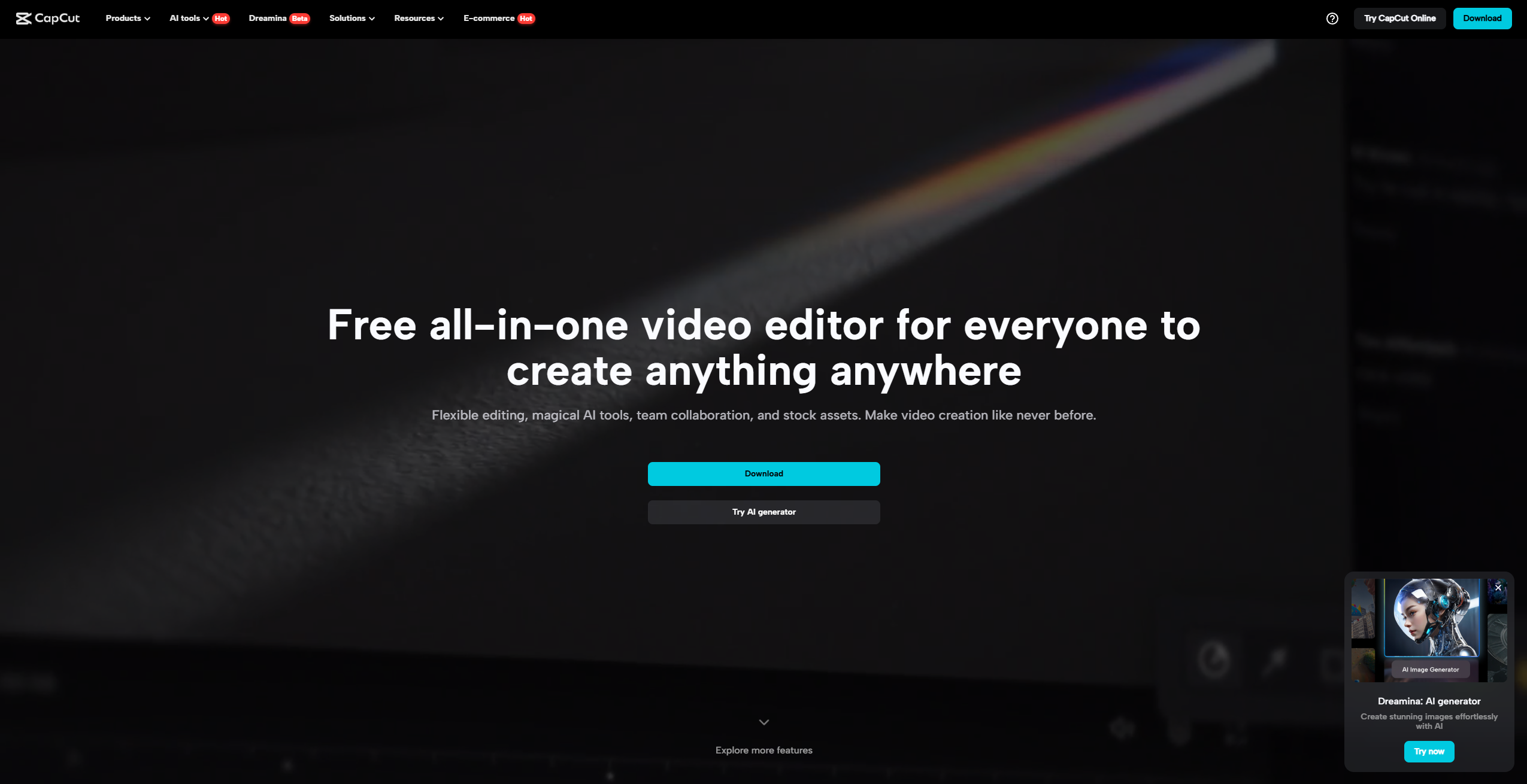
Strengths
- User-Friendly Interface: The intuitive design makes it easy for users of all skill levels to navigate and utilize the app's features effectively.
- Comprehensive Free Features: Even without in-app purchases, CapCut provides a robust set of editing tools and effects.
- High-Quality Exports: Supports 4K 60fps video exports, ensuring your videos maintain high clarity and resolution.
- Cross-Platform Availability: Available on both mobile and desktop, offering flexibility in where and how you edit your videos.
Limitations
- Occasional Bugs: Some users report glitches, particularly with features like reverse video and photo selection.
- In-App Purchases Pressure: Frequent prompts to upgrade to CapCut Pro can be intrusive for some users.
- Limited Integration: Currently, CapCut offers limited integration with other software or platforms.
What You Get
Key Features
- Advanced Video Editing Tools: CapCut includes features such as keyframe animation, chroma key, and stabilization, enabling users to create professional-quality videos.
- Intelligent Features: With auto captions, text-to-speech, and background removal, CapCut leverages AI to automate and simplify video editing tasks.
- Extensive Effects Library: Offers a wide range of trendy effects and filters, including Glitch and 3D, to enhance the visual appeal of your videos.
- Music and Sound Effects: Access millions of music clips and sound effects, and easily extract audio from existing videos to enrich your content.
- ProsUser-Friendly Interface: The intuitive design makes it easy for users of all skill levels to navigate and utilize the app's features effectively.Comprehensive Free Features: Even without in-app purchases, CapCut provides a robust set of editing tools and effects.High-Quality Exports: Supports 4K 60fps video exports, ensuring your videos maintain high clarity and resolution.Cross-Platform Availability: Available on both mobile and desktop, offering flexibility in where and how you edit your videos.ConsOccasional Bugs: Some users report glitches, particularly with features like reverse video and photo selection.In-App Purchases Pressure: Frequent prompts to upgrade to CapCut Pro can be intrusive for some users.Limited Integration: Currently, CapCut offers limited integration with other software or platforms.
Best For
- Social Media Influencers: Perfect for creating engaging content for platforms like TikTok and Instagram.
- YouTubers: Utilize CapCut's advanced editing tools to produce professional video content.
- Small Business Owners: Create promotional videos and marketing content with ease.
- Amateur Video Editors: Beginners can quickly learn and apply video editing techniques using CapCut's intuitive tools.
- Uncommon Use Cases: Educational institutions use CapCut for media courses; wildlife photographers employ its stabilization features for editing nature footage.
Similar Tools
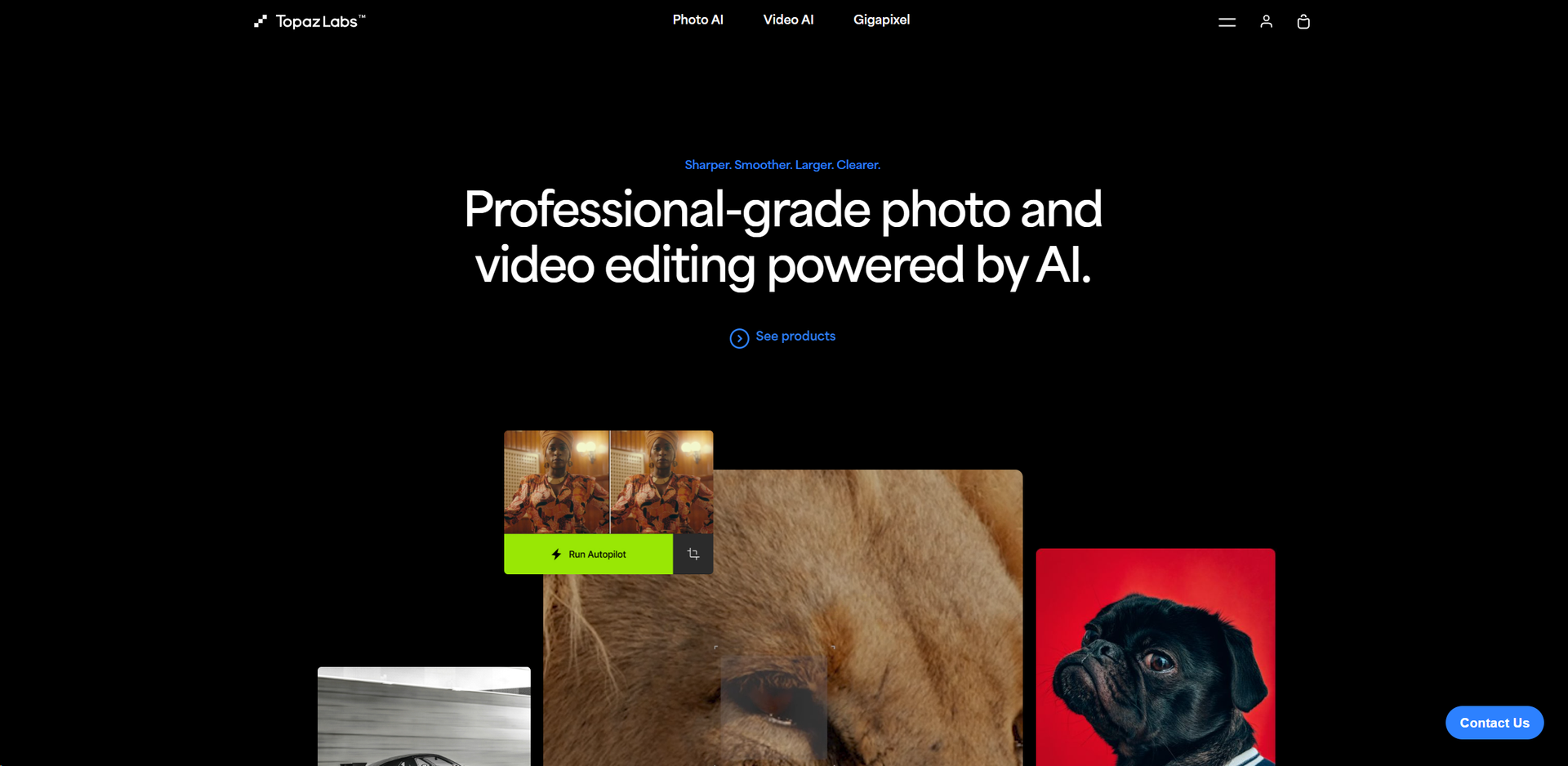
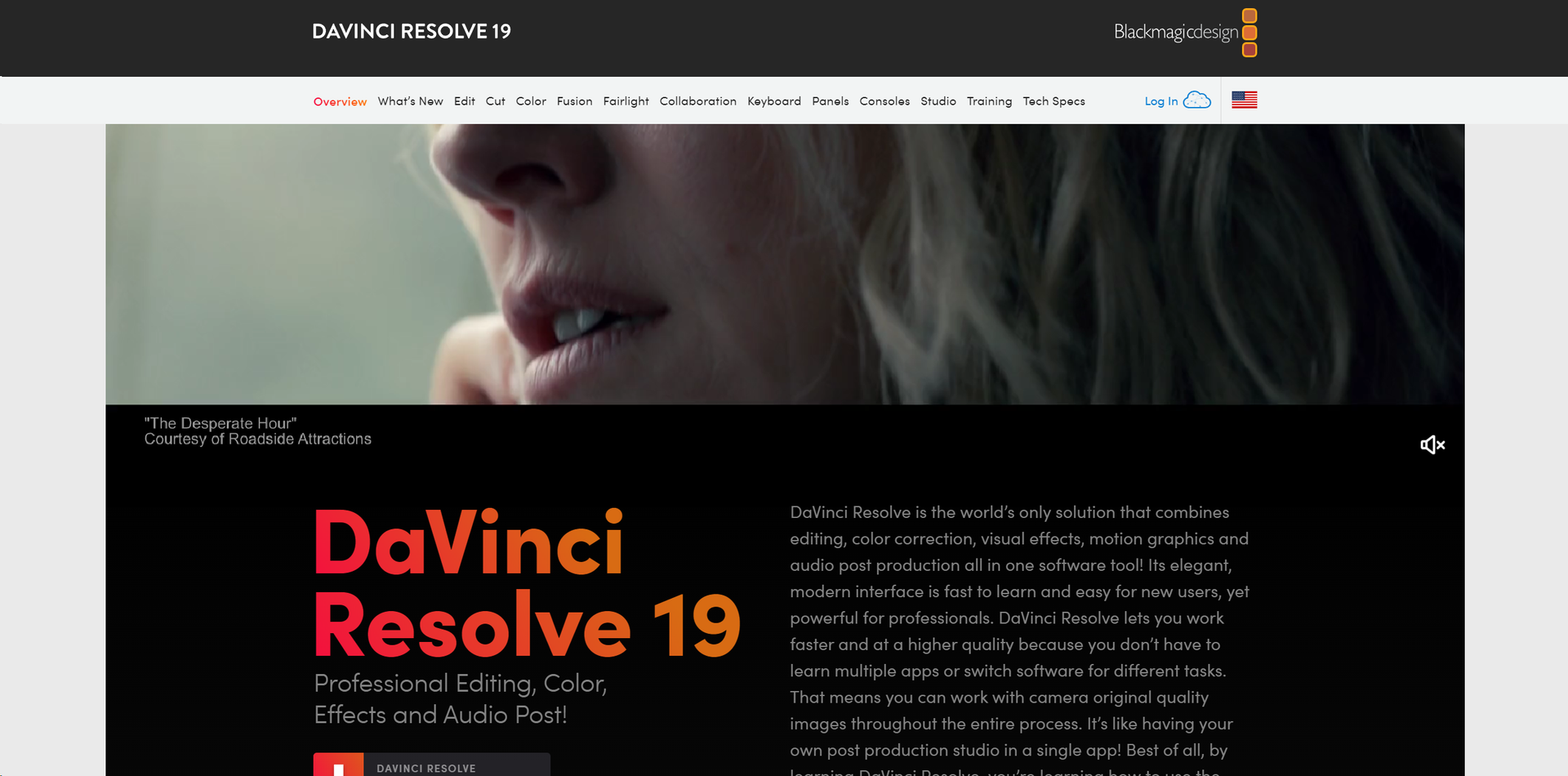
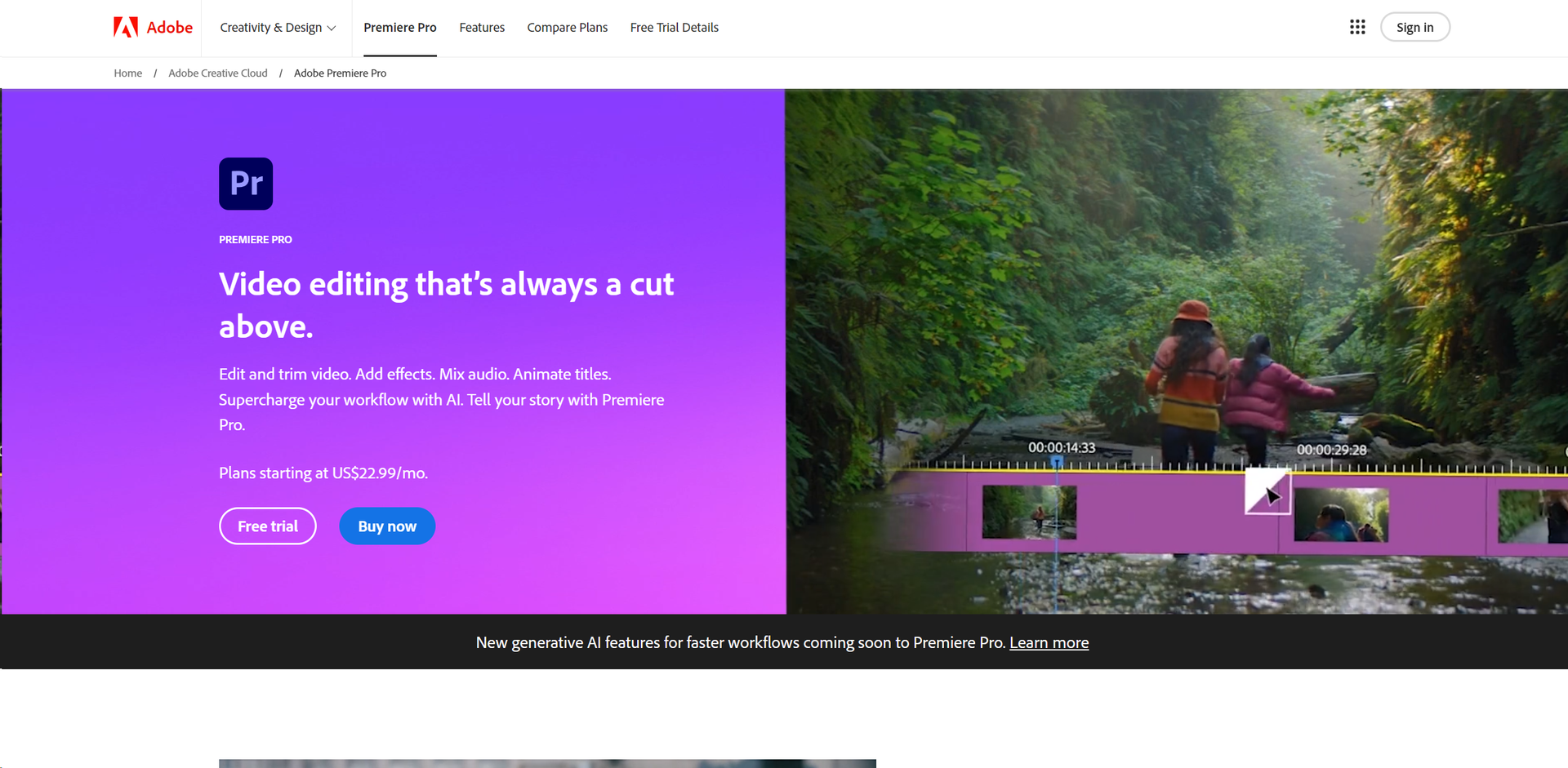
Weekly Issue
⚡
Video Enhancer tools · weekly digest
The AI Weekly — free in your inbox
New AI tools, pricing changes, expert picks, and hidden gems — curated by Mr. Spark every week. Join 5,000+ readers who stay ahead of the AI curve.
No spam, ever
Unsubscribe anytime
100% free