
Pricing Details
Free Trial: Experience Deepshot AI with a 14-day free trial to explore its capabilities. Disclaimer: Please note that pricing information may not be up to date. For the most accurate and current pricing details, refer to the official Deepshot AI website.
Video Walkthrough
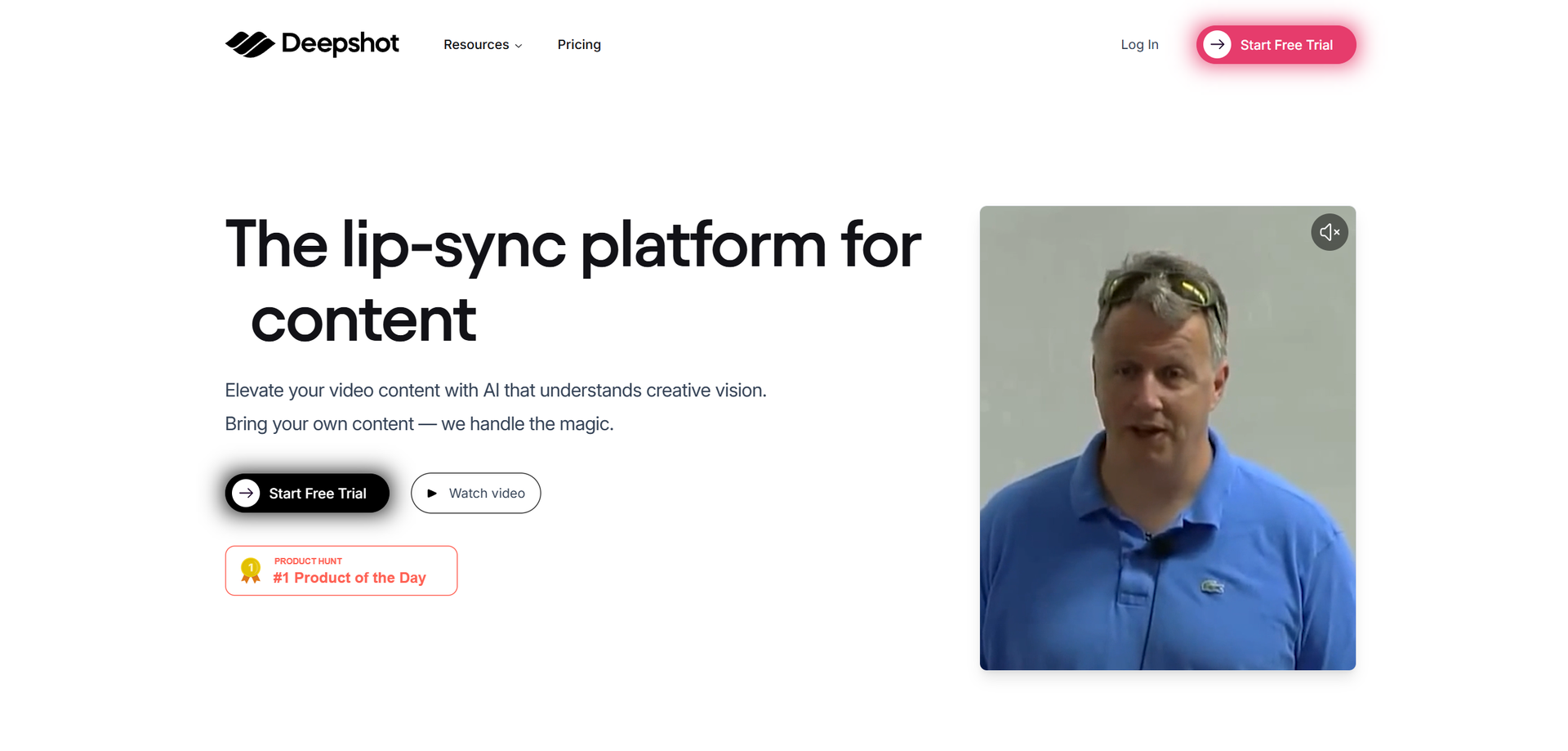
Product Visuals (1 images)
Strengths
- Time Efficiency: Automates video editing processes, significantly reducing the time spent on manual tasks.
- Multilingual Capabilities: Expands content reach by facilitating easy translation and lip-sync across multiple languages.
- Error Correction: Provides seamless correction features, eliminating the need for costly and time-consuming reshoots.
- User-Centric Design: Developed by content creators for content creators, ensuring the tool meets the practical needs of its users.
Limitations
- Initial Learning Curve: Some users may find it challenging initially to navigate advanced features.
- Limited Integration: Currently, the tool offers limited integration capabilities with third-party platforms.
- Dependence on AI: Heavy reliance on AI may not suit all creators' preferences for manual adjustments.
Building your AI toolkit?
Save Deepshot AI and 1,000+ tools — free with Google, no spam
What You Get
Key Features
- AI-Powered Translation: Deepshot AI enables video translation and dialogue replacement in any language, helping creators reach a global audience without language barriers.
- Content Creation Automation: Users can upload existing videos and draft new scripts, allowing Deepshot AI to automatically sync lip movements and dialogue, saving time and effort.
- Content Correction: Easily correct errors in videos or podcasts without the need for reshoots, ensuring high-quality content delivery.
- Creative A/B Testing: Test different video concepts and hooks to determine the most engaging elements for your audience, refining your content strategy effectively.
- ProsTime Efficiency: Automates video editing processes, significantly reducing the time spent on manual tasks.Multilingual Capabilities: Expands content reach by facilitating easy translation and lip-sync across multiple languages.Error Correction: Provides seamless correction features, eliminating the need for costly and time-consuming reshoots.User-Centric Design: Developed by content creators for content creators, ensuring the tool meets the practical needs of its users.ConsInitial Learning Curve: Some users may find it challenging initially to navigate advanced features.Limited Integration: Currently, the tool offers limited integration capabilities with third-party platforms.Dependence on AI: Heavy reliance on AI may not suit all creators' preferences for manual adjustments.
Best For
- Content Creators: Leveraging the tool for efficient and creative video production.
- Marketing Teams: Utilizing Deepshot AI for creating multilingual advertising content.
- Educators: Adopting the tool for creating engaging and inclusive educational videos.
- Podcasters: Using the platform to correct audio-visual discrepancies in podcasts.
- Uncommon Use Cases: Embraced by non-profit organizations for multilingual advocacy campaigns; adopted by corporate trainers for developing dynamic training videos.
Similar Tools
Weekly Issue
⚡
Video Enhancer tools · weekly digest
The AI Weekly — free in your inbox
New AI tools, pricing changes, expert picks, and hidden gems — curated by Mr. Spark every week. Join 5,000+ readers who stay ahead of the AI curve.
No spam, ever
Unsubscribe anytime
100% free