
Pricing Details
Free Tier: Enjoy the core functionalities of Formula Generator without any cost. Pro Tier: Advanced features and capabilities are available with subscription plans. Disclaimer: For the most accurate and current pricing details, refer to the official Formula Generator website.
Product Visuals (1 images)
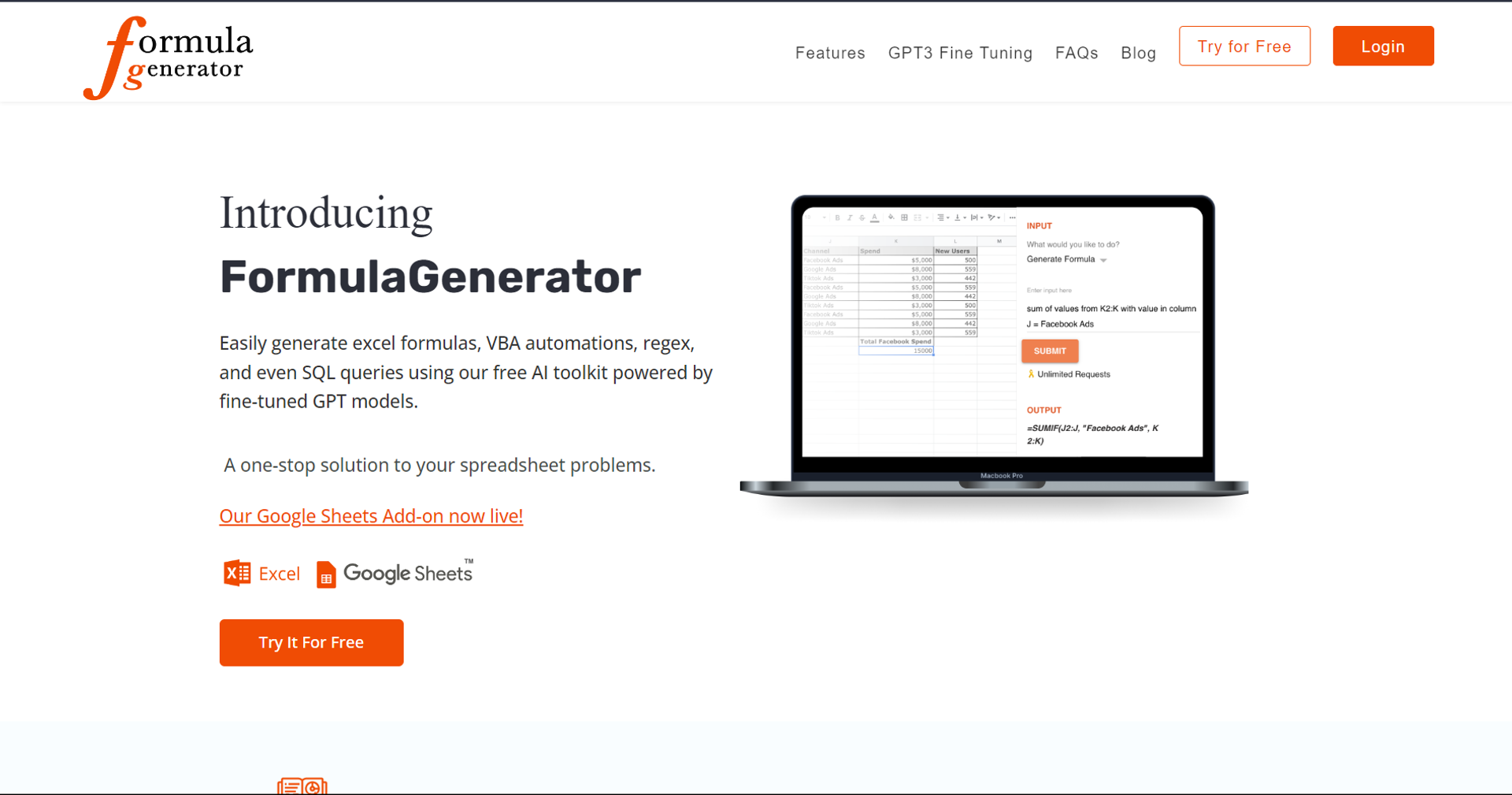
Strengths
- Time-Saving: Dramatically reduces the time needed to create and debug formulas.
- User-Friendly Interface: Designed for ease of use, making it accessible to users of all skill levels.
- Comprehensive Support: From Excel to SQL, it supports a wide range of spreadsheet tasks and queries.
- Free Google Sheets Extension: Enhances Google Sheets with advanced formula generation and explanations.
Limitations
- Learning Curve: New users may need time to fully explore and utilize all features.
- Internet Dependency: Being a web-based tool, a reliable internet connection is necessary for smooth operation.
Building your AI toolkit?
Save Formula Generator and 1,000+ tools — free with Google, no spam
What You Get
Key Features
- Generate Excel Formulas with Ease: Simply input text instructions, and the tool automatically crafts the necessary formula for your specific needs.
- Debug with Error Spotter: Quickly identify and fix errors in your formulas or code, saving time and frustration.
- Understand Formulas Better: The Explain Formula feature demystifies complex formulas, offering easy-to-understand explanations.
- Versatile Code Generation: Whether you need VBA for Excel, AppScript for Google Sheets, or SQL queries, Formula Generator has you covered.
- Q&A with AnswerBot: Powered by OpenAI's ChatGPT, get instant, accurate answers to your spreadsheet-related questions without the hassle of web searches.
- ProsTime-Saving: Dramatically reduces the time needed to create and debug formulas.User-Friendly Interface: Designed for ease of use, making it accessible to users of all skill levels.Comprehensive Support: From Excel to SQL, it supports a wide range of spreadsheet tasks and queries.Free Google Sheets Extension: Enhances Google Sheets with advanced formula generation and explanations.ConsLearning Curve: New users may need time to fully explore and utilize all features.Internet Dependency: Being a web-based tool, a reliable internet connection is necessary for smooth operation.
Best For
- Data Analysts: For creating complex formulas and automating data analysis tasks.
- Business Professionals: To streamline financial modeling and reporting processes.
- Students and Educators: As a learning aid for understanding and applying spreadsheet functions.
- Software Developers: Generating code snippets for database management and application development.
- Uncommon Use Cases: Non-profit organizations utilize it for managing donor databases; hobbyists use it for organizing personal projects.
Integrations
Google Sheets Extension: Direct integration enhances Google Sheets' capabilities. Web App Compatibility: Accessible from any modern web browser, ensuring broad compatibility. API Access: Offers API access for custom integrations, catering to developers' needs.
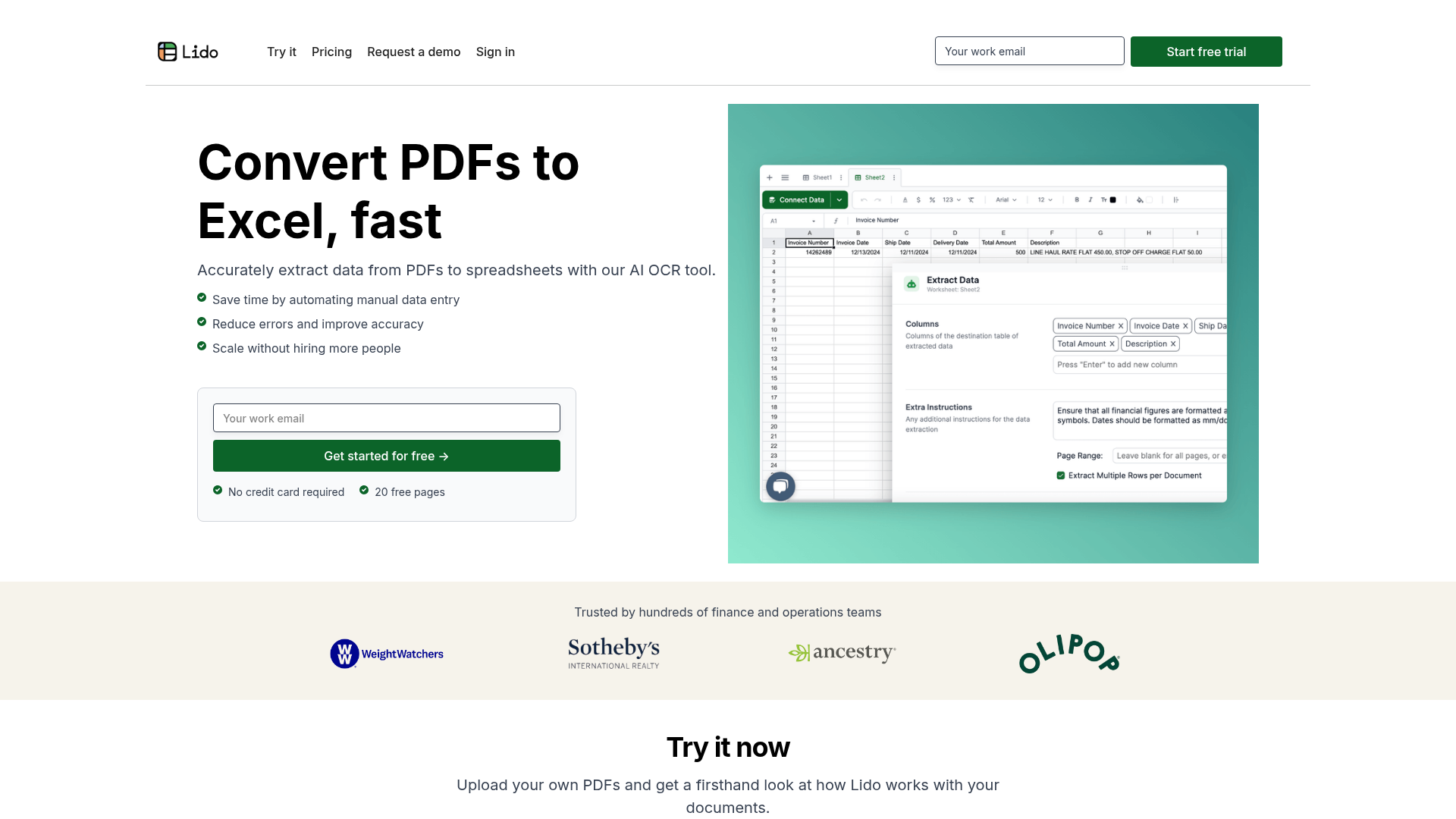
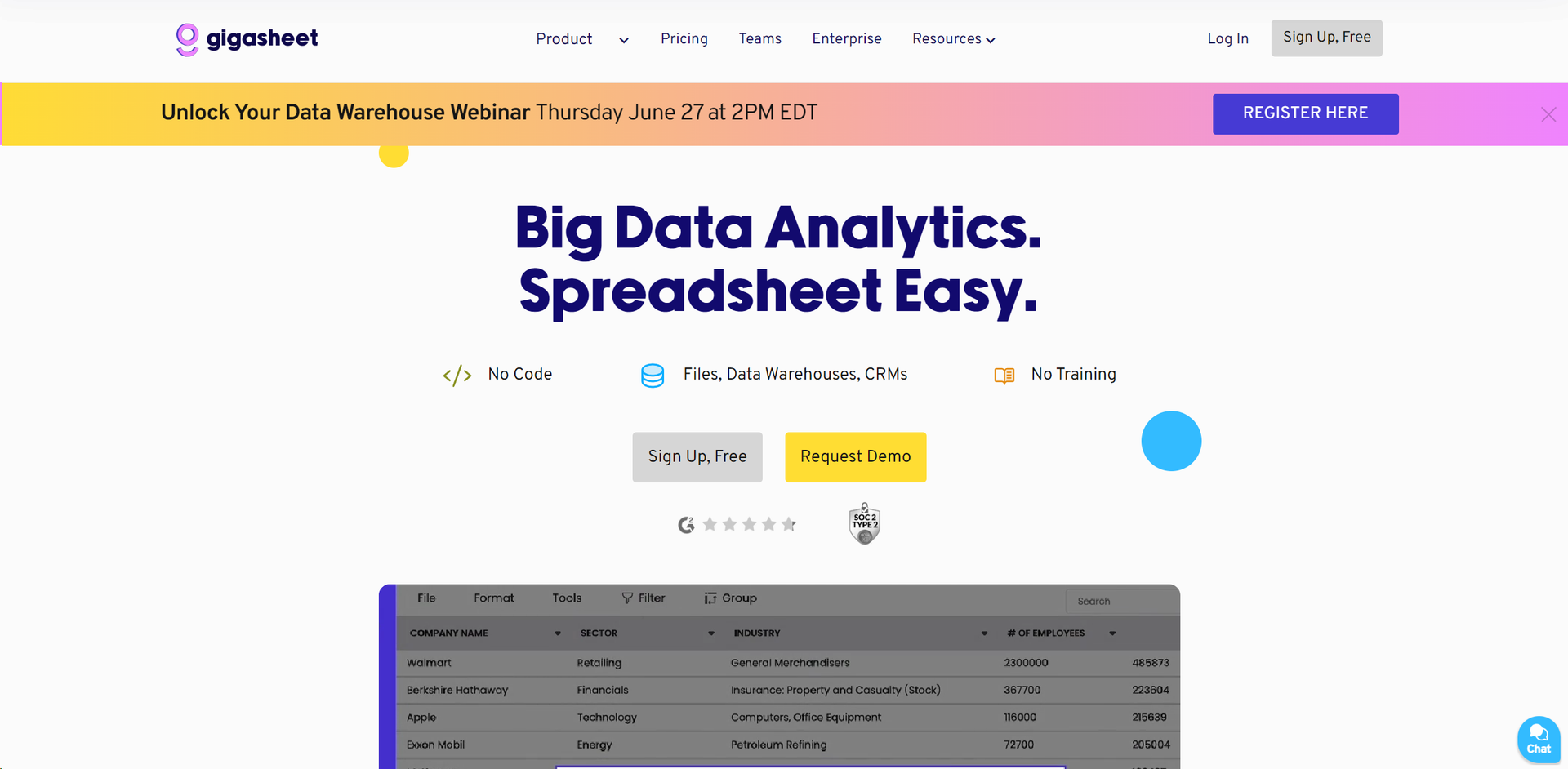
Similar Tools

Weekly Issue
⚡
Spreadsheets tools · weekly digest
The AI Weekly — free in your inbox
New AI tools, pricing changes, expert picks, and hidden gems — curated by Mr. Spark every week. Join 5,000+ readers who stay ahead of the AI curve.
No spam, ever
Unsubscribe anytime
100% free