
Pricing Details
Free Tier: Get started with GoEnhance AI with no initial cost. Subscription Plans: Detailed pricing is available on their website, offering various features based on user needs. Disclaimer: Please note that pricing information may not be up to date. For the most accurate and current pricing details, refer to the official GoEnhance AI website.
Product Visuals (1 images)
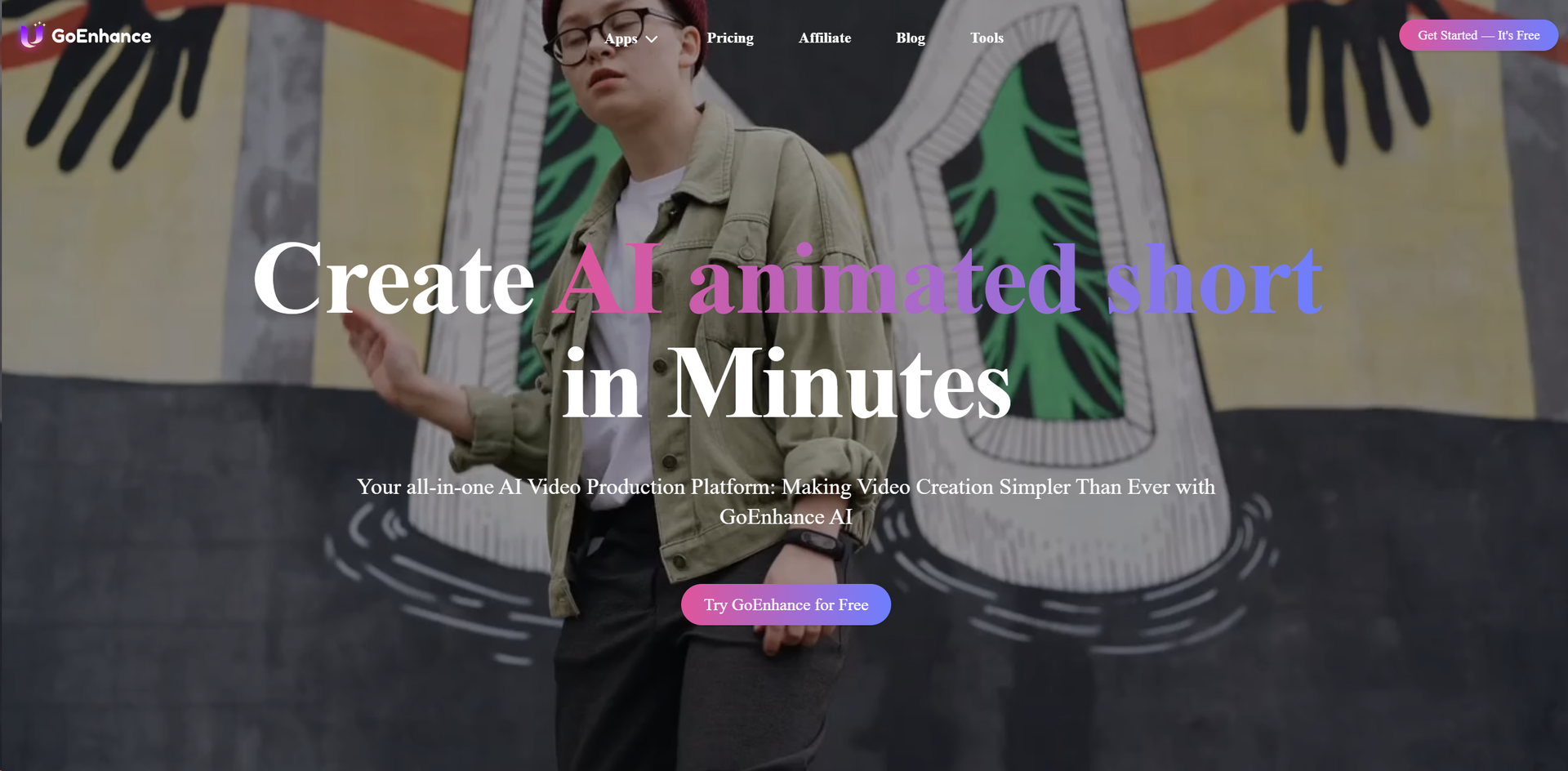
Strengths
- Diverse Style Options: Offers a variety of styles for video transformation, catering to different aesthetic preferences.
- Ease of Use: Intuitive user interface that simplifies complex processes, making advanced video editing accessible to all.
- High-Quality Outputs: Produces high-resolution videos and images, ensuring professional-grade quality.
- Innovative Technology: Utilizes cutting-edge AI technology to provide features like face swap and character animation that are hard to find elsewhere.
Limitations
- Learning Curve: While user-friendly, the range of features might overwhelm new users initially.
- Limited Free Version: Some advanced features are locked behind a paywall, which might restrict full exploration without investment.
Building your AI toolkit?
Save GoEnhance AI and 1,000+ tools — free with Google, no spam
What You Get
Key Features
- Video to Video Transformation: Convert existing videos into different styles, including anime, with just a few clicks.
- Frame-to-frame Video Creation: Seamlessly create videos by inputting just the first and last frame images.
- AI-Powered Face Swap: Integrate any face into your videos using advanced AI face swapping technology.
- Character Animation: Generate animations using a single image, simplifying the animation process significantly.
- Image Enhancer and Upscaler: Enhance and upscale images to ultra-high detail, leveraging GoEnhance AI’s powerful algorithms.
- ProsDiverse Style Options: Offers a variety of styles for video transformation, catering to different aesthetic preferences.Ease of Use: Intuitive user interface that simplifies complex processes, making advanced video editing accessible to all.High-Quality Outputs: Produces high-resolution videos and images, ensuring professional-grade quality.Innovative Technology: Utilizes cutting-edge AI technology to provide features like face swap and character animation that are hard to find elsewhere.ConsLearning Curve: While user-friendly, the range of features might overwhelm new users initially.Limited Free Version: Some advanced features are locked behind a paywall, which might restrict full exploration without investment.
Best For
- Content Creators: Leveraging the tool to produce varied content for social media and other platforms.
- Video Editors: Employing advanced features for professional projects and client work.
- Graphic Designers: Using the image enhancer for creating high-quality visuals for digital and print media.
- Animation Enthusiasts: Exploring character animation features to create engaging content.
- Uncommon Use Cases: Utilized by educators for creating interactive educational content; adopted by researchers for enhancing images for detailed analysis.
Integrations
Broad File Format Support: Handles a variety of video and image file formats, enhancing flexibility. Integration with Editing Software: Seamlessly works alongside popular video and photo editing tools. Cloud Compatibility: Offers cloud storage options for easy access and collaboration. Mobile Accessibility: Accessible on mobile devices, allowing editing on the go.
Similar Tools
Weekly Issue
⚡
Video Enhancer tools · weekly digest
The AI Weekly — free in your inbox
New AI tools, pricing changes, expert picks, and hidden gems — curated by Mr. Spark every week. Join 5,000+ readers who stay ahead of the AI curve.
No spam, ever
Unsubscribe anytime
100% free