
Pricing Details
Free Access: Available within supported Microsoft products like Excel and Power BI. Subscription Services: Additional capabilities and higher data capacities through Microsoft 365 subscriptions. Disclaimer: For current pricing details, refer to the official Power Query website.
Product Visuals (1 images)
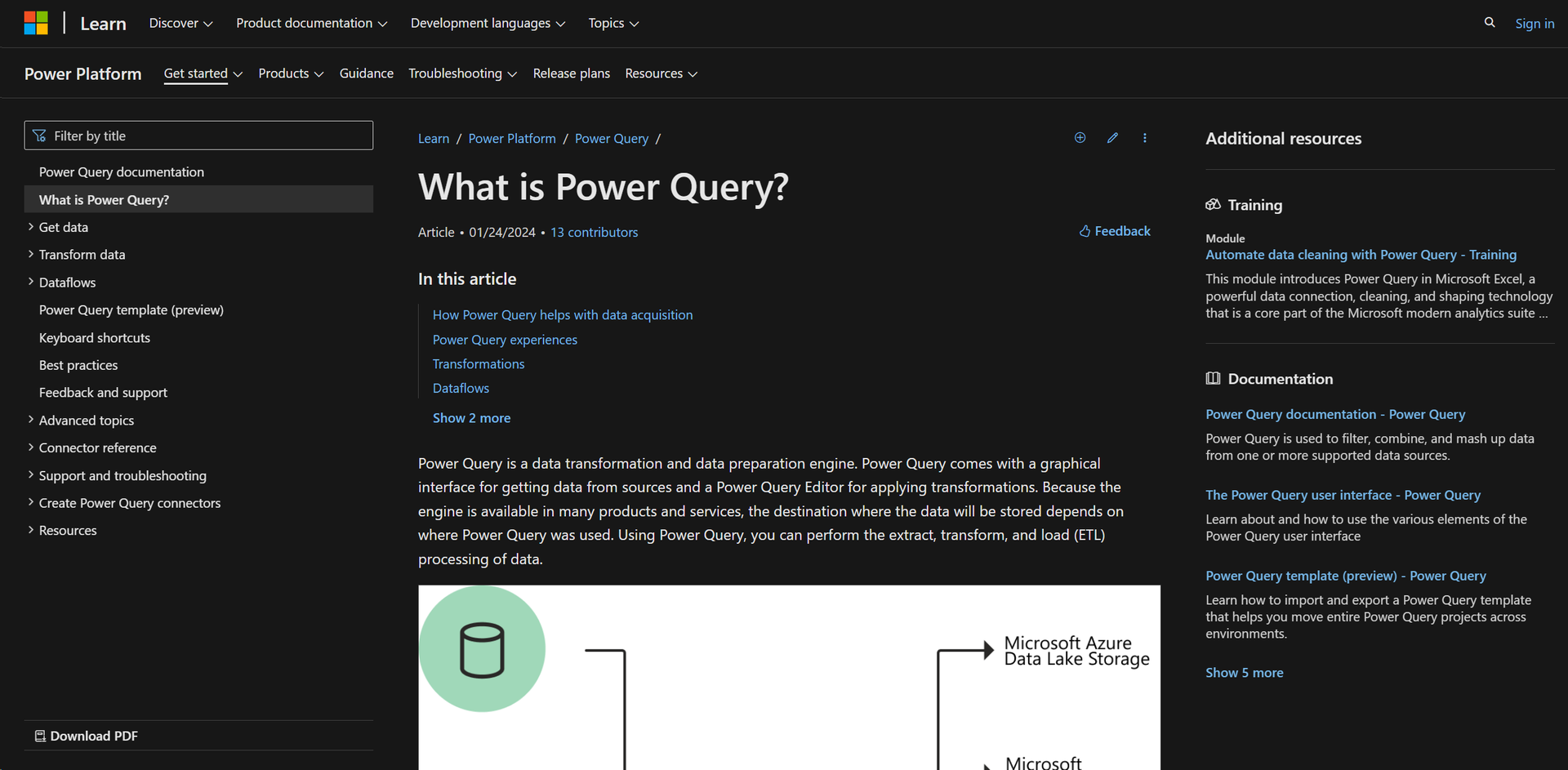
Strengths
- Efficiency in Data Handling: Drastically reduces time spent on data preparation, allowing more focus on analysis.
- User-Friendly Experience: Simplifies complex tasks with an intuitive interface and interactive components.
- Flexible Data Integration: Seamlessly integrates with other Microsoft services, enhancing workflow continuity.
- Advanced Data Transformation: Supports operations like merge, append, group by, pivot, and unpivot without deep technical expertise.
Limitations
- Learning Curve: New users may require time to fully utilize all features.
- Platform Dependency: Best suited within the Microsoft ecosystem, potentially limiting utility for users of other platforms.
- Interface Complexity: Vast options and settings can be overwhelming for less experienced users.
Building your AI toolkit?
Save Power Query and 1,000+ tools — free with Google, no spam
What You Get
Key Features
- Graphical Interface: Provides a rich graphical interface for seamless data extraction from multiple sources.
- Power Query Editor: Feature-rich editor supporting a wide array of data transformations for effective data shaping.
- Integration Capabilities: Extensively integrates with Microsoft products including Azure Data Lake, Microsoft Dataverse, Excel, and Power BI.
- M Code Automation: Generates M code for transformations, reducing manual coding and speeding up data preparation.
- Scheduled Refreshes: Supports manual and scheduled data refreshes to ensure data currency.
- Wide Data Source Connectivity: Connects to over 350 data sources, handling data of all sizes and shapes.
- ProsEfficiency in Data Handling: Drastically reduces time spent on data preparation, allowing more focus on analysis.User-Friendly Experience: Simplifies complex tasks with an intuitive interface and interactive components.Flexible Data Integration: Seamlessly integrates with other Microsoft services, enhancing workflow continuity.Advanced Data Transformation: Supports operations like merge, append, group by, pivot, and unpivot without deep technical expertise.ConsLearning Curve: New users may require time to fully utilize all features.Platform Dependency: Best suited within the Microsoft ecosystem, potentially limiting utility for users of other platforms.Interface Complexity: Vast options and settings can be overwhelming for less experienced users.
Best For
- Business Analysts: Comprehensive data analysis and reporting.
- Data Scientists: Complex data manipulation and preparation tasks.
- IT Professionals: Data flow management within business systems.
- Academic Researchers: Data gathering and transformation for research.
- Uncommon Use Cases: Non-profits for donor data management; small businesses for sales data analysis.
Integrations
Microsoft Ecosystem: Native integration with Excel and Power BI for seamless user experience. Microsoft Azure and Dataverse: Connects to cloud storage solutions for broader data management. Scheduled and Programmable Refreshes: Ensures timely data updates across platforms. API Access: Allows custom integration and automation using Power Query M formula language.
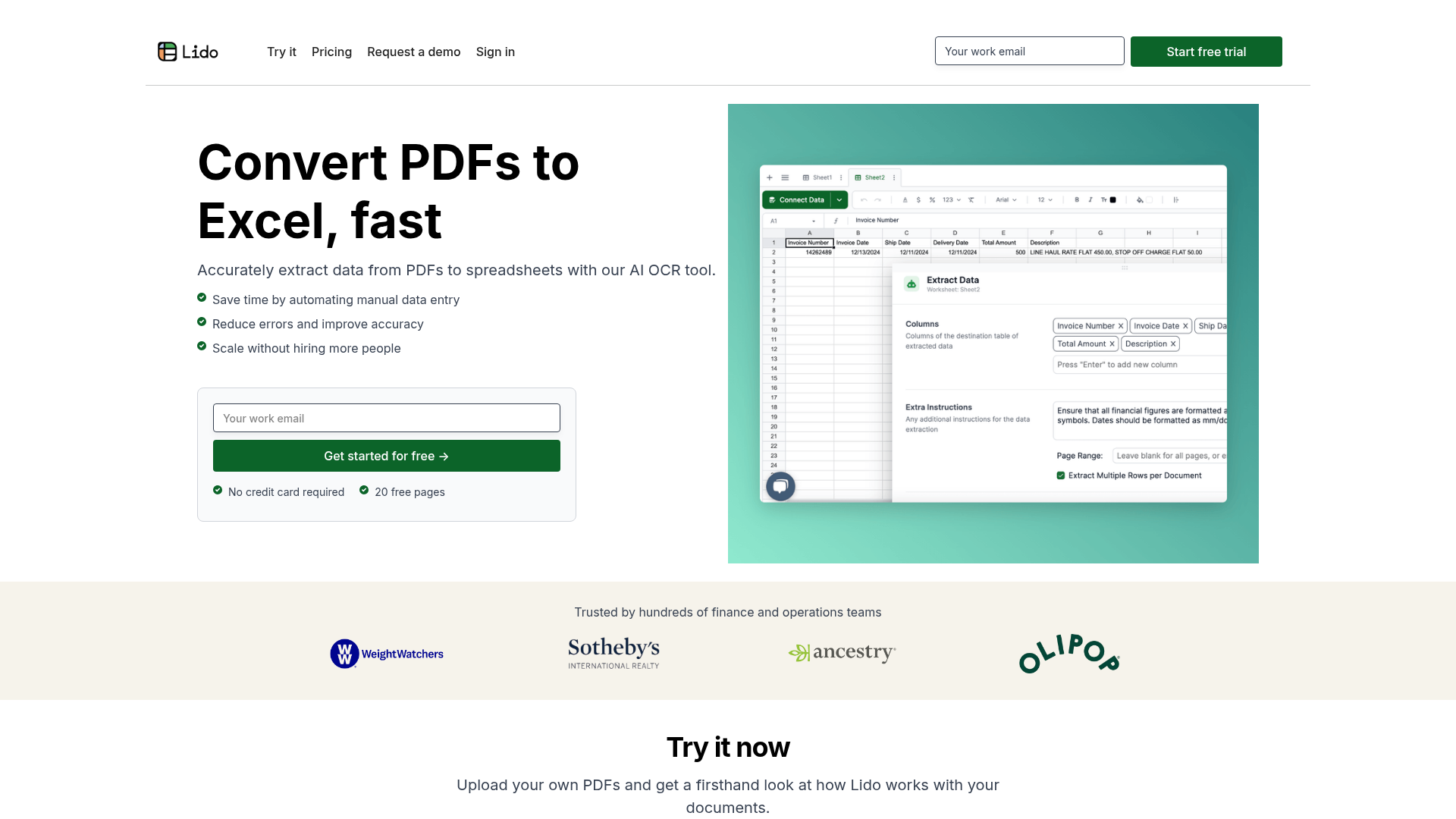
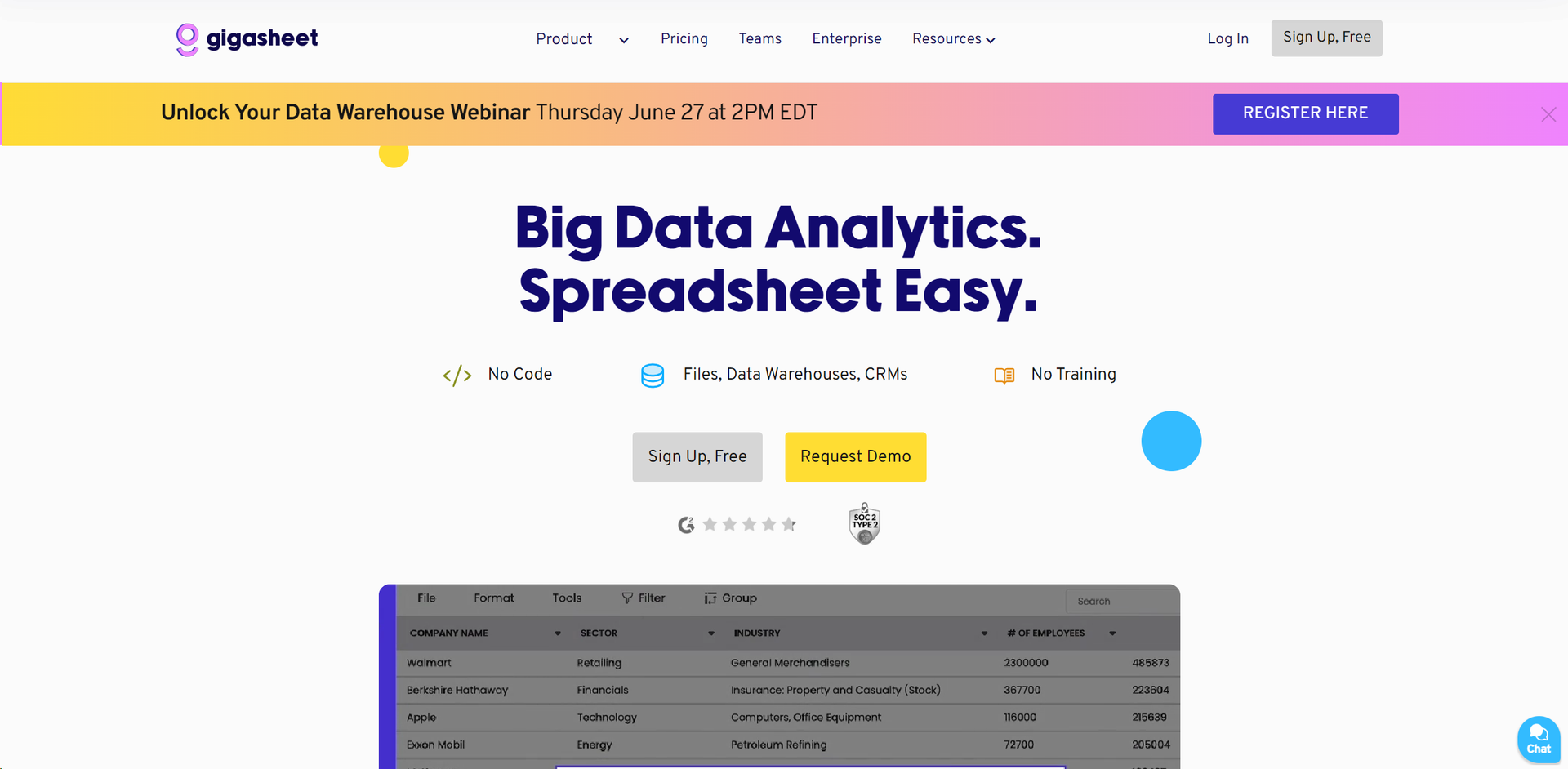
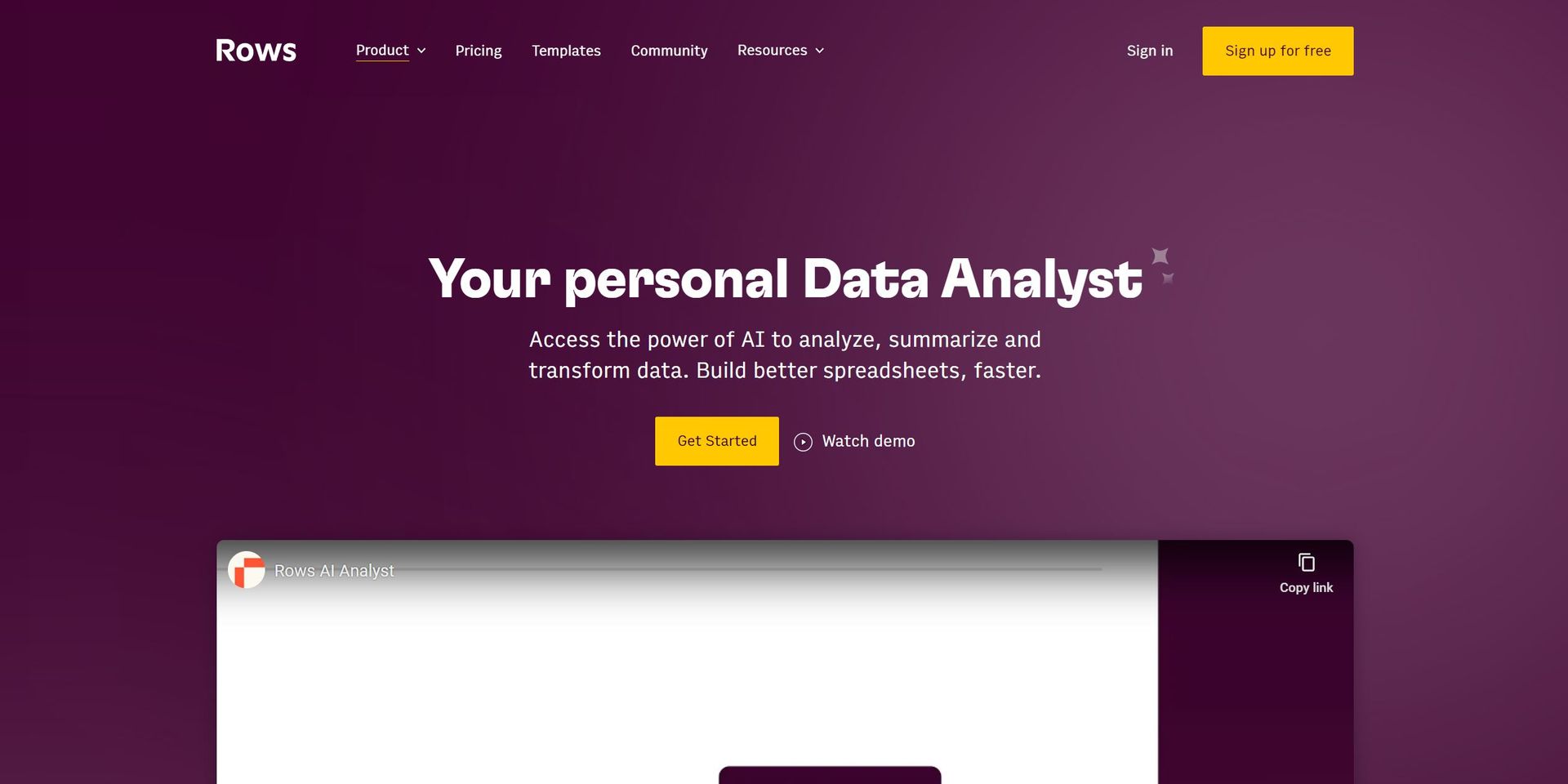
Similar Tools
Weekly Issue
⚡
Spreadsheets tools · weekly digest
The AI Weekly — free in your inbox
New AI tools, pricing changes, expert picks, and hidden gems — curated by Mr. Spark every week. Join 5,000+ readers who stay ahead of the AI curve.
No spam, ever
Unsubscribe anytime
100% free