
Pricing Details
Free Plan: Offers a free, but limited experience Sourcetable's core features. Pro User Plan: At $20 per month, providing access to advanced functionalities and unlimited queries. Disclaimer: Please note that pricing information may not be up to date. For the most accurate and current pricing details, refer to the official Sourcetable website.
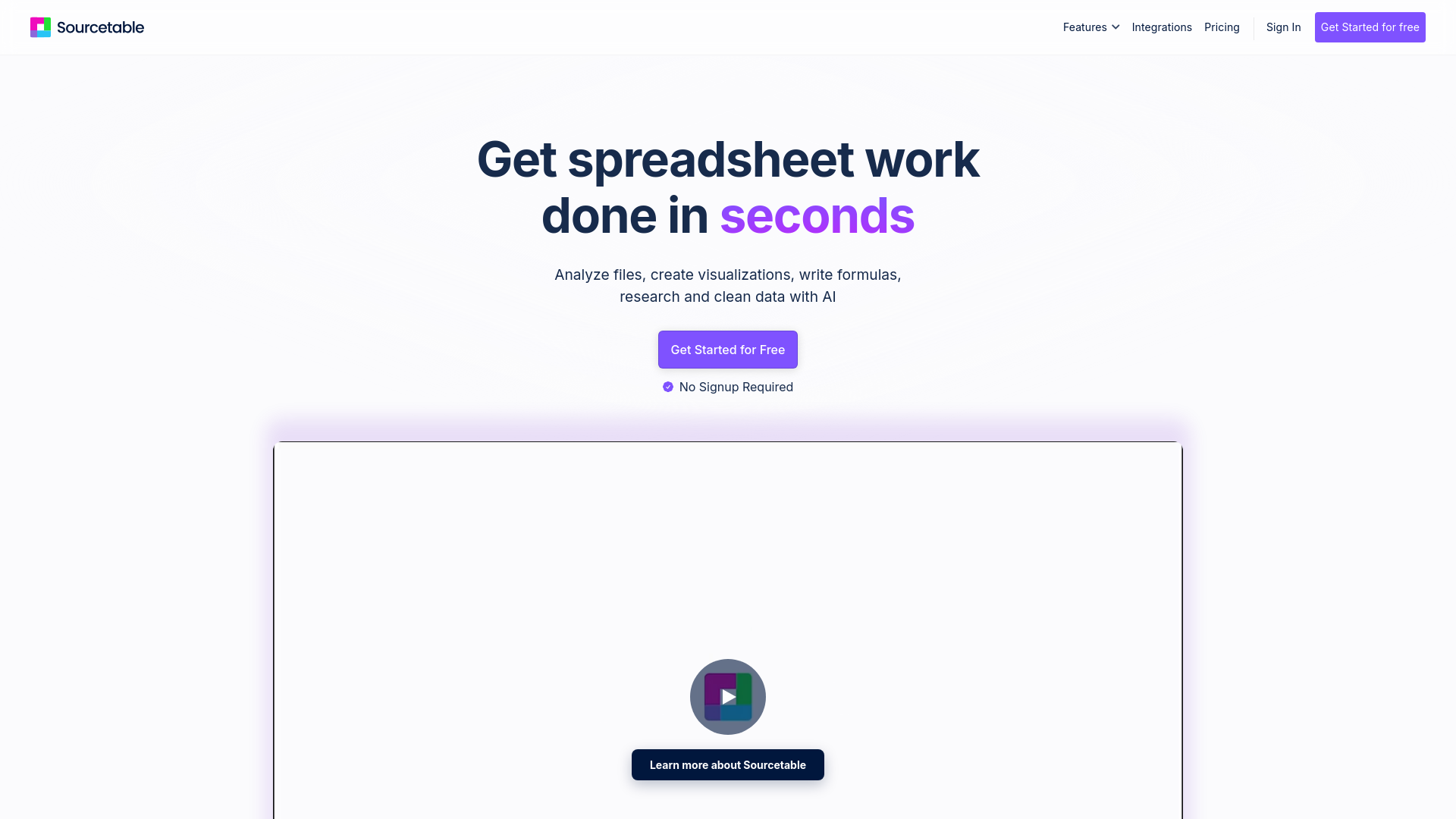
Product Visuals (1 images)
Strengths
- Time Efficiency: Automates complex spreadsheet tasks, dramatically reducing time spent on data analysis.
- User-Friendly Interface: Offers an intuitive design that caters to both novices and experts, ensuring a smooth user experience.
- Comprehensive Integration: Supports a wide range of platforms, making it versatile for various business needs.
- Enhanced Data Insights: Provides powerful analytical tools that allow for in-depth data exploration and reporting.
Limitations
- Initial Learning Curve: May require some time for users to fully explore and utilize all advanced features.
- Limited Offline Functionality: Primarily designed for online use, which may limit accessibility in offline scenarios.
Building your AI toolkit?
Save Sourcetable and 1,000+ tools — free with Google, no spam
What You Get
Key Features
- AI Spreadsheet Assistant: Simplifies spreadsheet tasks by automatically generating formulas such as SUM, VLOOKUP, and more, enhancing productivity.
- AI Chart Generator: Transforms data into interactive reports and charts with just a few clicks, making data visualization effortless.
- AI Data Analysis: Provides advanced data analysis capabilities, including SQL and Python integration, for deeper insights and smarter decision-making.
- Voice-Driven Spreadsheets: Allows users to interact with their data hands-free, offering a unique and intuitive experience.
- AI Data Cleaning: Automates the tedious process of data cleaning, saving time and effort by ensuring data accuracy and consistency.
- Integration Capabilities: Seamlessly connects with over 100+ platforms and databases like Quickbooks, Shopify, and Hubspot, enhancing data accessibility and usability.
- ProsTime Efficiency: Automates complex spreadsheet tasks, dramatically reducing time spent on data analysis.User-Friendly Interface: Offers an intuitive design that caters to both novices and experts, ensuring a smooth user experience.Comprehensive Integration: Supports a wide range of platforms, making it versatile for various business needs.Enhanced Data Insights: Provides powerful analytical tools that allow for in-depth data exploration and reporting.ConsInitial Learning Curve: May require some time for users to fully explore and utilize all advanced features.Limited Offline Functionality: Primarily designed for online use, which may limit accessibility in offline scenarios.
Best For
- Data Analysts: Leveraging the tool for efficient data processing and analysis.
- Business Executives: Utilizing Sourcetable for quick data-driven decision-making.
- Financial Analysts: Employing the AI features for accurate financial modeling and forecasting.
- Educators: Using the platform to teach data analysis and business intelligence concepts.
- Uncommon Use Cases: Adopted by research scientists for data-intensive experiments; Utilized by non-profit organizations for impact analysis and reporting.
Similar Tools
Weekly Issue
⚡
Spreadsheets tools · weekly digest
The AI Weekly — free in your inbox
New AI tools, pricing changes, expert picks, and hidden gems — curated by Mr. Spark every week. Join 5,000+ readers who stay ahead of the AI curve.
No spam, ever
Unsubscribe anytime
100% free