
Pricing Details
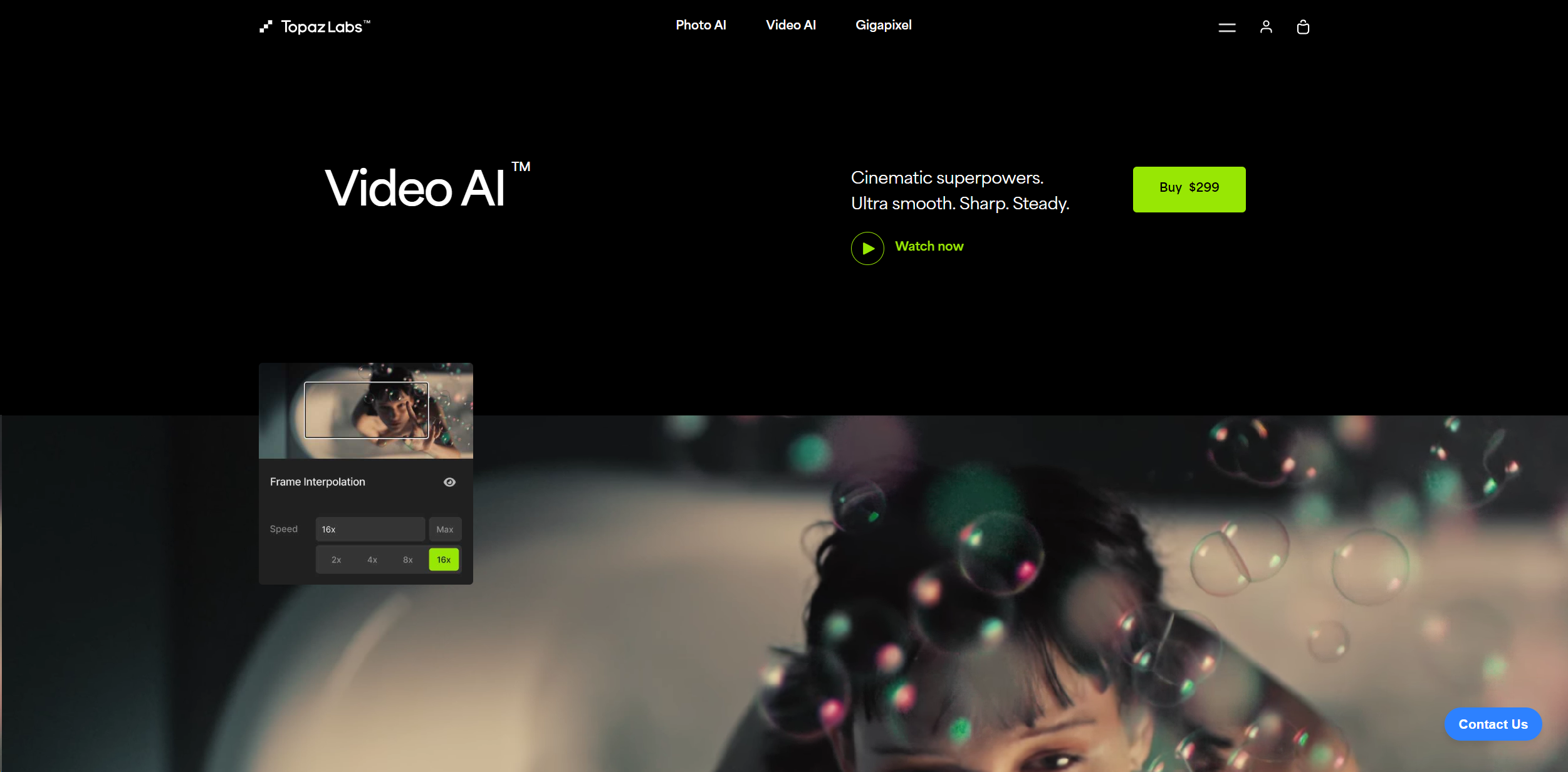
Standard Purchase: $299 for a standalone license which includes 12 months of updates. Disclaimer: Please note that pricing information may not be up to date. For the most accurate and current pricing details, refer to the official Topaz Video AI website.
Product Visuals (1 images)
Strengths
- Enhanced Video Quality: Dramatically improves resolution, sharpness, and noise levels.
- Time-saving: Automates complex processes like upscaling and denoising, saving hours of manual adjustments.
- User-Friendly Interface: Intuitive design that caters to both beginners and professionals.
- High Performance: Optimized for use with leading hardware from Nvidia, AMD, and Intel.
Limitations
- High System Requirements: Requires a powerful computer system, particularly in terms of GPU capabilities.
- Cost: With a price tag of $299, it might be considered steep for non-professional users.
- Learning Curve: New users may need time to fully grasp all features and best practices.
Building your AI toolkit?
Save Topaz Video AI and 1,000+ tools — free with Google, no spam
What You Get
Key Features
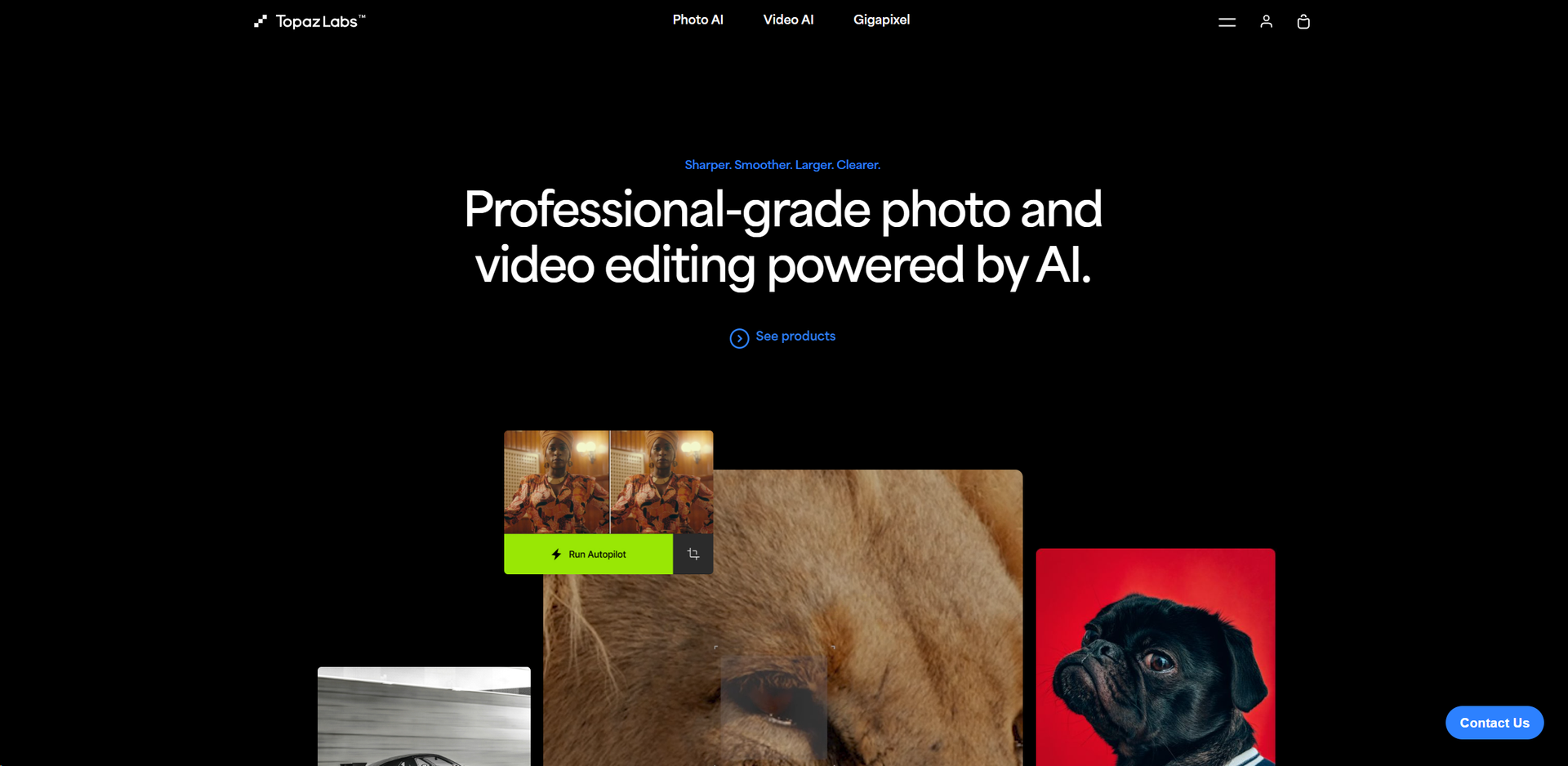
- Ultra High-Resolution Upscaling: Upscale your videos up to 16K resolution while maintaining clarity and reducing artifacts.
- Frame Rate Conversion: Achieve smooth slow-motion effects or synchronize clips with different frame rates using AI to interpolate additional frames.
- Advanced Noise Reduction: Utilize AI to distinguish between noise and detail, significantly enhancing video quality even in low-light conditions.
- Stabilization: Stabilize shaky footage and recover details lost to camera shake, ensuring smooth and steady output.
- Temporal Facial Recognition: Automatically detect and enhance faces frame-by-frame, ensuring consistent quality and realism.
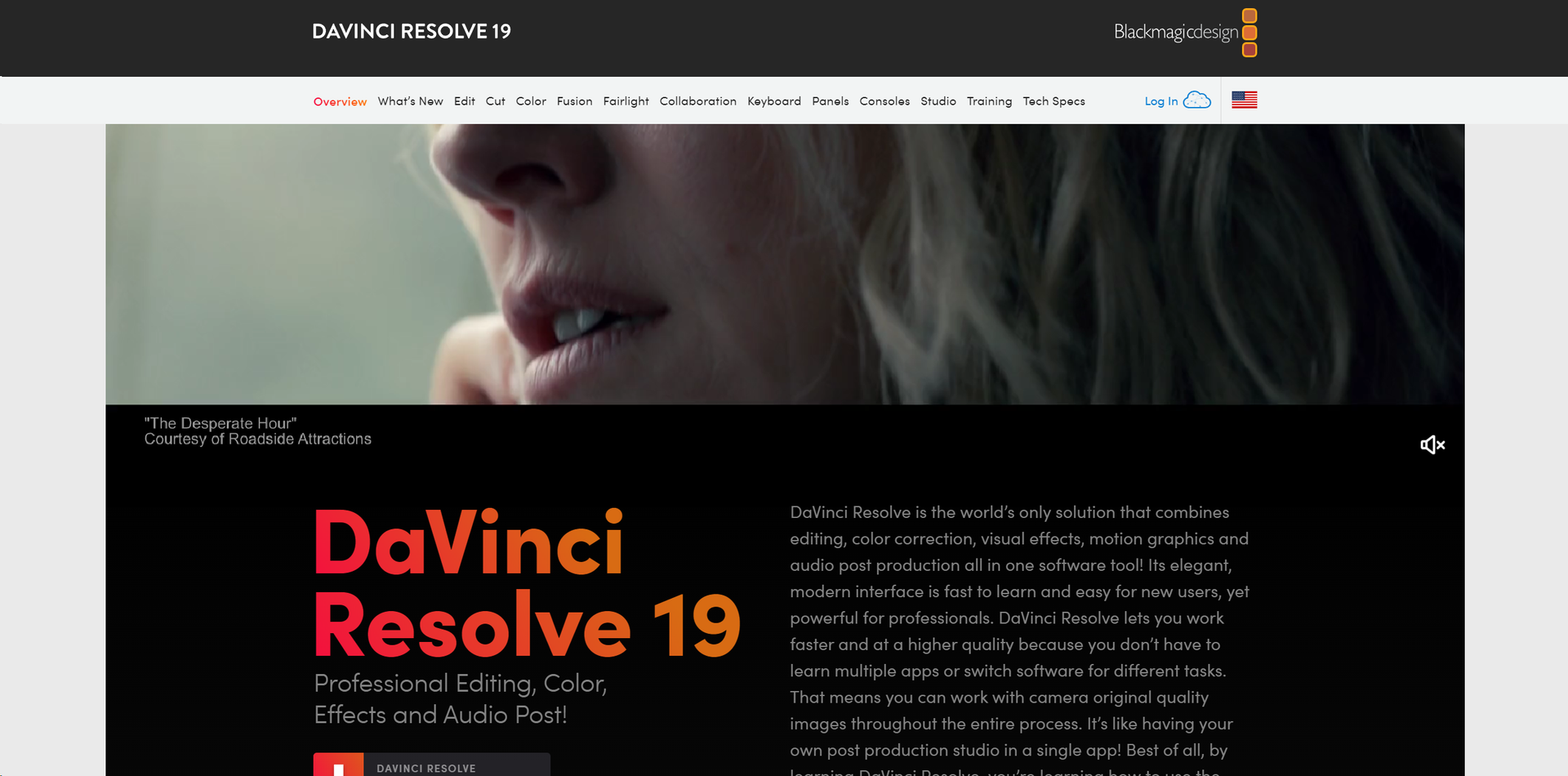
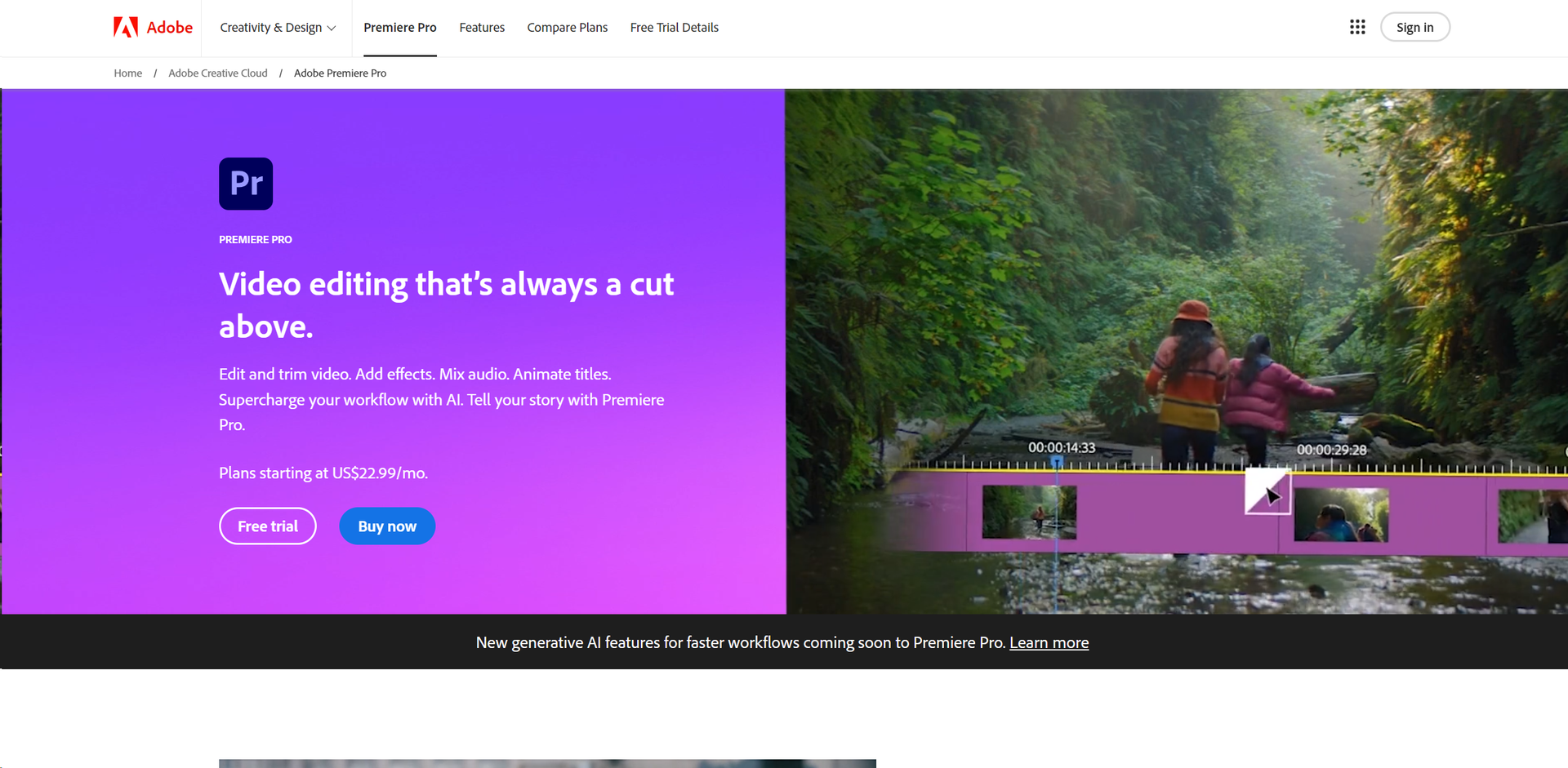
- Compatibility with Major Software: Works as a standalone application or as a plugin for popular editing software like Adobe After Effects and DaVinci Resolve.
- ProsEnhanced Video Quality: Dramatically improves resolution, sharpness, and noise levels.Time-saving: Automates complex processes like upscaling and denoising, saving hours of manual adjustments.User-Friendly Interface: Intuitive design that caters to both beginners and professionals.High Performance: Optimized for use with leading hardware from Nvidia, AMD, and Intel.ConsHigh System Requirements: Requires a powerful computer system, particularly in terms of GPU capabilities.Cost: With a price tag of $299, it might be considered steep for non-professional users.Learning Curve: New users may need time to fully grasp all features and best practices.
Best For
- Film Studios: Employing the tool to enhance footage for high-resolution outputs.
- Content Creators: Utilizing AI features for creating engaging content on platforms like YouTube and Vimeo.
- Post-Production Professionals: Leveraging the tool to clean up and stabilize footage.
- Photographers: Enhancing video segments of their photo shoots for higher quality presentations.
- Uncommon Use Cases: Academic researchers analyzing video data; amateur astronomers enhancing celestial recordings.
Integrations
Standalone and Plugin Modes: Use it directly on your PC or integrate with tools like Lightroom and Photoshop. Support for Major Operating Systems: Compatible with both Windows and macOS, including optimized versions for Apple Silicon. High-Performance Hardware Partnerships: Enhanced performance through collaborations with Nvidia, AMD, and Intel.
Similar Tools
Weekly Issue
⚡
Video Enhancer tools · weekly digest
The AI Weekly — free in your inbox
New AI tools, pricing changes, expert picks, and hidden gems — curated by Mr. Spark every week. Join 5,000+ readers who stay ahead of the AI curve.
No spam, ever
Unsubscribe anytime
100% free