
Pricing Details
Free Trial: Experience UniFab Video Enhancer with a 30-day free trial. Lifetime License: Purchase once for lifetime access to all features and updates. Disclaimer: Please note that pricing information may not be up to date. For the most accurate and current pricing details, refer to the official UniFab website.
Product Visuals (1 images)
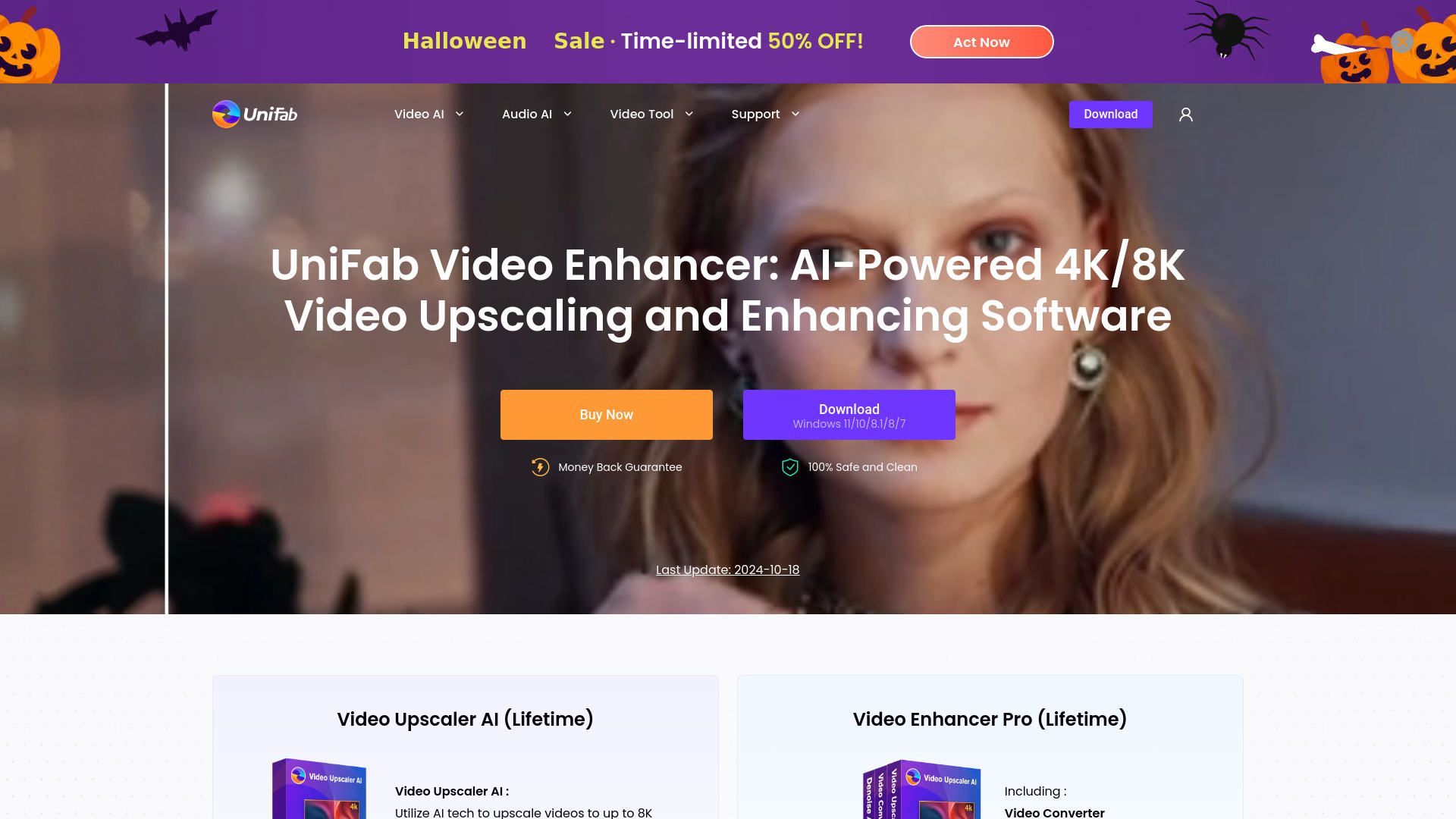
Strengths
- High-Quality Upscaling: Delivers exceptional video quality with sharpness and detail enhancement.
- Ease of Use: Intuitive interface with one-click functionality for effortless video enhancement.
- Fast Processing: Utilizes GPU acceleration for up to 50 times faster video processing.
- Comprehensive Features: Includes noise reduction, format conversion, and video editing tools in one package.
Limitations
- Initial Learning Curve: Some features may require time to master for new users.
- System Requirements: Optimal performance requires a robust system with specific hardware capabilities.
Building your AI toolkit?
Save UniFab Video Enhancer and 1,000+ tools — free with Google, no spam
What You Get
Key Features
- Advanced 8K Video Upscaler: UniFab's AI technology allows for upscaling videos to resolutions up to 8K, enhancing clarity and detail across all content types.
- Universal and Animation Models: Tailors video upscaling processes to both general content and animated videos, ensuring optimal enhancement for each type.
- AI Denoise: Automatically detects and removes noise from videos, improving clarity and detail in low-light and high-ISO footage.
- Video Converter and Editor: Seamlessly convert videos into over 1000 formats, with built-in editing tools for cropping, adding effects, and more.
- ProsHigh-Quality Upscaling: Delivers exceptional video quality with sharpness and detail enhancement.Ease of Use: Intuitive interface with one-click functionality for effortless video enhancement.Fast Processing: Utilizes GPU acceleration for up to 50 times faster video processing.Comprehensive Features: Includes noise reduction, format conversion, and video editing tools in one package.ConsInitial Learning Curve: Some features may require time to master for new users.System Requirements: Optimal performance requires a robust system with specific hardware capabilities.
Best For
- Video Creators: Enhance video projects with professional-grade quality and clarity.
- Film Enthusiasts: Upgrade classic films and animations to modern resolutions.
- Life Vloggers: Preserve personal memories with improved sharpness and reduced noise.
- Digital Marketers: Utilize high-quality video content for impactful campaigns.
- Uncommon Use Cases: Employed by educational institutions for film restoration projects; used by wildlife photographers to enhance footage shot in challenging conditions.
Similar Tools
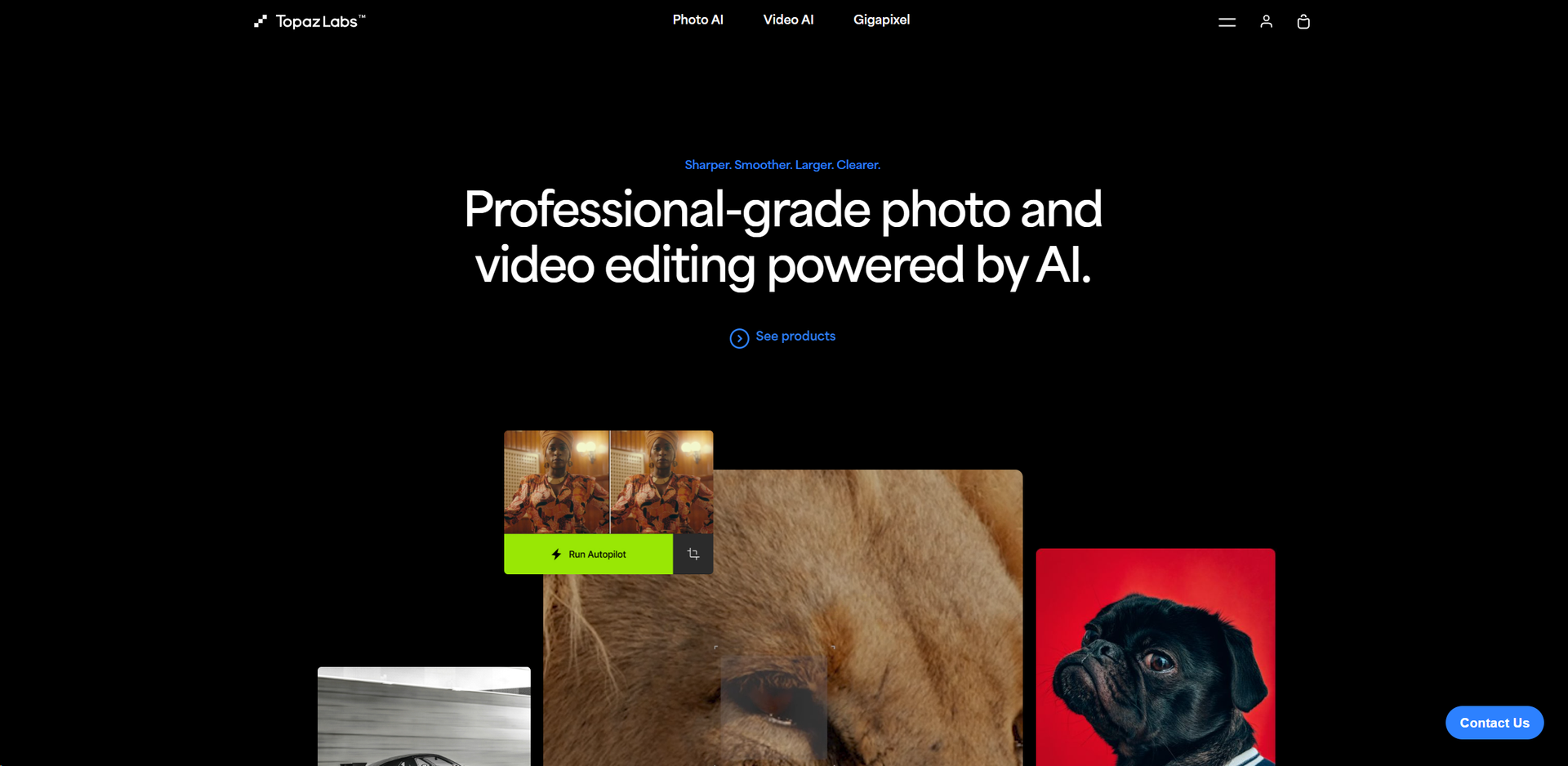
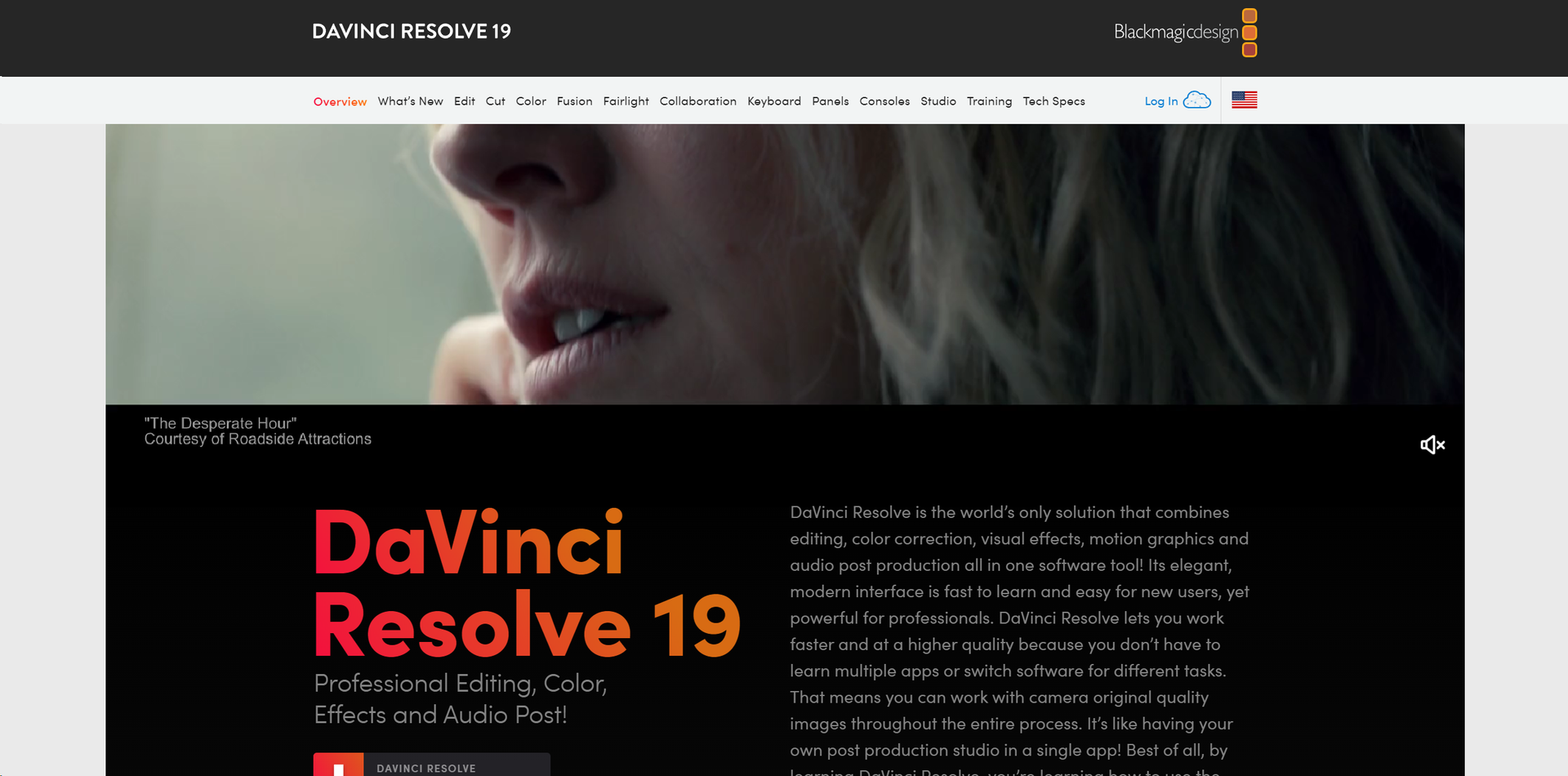
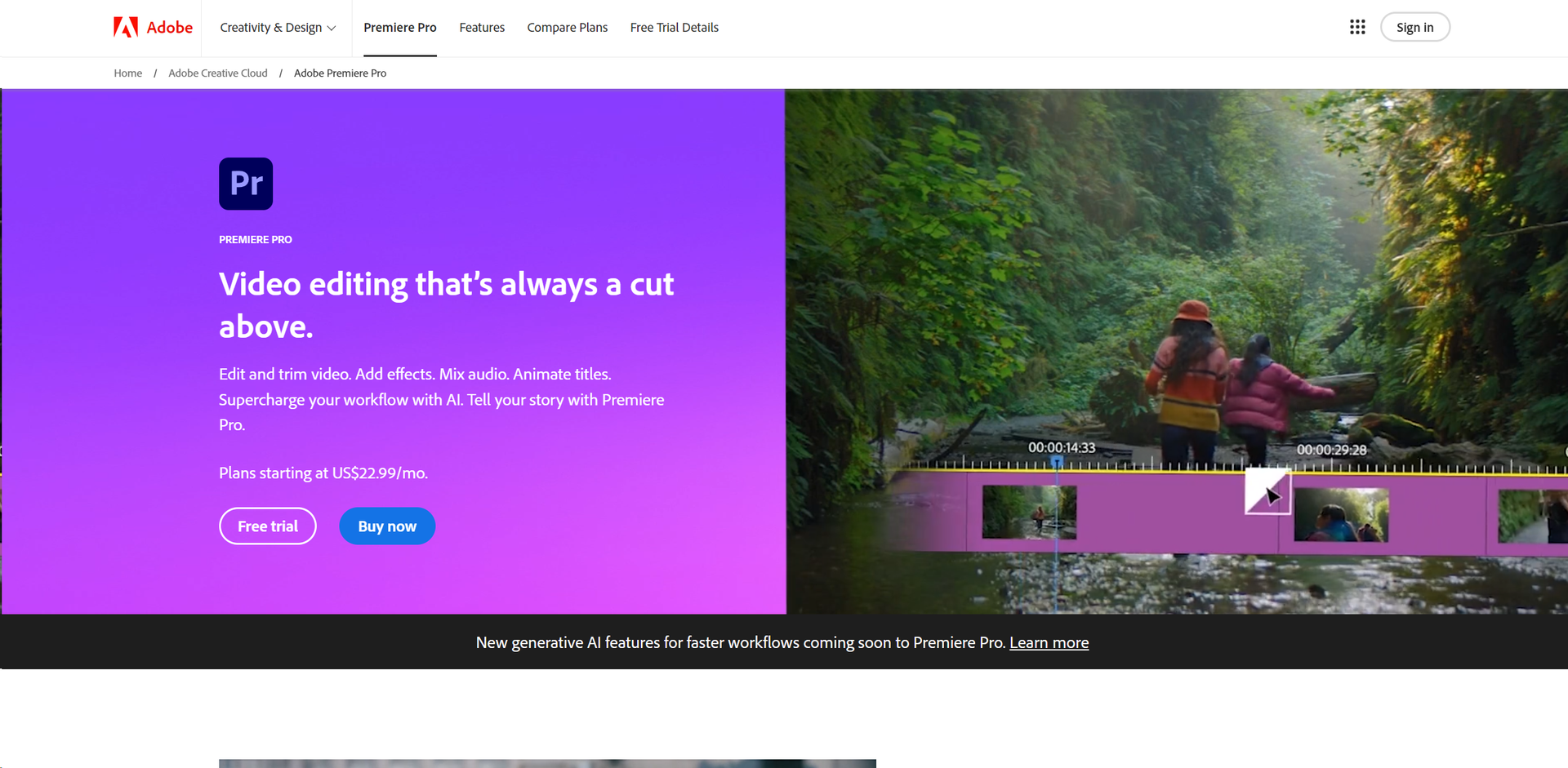
Weekly Issue
⚡
Video Enhancer tools · weekly digest
The AI Weekly — free in your inbox
New AI tools, pricing changes, expert picks, and hidden gems — curated by Mr. Spark every week. Join 5,000+ readers who stay ahead of the AI curve.
No spam, ever
Unsubscribe anytime
100% free