
Pricing Details
7-Day Free Trial: Start with a full-access free trial to explore Videoleap's capabilities. Subscription Options: Videoleap offers subscription plans, but specific pricing details are best checked on their website to ensure accuracy. Disclaimer: Please note that pricing information may not be up to date. For the most accurate and current pricing details, refer to the official Videoleap website.
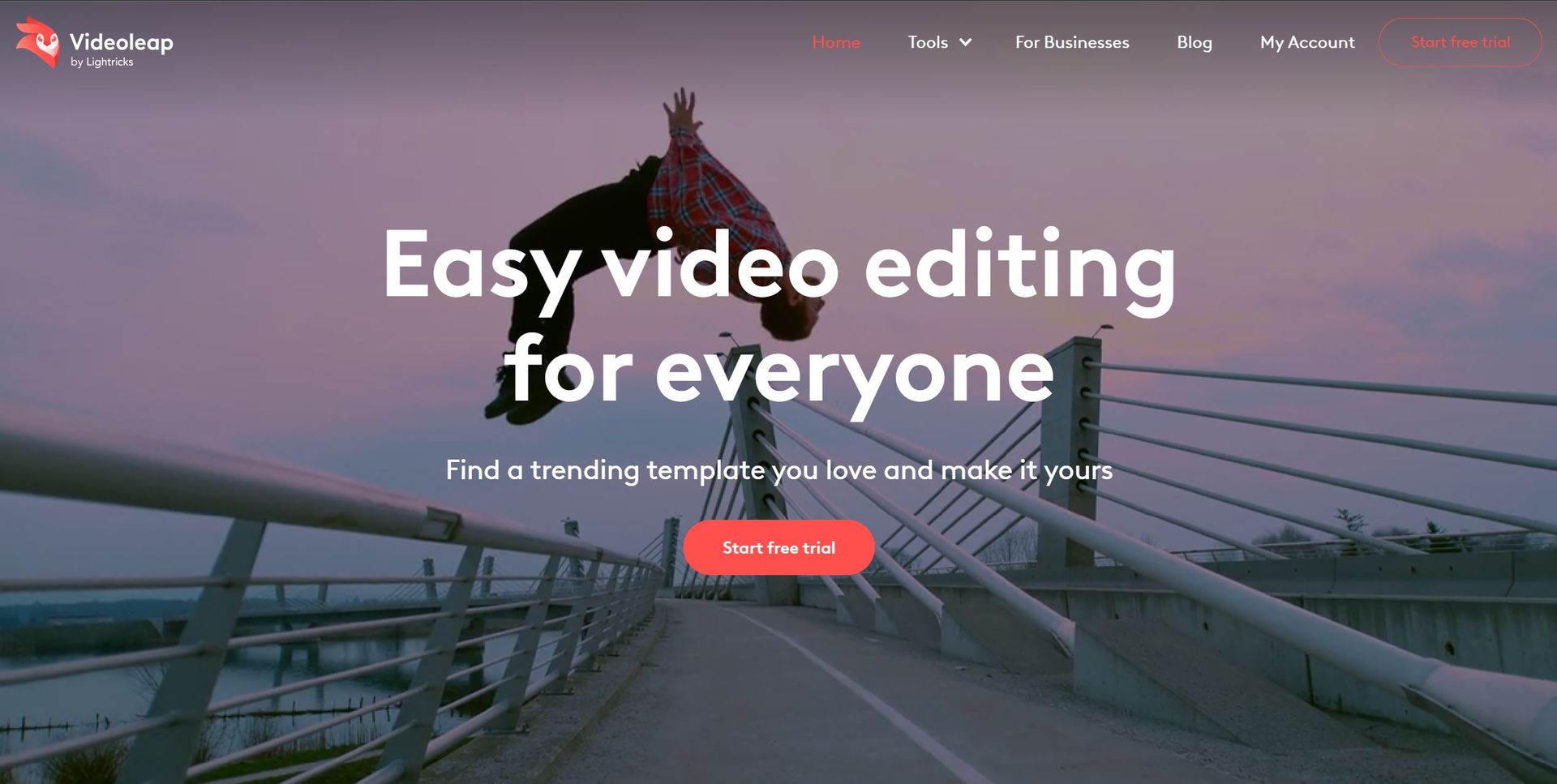
Product Visuals (1 images)
Strengths
- Intuitive Interface: Videoleap's user-friendly design makes complex video editing accessible to creators of all skill levels.
- AI-Powered Tools: The AI features not only save time but also open up new creative possibilities, making it easier to achieve professional-looking results.
- Versatility: Whether it's creating content for social media, business promotions, or personal memories, Videoleap caters to a wide range of video editing needs.
- Cross-Platform Availability: Available online and as a mobile app for iPhone and Android, Videoleap ensures you can edit videos wherever you are.
Limitations
- Learning Curve for Advanced Features: While the interface is intuitive, mastering the full range of tools and AI features may take some time for beginners.
- Subscription Model: Access to the full suite of features requires a subscription, which might be a consideration for users looking for a free tool.
Building your AI toolkit?
Save Videoleap and 1,000+ tools — free with Google, no spam
What You Get
Key Features
- AI Video Effects: Leverage AI presets to transform images and videos with a unique flair or use custom prompts for a personalized touch.
- Easy Object Removal: With AI technology, effortlessly remove unwanted objects from your videos to maintain focus on what truly matters.
- Advanced Background Replacement: Utilize the Cutout tool to swap video backgrounds seamlessly, from green screens to any scene of your choice.
- Comprehensive Editing Suite: From video filters and effects to transitions, speed control, and text overlays, Videoleap offers all the essential tools for professional-grade video editing.
- ProsIntuitive Interface: Videoleap's user-friendly design makes complex video editing accessible to creators of all skill levels.AI-Powered Tools: The AI features not only save time but also open up new creative possibilities, making it easier to achieve professional-looking results.Versatility: Whether it's creating content for social media, business promotions, or personal memories, Videoleap caters to a wide range of video editing needs.Cross-Platform Availability: Available online and as a mobile app for iPhone and Android, Videoleap ensures you can edit videos wherever you are.ConsLearning Curve for Advanced Features: While the interface is intuitive, mastering the full range of tools and AI features may take some time for beginners.Subscription Model: Access to the full suite of features requires a subscription, which might be a consideration for users looking for a free tool.
Best For
- Videoleap appeals to a broad spectrum of users, from content creators and influencers to businesses and everyday individuals looking to enhance their video content.
- Content Creators and Influencers: For creating engaging social media content, including TikToks, Reels, and YouTube Shorts.
- Businesses: To promote products or services through professional and impactful video content.
- Social Media Managers: For generating dynamic ads, partnership content, and promotional videos.
- Individuals: Capturing life’s special moments and transforming them into lasting memories through personalized videos.
Similar Tools
Weekly Issue
⚡
Video Enhancer tools · weekly digest
The AI Weekly — free in your inbox
New AI tools, pricing changes, expert picks, and hidden gems — curated by Mr. Spark every week. Join 5,000+ readers who stay ahead of the AI curve.
No spam, ever
Unsubscribe anytime
100% free