
Pricing Details
Trial Version: A free trial is available, offering a glimpse into the comprehensive features of UniConverter. Subscription Plans: Detailed pricing information is accessible on the UniConverter website, catering to different user needs with various plans. Disclaimer: Please note that pricing information may change. For the most accurate and current details, refer to the official Wondershare UniConverter website.
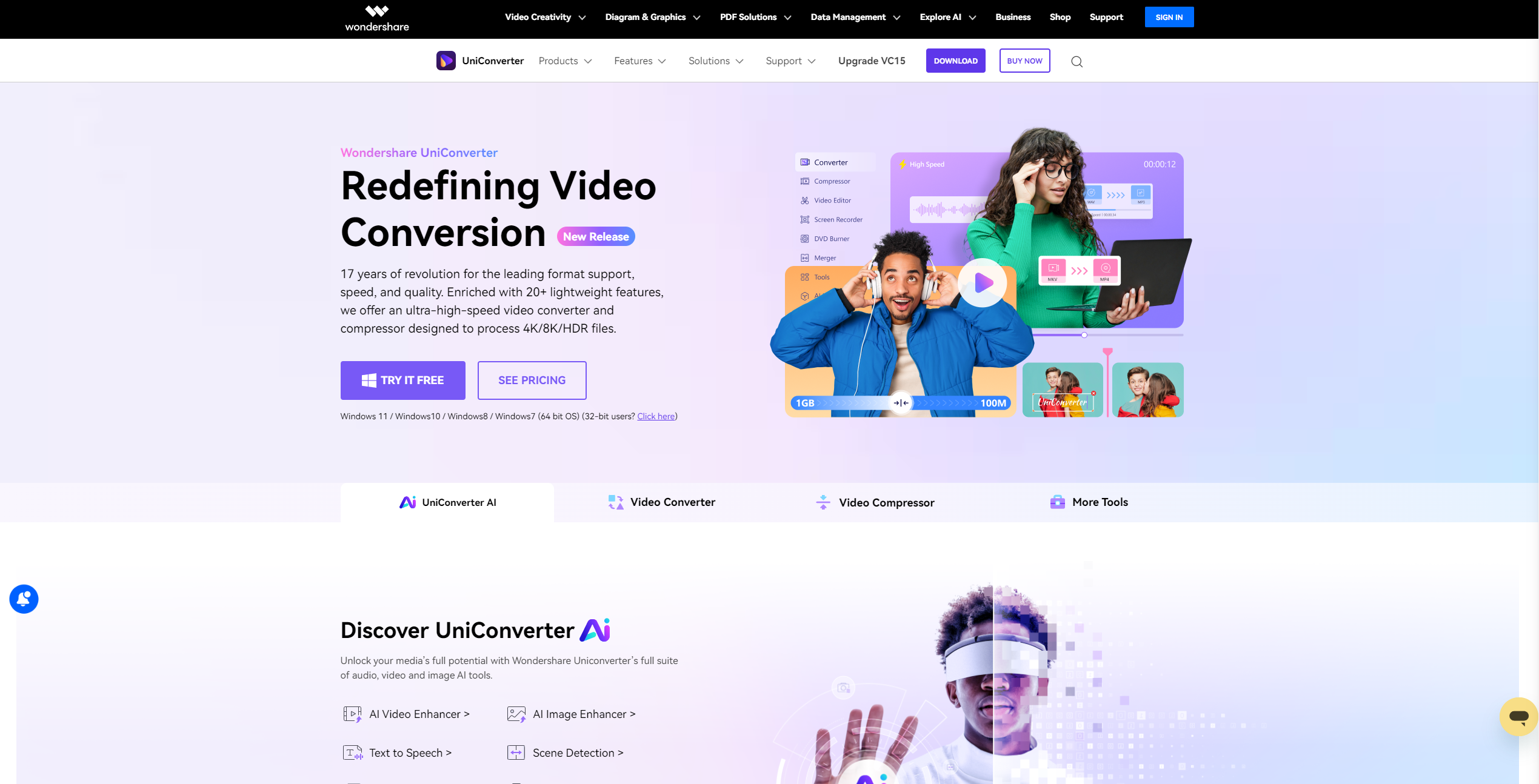
Product Visuals (1 images)
Strengths
- Speed and Efficiency: The ability to batch convert up to 20 media files simultaneously is a significant time-saver.
- Quality Retention: High-definition processing capabilities ensure that the video quality is nearly indistinguishable from the original.
- Wide Range of Tools: From video editing and compression to DVD burning and video recording, UniConverter packs a comprehensive set of tools for multimedia creation and editing.
- AI-Powered Enhancements: Features like AI Video Enhancer, Watermark Editor, and Vocal Remover add a layer of polish to your projects that few competitors offer.
Limitations
- Learning Curve: The vast array of features might overwhelm new users initially.
- Resource Intensive: High-speed and high-definition processing may demand significant system resources.
- Price Point: While offering a robust suite of features, the cost may be a consideration for casual users or those with basic conversion needs.
Building your AI toolkit?
Save Wondershare UniConverter and 1,000+ tools — free with Google, no spam
What You Get
Key Features
- Ultra-fast File Conversion: UniConverter leverages full AV1 hardware acceleration and the Metal Framework on Mac devices, claiming to boost performance significantly and reduce power consumption during the conversion process.
- Versatile Media Formats Support: It supports over 1000 formats, including but not limited to MP4, MOV, MKV, and MP3, making it a versatile tool for various conversion needs.
- High-definition Lossless Conversion: The tool promises minimal quality loss during video conversion, catering to the highest demands for video clarity, even for 4K/8K/HDR videos.
- Easier 8K Video Compression: UniConverter offers high-quality lossless compression for audio and video, boasting up to a 90% compression rate without sacrificing quality.
- ProsSpeed and Efficiency: The ability to batch convert up to 20 media files simultaneously is a significant time-saver.Quality Retention: High-definition processing capabilities ensure that the video quality is nearly indistinguishable from the original.Wide Range of Tools: From video editing and compression to DVD burning and video recording, UniConverter packs a comprehensive set of tools for multimedia creation and editing.AI-Powered Enhancements: Features like AI Video Enhancer, Watermark Editor, and Vocal Remover add a layer of polish to your projects that few competitors offer.ConsLearning Curve: The vast array of features might overwhelm new users initially.Resource Intensive: High-speed and high-definition processing may demand significant system resources.Price Point: While offering a robust suite of features, the cost may be a consideration for casual users or those with basic conversion needs.
Best For
- UniConverter serves a wide array of users, from individuals to professionals across various sectors:
- Content Creators: For YouTubers, vloggers, and social media influencers, UniConverter simplifies video editing and conversion.
- Professionals in Multimedia: Videographers and photographers find the tool's high-definition processing capabilities invaluable.
- Educators and Students: The easy-to-use interface and comprehensive toolset support educational content creation and presentation.
- Marketing and Advertising Professionals: UniConverter aids in creating compelling marketing materials with its video editing and enhancement features.
- Uncommon Use Cases: Even sports analysts and gamers use UniConverter for analyzing performance videos and creating highlight reels, respectively.
Integrations
Extensive Format Compatibility: Supports a wide range of audio and video formats for comprehensive conversion needs. Device Support: Enables seamless file sharing and conversion across multiple devices. Advanced Hardware Acceleration: Utilizes AMD, NVIDIA, INTEL GPUs on Windows, and leverages the Metal Framework on Mac for enhanced performance. AI Tools Integration: Features like AI Video Enhancer and Watermark Editor are seamlessly integrated, enhancing the tool's utility.
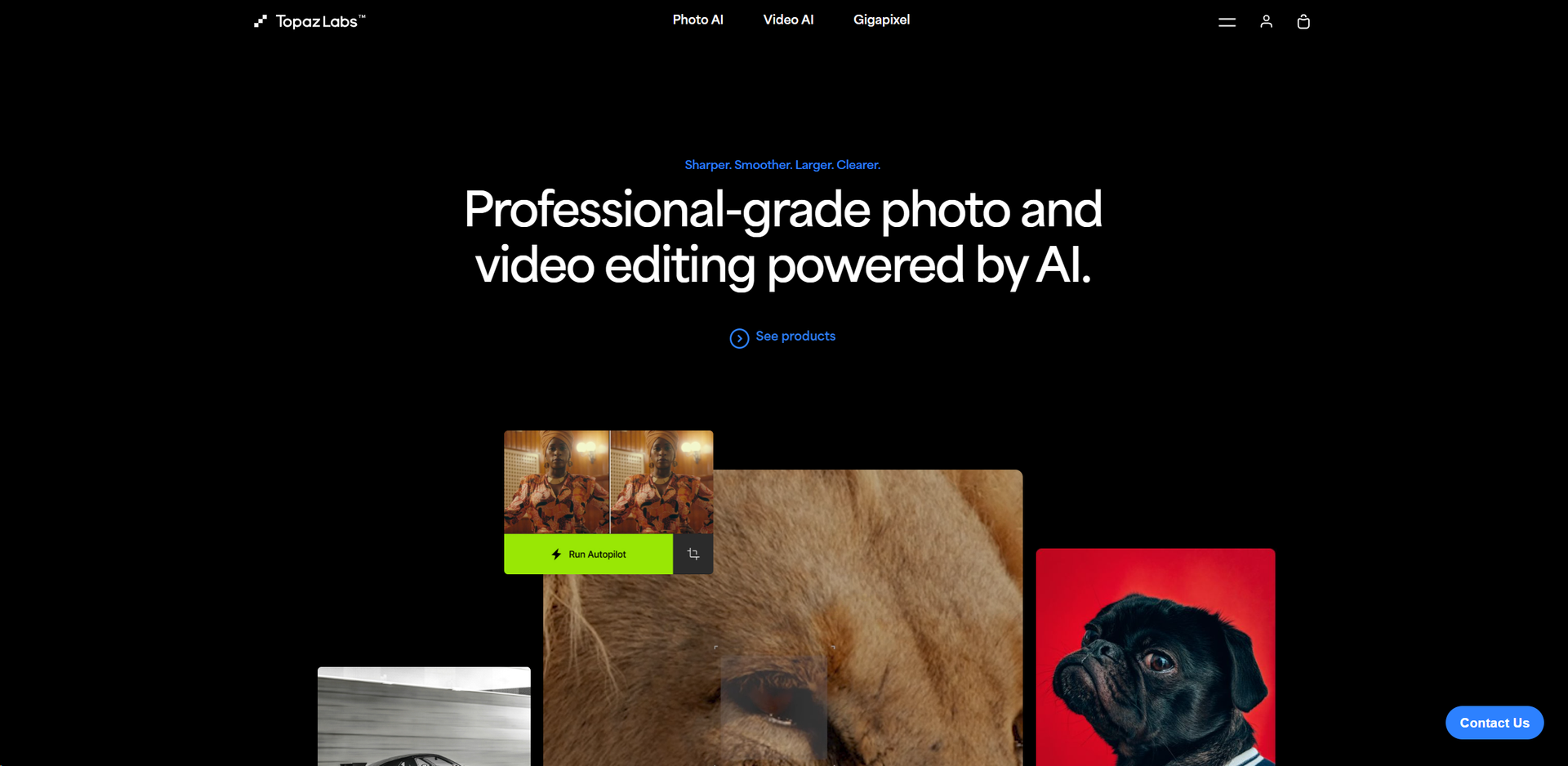
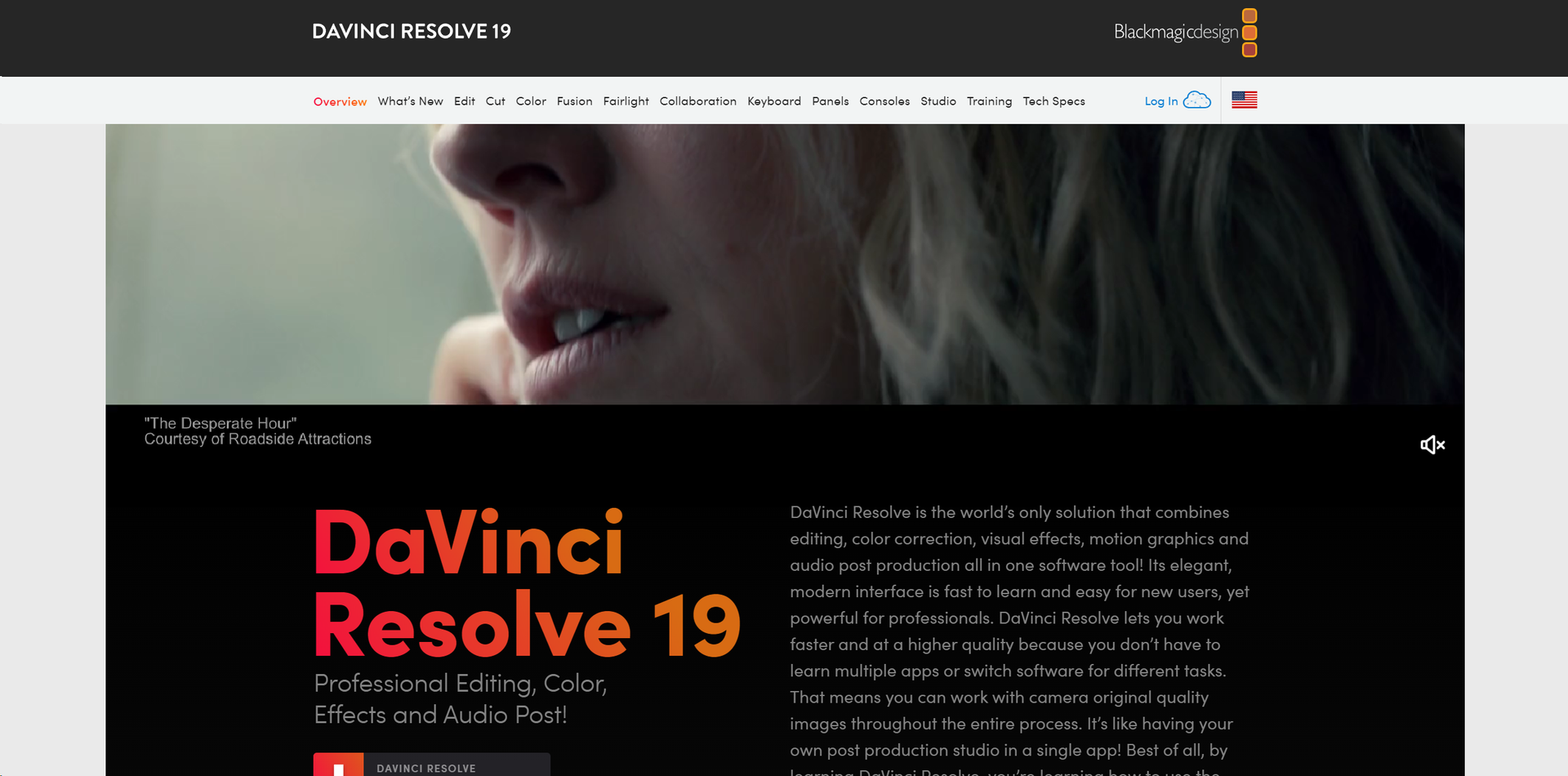
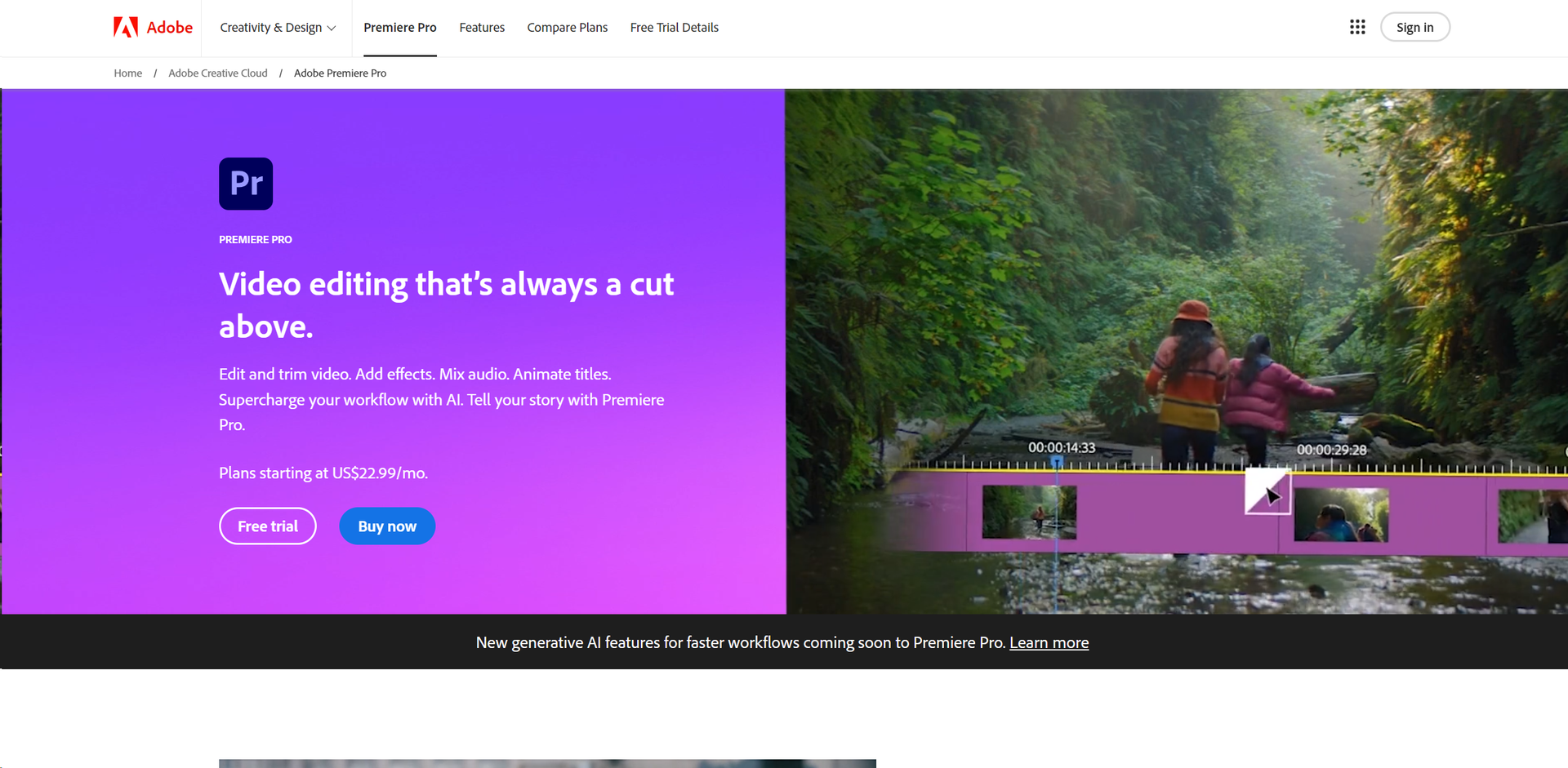
Similar Tools
Weekly Issue
⚡
Video Enhancer tools · weekly digest
The AI Weekly — free in your inbox
New AI tools, pricing changes, expert picks, and hidden gems — curated by Mr. Spark every week. Join 5,000+ readers who stay ahead of the AI curve.
No spam, ever
Unsubscribe anytime
100% free